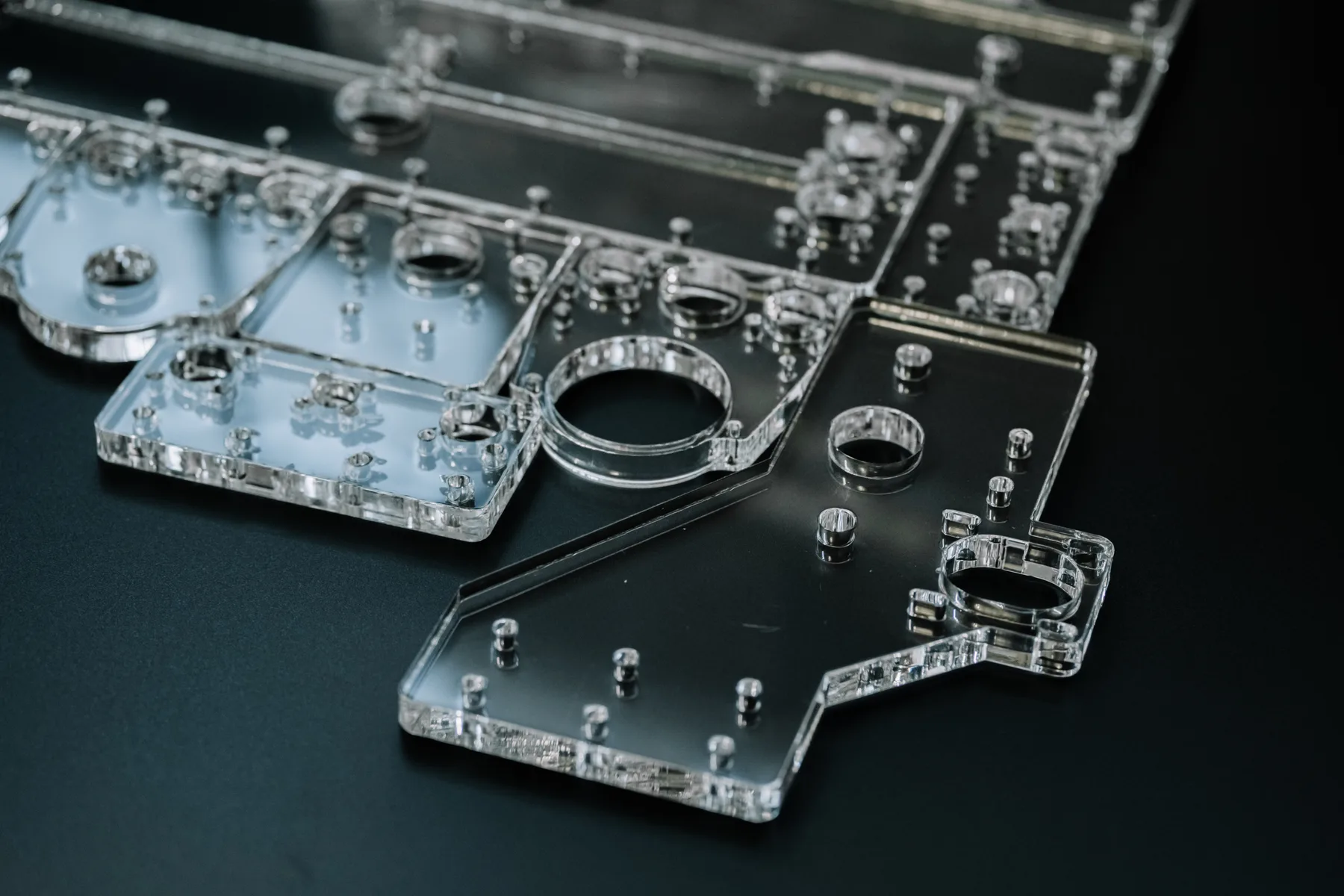
Display and signage panels
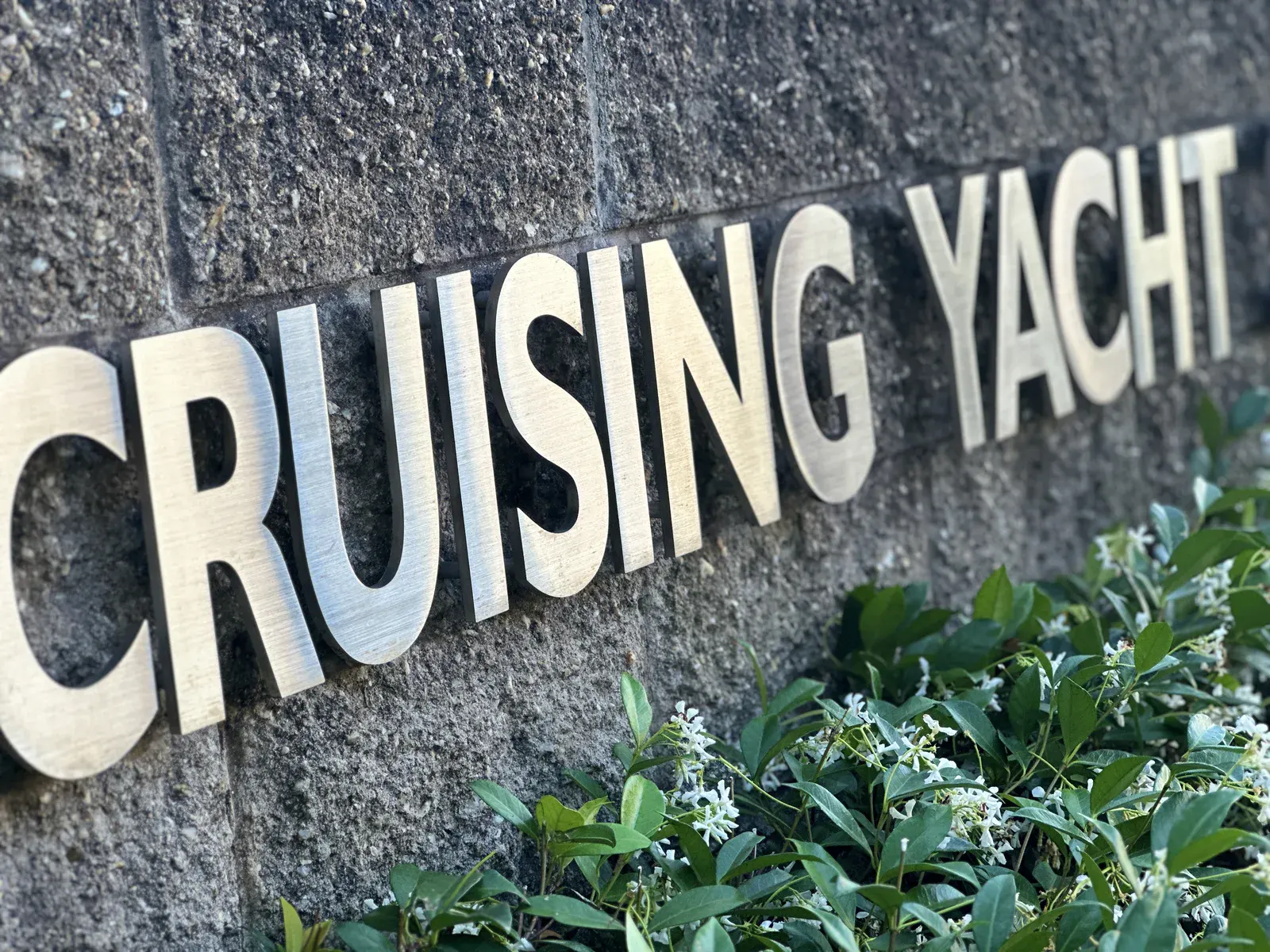
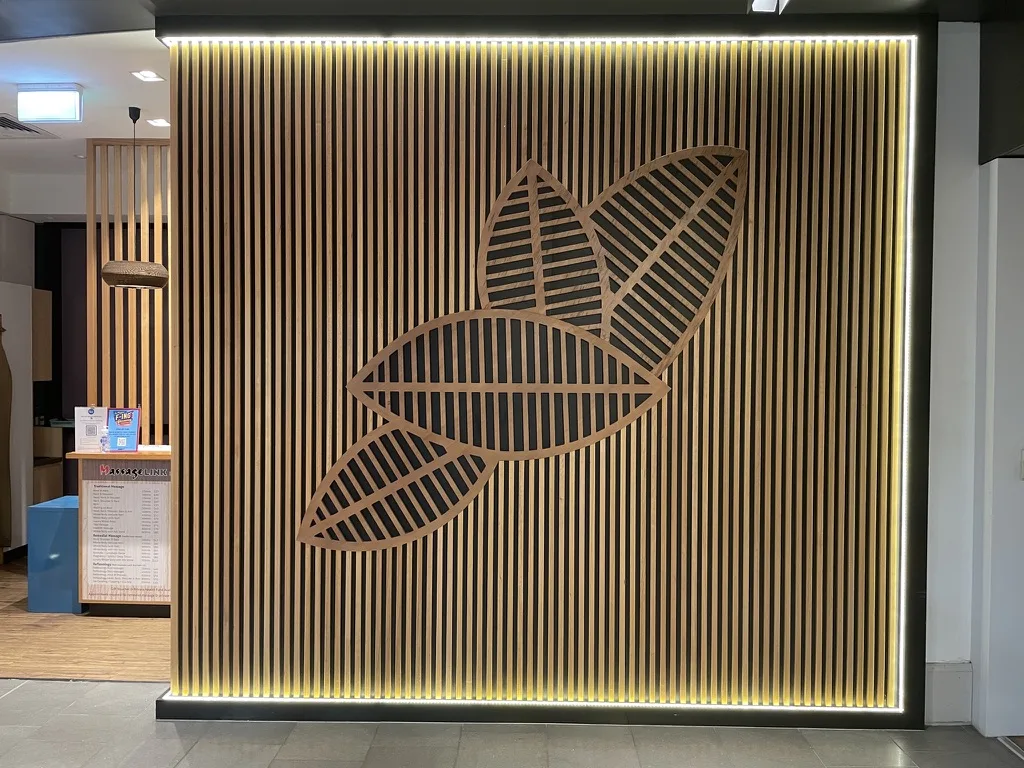
Plastic panels, letters, covers and display parts cut for visible trade work.

Material cutting
CO2 laser and CNC router cutting for acrylic parts, panels, covers, templates, display components and trade signage work.
What we cut
Acrylic Cutting jobs need more than a generic cutting promise. The file, material, thickness, finish expectation and final use all affect whether the job is a clean instant-price profile or something that should be reviewed before production.
The right quote path depends on whether the file is already cut-ready or whether material behaviour, finish, registration or tolerance needs production review.
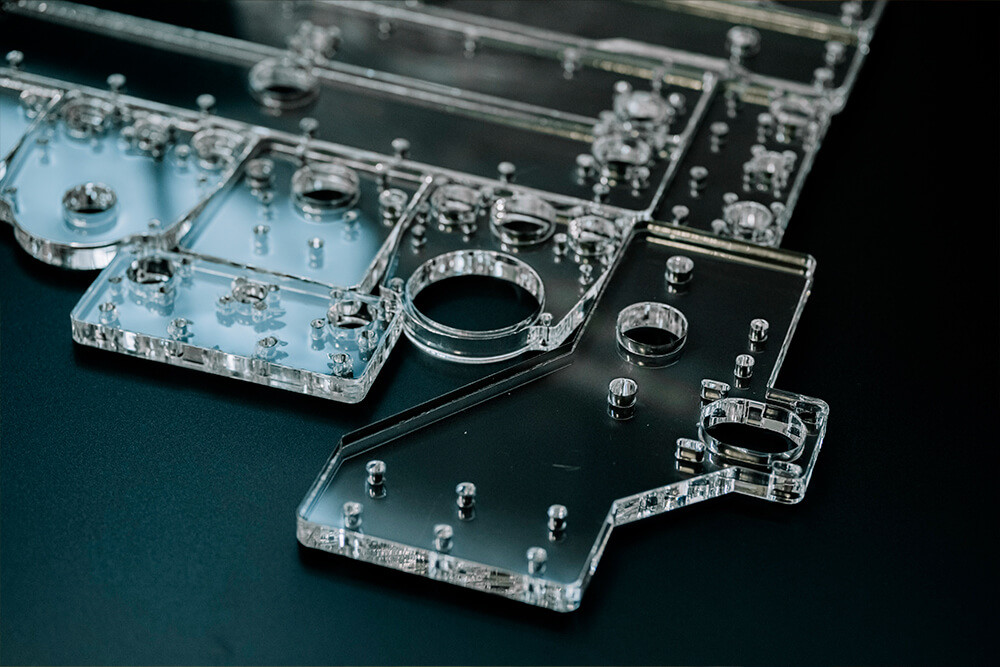
Plastic panels, letters, covers and display parts cut for visible trade work.
Clear or durable plastic profiles for guards, covers, spacers and protective components.
Reusable templates, drilling guides and setup parts cut from suitable plastic sheet.
Small-run plastic profiles that need repeatable geometry before broader production.
Acrylic and plastic components for interior fit-outs, retail displays and feature details.
HDPE, ABS, PETG and polycarbonate parts where process choice affects edge quality and tolerance.
Project gallery
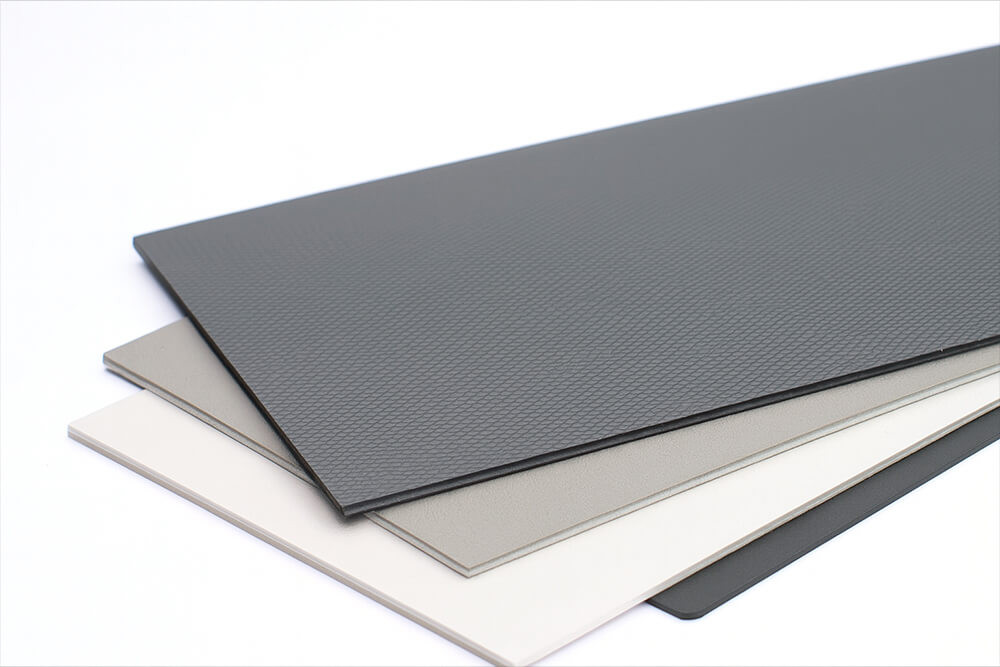
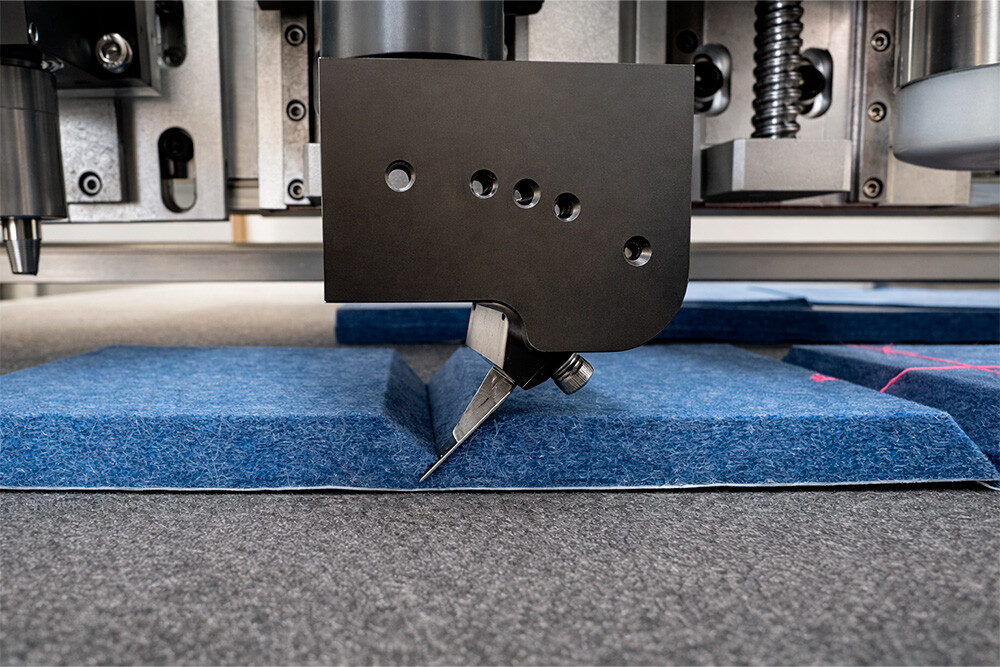
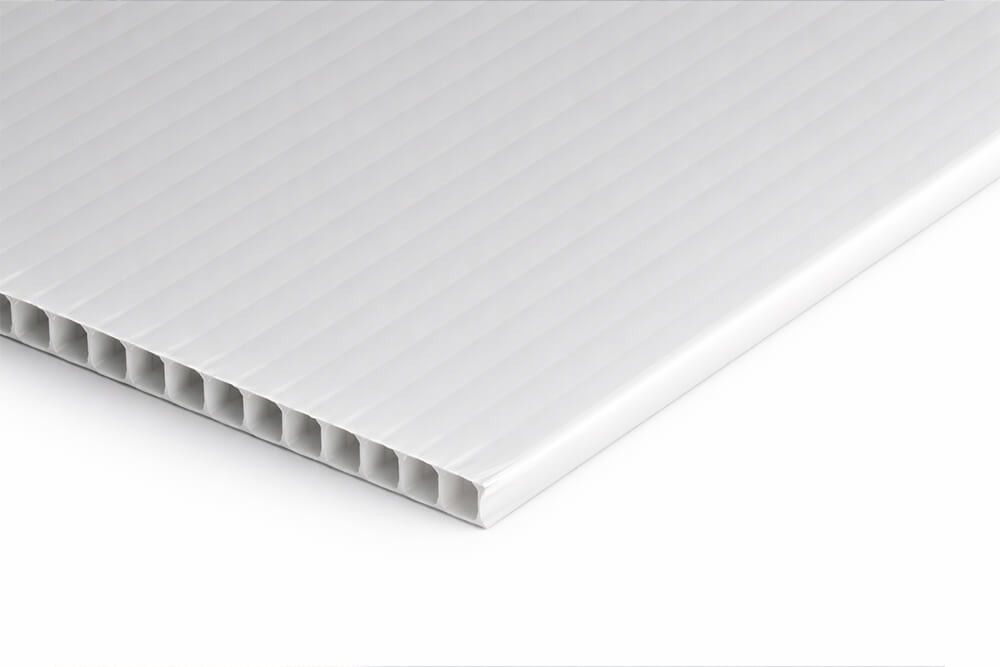
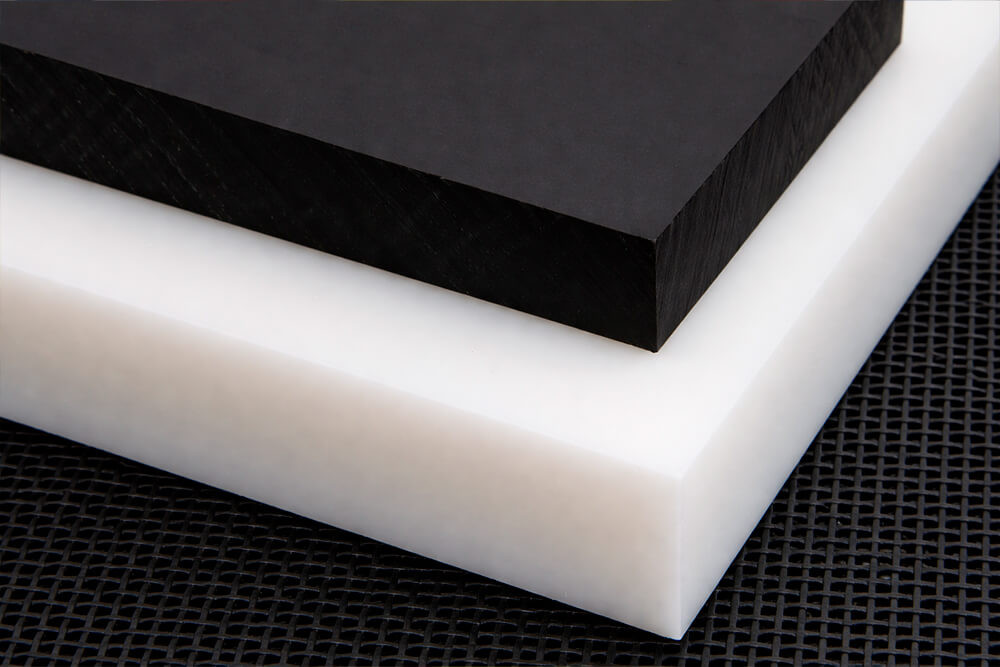
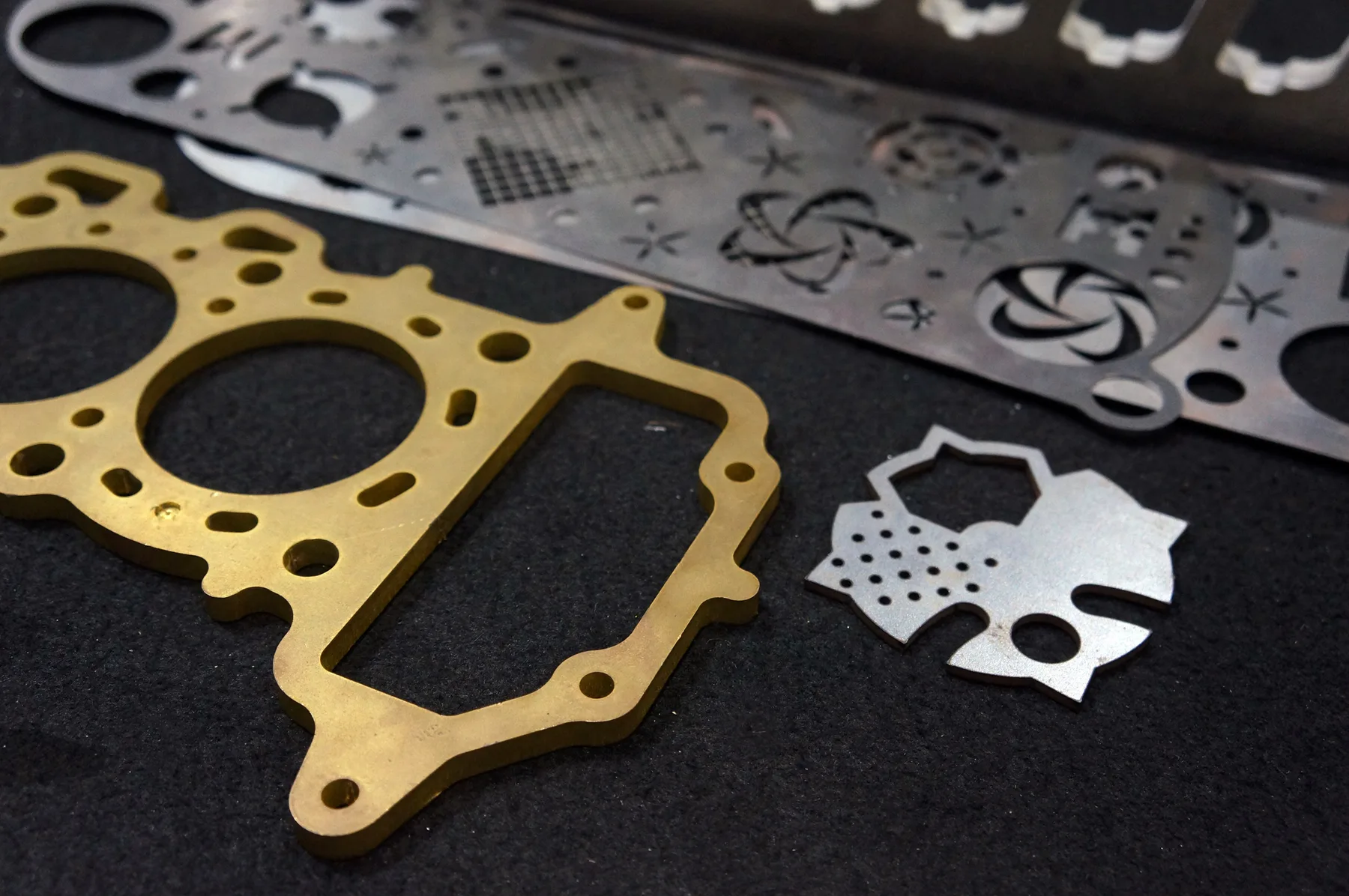
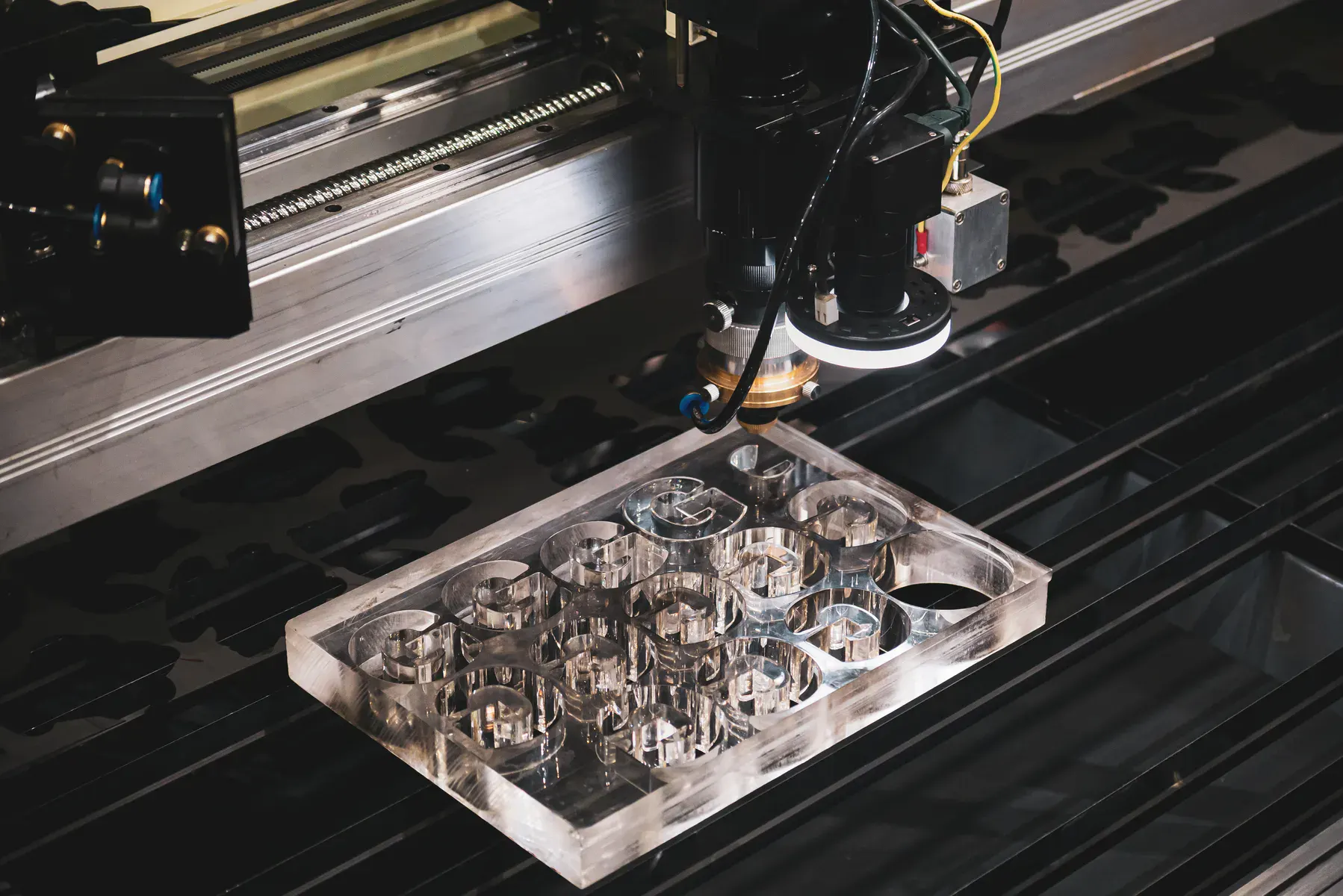
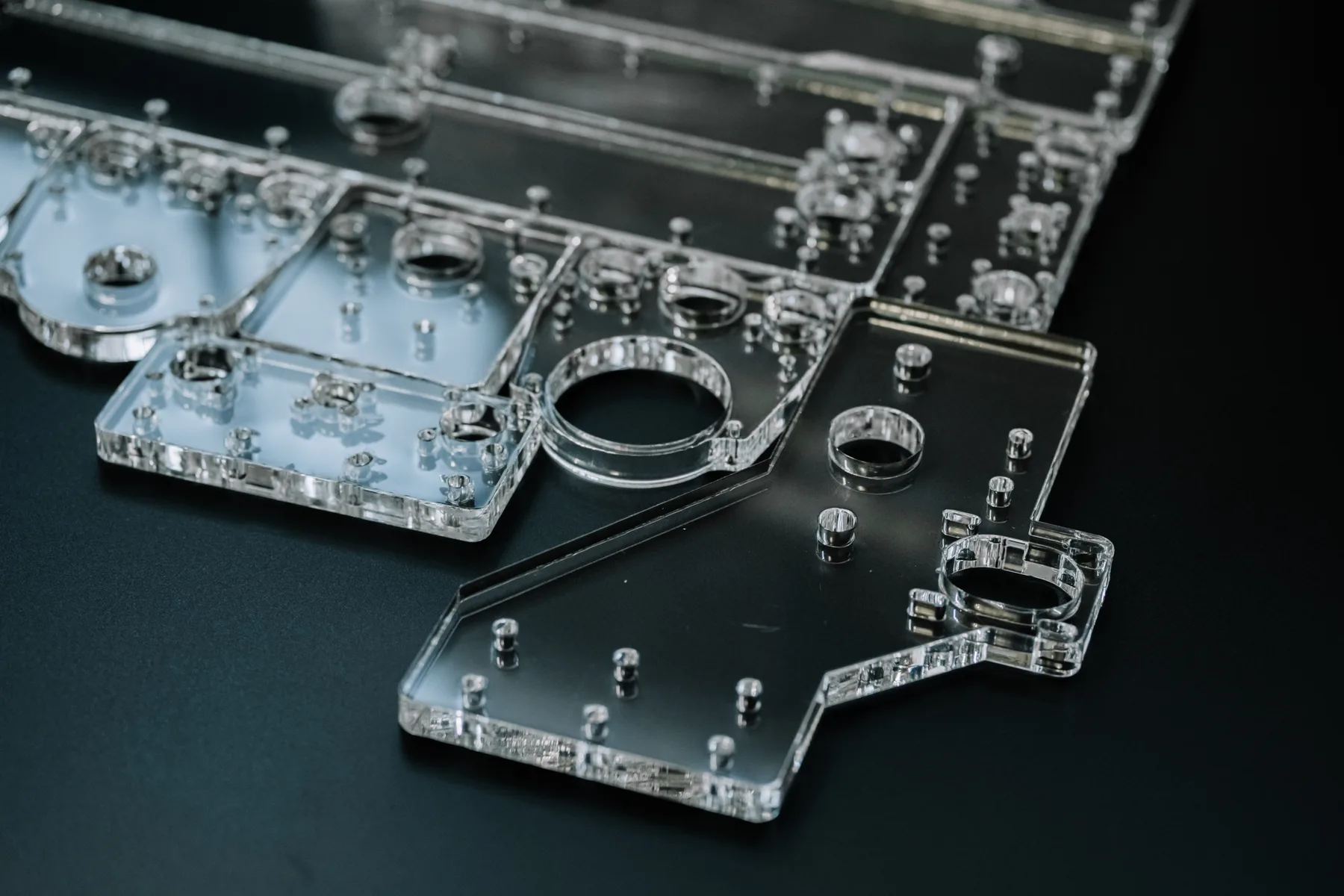
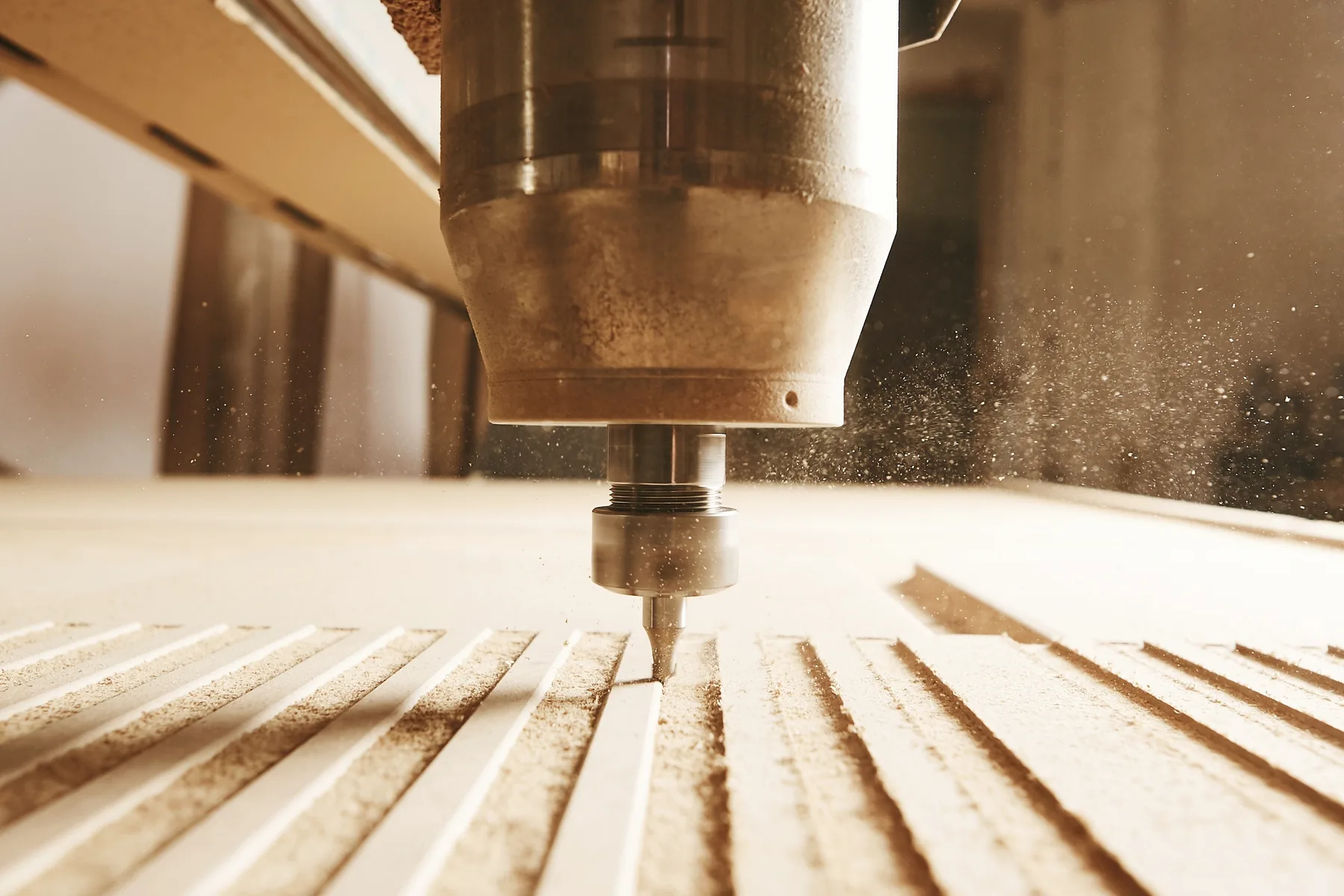
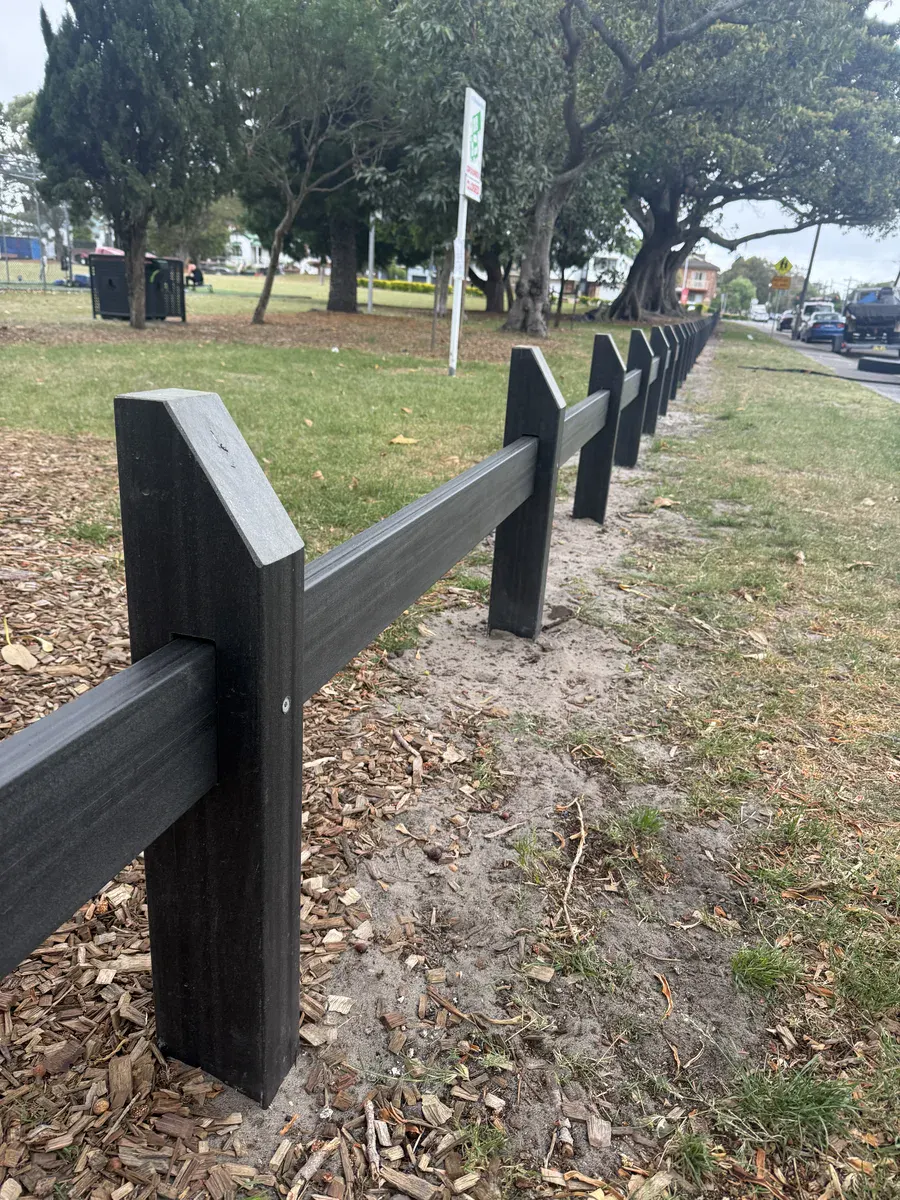
Selected production images help buyers understand the material family, process fit and type of output this page is talking about.
Materials and production fit
Material grade, thickness, finish and part geometry all affect the right cutting method, quote path and production risk.
Plastic sheet performance changes by grade, thickness, colour, clarity, protective film and heat behaviour.
CO2 laser and CNC router are matched to the plastic, thickness, edge expectation and tolerance requirement.
Presentation-grade parts should be reviewed when edges, faces, printed areas or bonding surfaces matter.
Capabilities at a glance
CO2 laser or CNC router is selected around acrylic behaviour, thickness, finish and geometry.
DXF, DWG or vector PDF files with real cut paths at the correct scale are the fastest starting point.
Clean cutting-only files with known material, thickness and quantity can usually use the instant quote path.
Use review for supplied material, finish-critical work, mixed operations, registration, tight tolerances or unclear drawings.
Include quantity, thickness, visible face, delivery timing and any downstream assembly or finishing requirements.
Photos, JPG/PNG images, scans and screenshots saved as PDF still need drawing work before cutting.
Why trade buyers use us
These material pages should help buyers understand process fit before upload, then choose instant pricing or reviewed quoting with fewer surprises.
Acrylic is matched to the process that suits the sheet, thickness and edge expectation instead of forcing every job through one workflow.
Cut-ready DXF, DWG and vector PDF files can move through instant pricing when the geometry and material selection are clear.
Jobs with finish, registration, supplied sheet, tolerances or mixed operations can be checked before production starts.
Once a file is proven, repeat batches become easier to quote, nest, produce and reorder.
Instant pricing
Instant pricing suits clear acrylic profiles with known thickness and simple cut paths.
Reviewed quote
Use review for engraving, flame-polish expectations, bonding, printed faces, supplied material or tight visual matching.
Cutting technologies
The process is chosen around material behaviour, thickness, finish and geometry.
Technical guidance
For acrylic cutting, send real vector cut lines at 1:1 scale. Remove duplicate geometry, keep closed profiles clean and separate cut, score, engrave, drill or fold operations where relevant.
Confirm the exact acrylic type, thickness and sheet condition. Similar-looking sheets can behave differently once they are lasered, routed or knife cut.
Call out visible faces, coatings, protective film, scratches, burr expectations, edge finish, print registration or any handling limits before the quote is locked.
Use instant pricing for simple cutting-only files. Use reviewed quoting when the job needs process advice, supplied material checks, finishing, assembly or production interpretation.
Related services and materials
Move from material fit into the process, sibling material or production page that helps prepare the quote correctly.
Related industries
These industry pages show how the material connects with real B2B production work and quote-path decisions.
Common questions
Yes, simple acrylic cutting can be priced from clean DXF, DWG or vector PDF files when material and thickness are clear.
Yes. CO2 engraving can be included, but engraving artwork and cut paths should be separated clearly.
The best process depends on acrylic thickness, finish, geometry and final use. Common options for this page include CO2 laser or CNC router.
Use reviewed quoting for supplied sheets, finish-critical work, mixed operations, registration, small details, tight tolerances or files that are not production ready.
DXF and DWG are preferred. Vector PDF can also work if it contains real cut paths at the correct scale.
DXF and DWG files are preferred. Vector PDF can also work when it contains real cut lines at the correct scale.
Ready file
Upload DXF, DWG or vector PDF files with actual cut paths, or send complex jobs through the reviewed quote path.