Hardwood Plywood Cutting
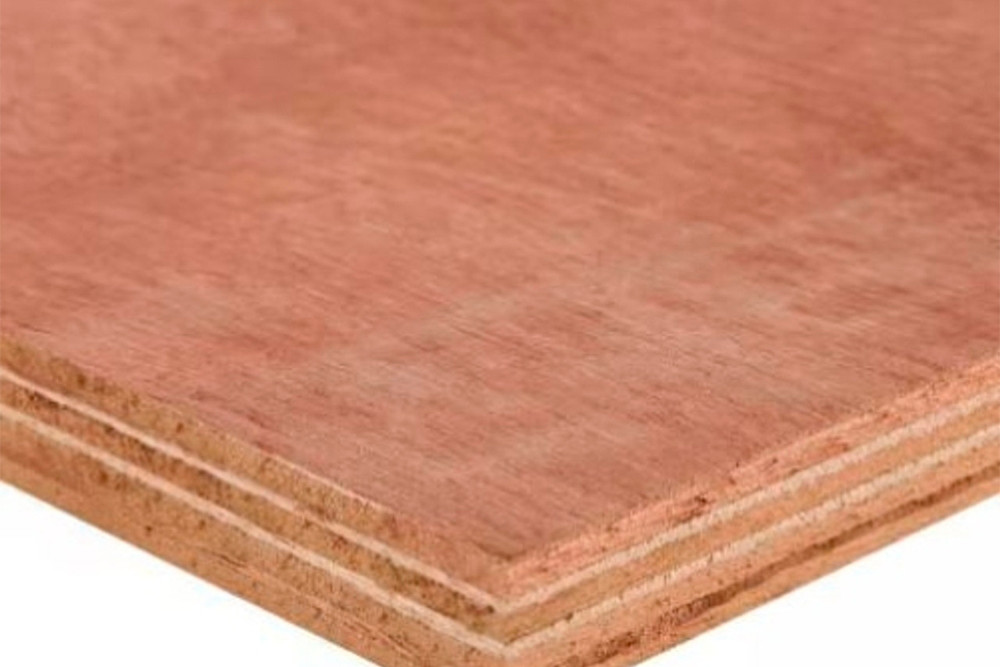
Hardwood Plywood Cutting in Sydney for trade, engineering, signage and production teams that need accurate flat parts from sheet material.

Material group
CNC router and CO2 laser cutting for plywood and timber sheet products used in joinery, interiors, signage and models. Use the material pages below to choose the right process, prepare DXF, DWG or vector PDF cut files, and decide whether instant pricing or reviewed quoting fits the job.
Material pages
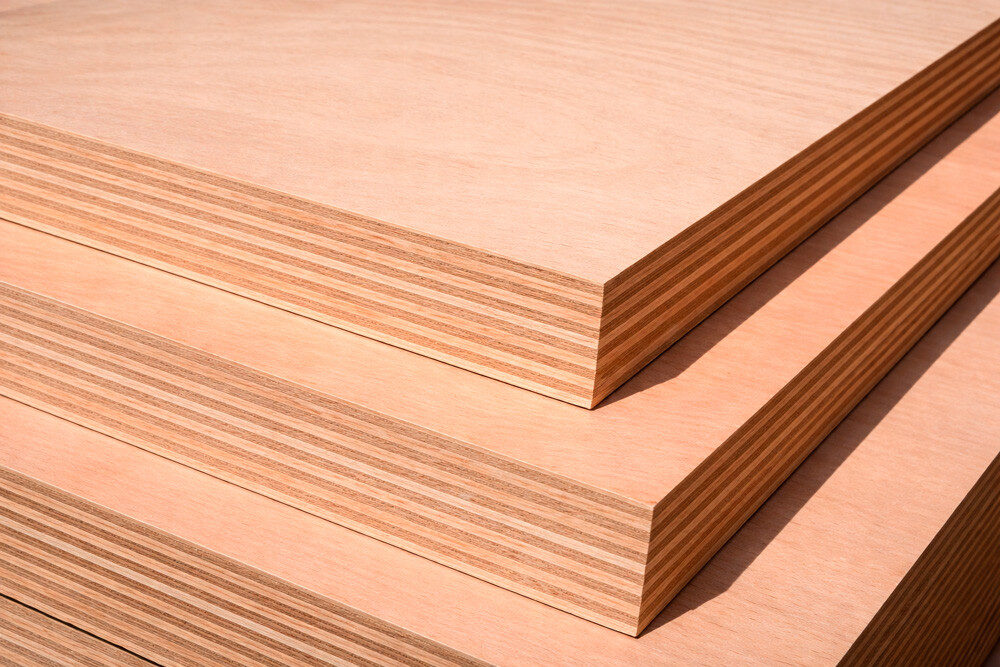
Each material page explains the best-fit process, file setup, instant pricing fit and when the job should be reviewed by the team.
That keeps broad wood enquiries from becoming vague production guesses.
Hardwood Plywood Cutting in Sydney for trade, engineering, signage and production teams that need accurate flat parts from sheet material.
Marine Plywood Cutting in Sydney for trade, engineering, signage and production teams that need accurate flat parts from sheet material.
Project gallery
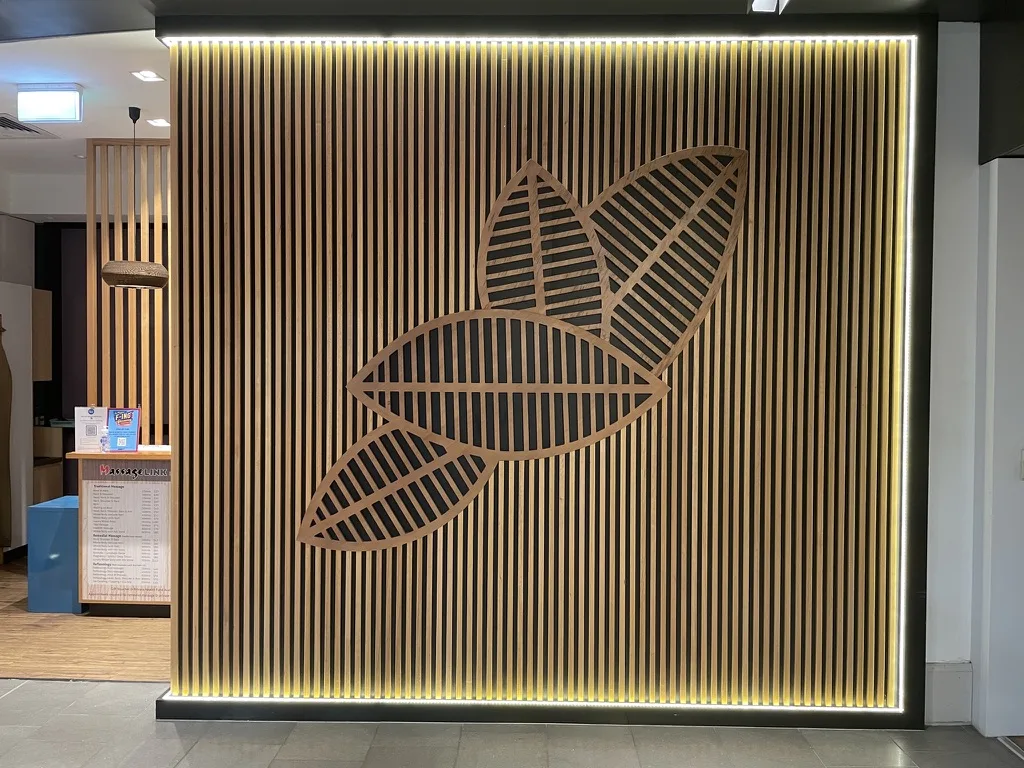
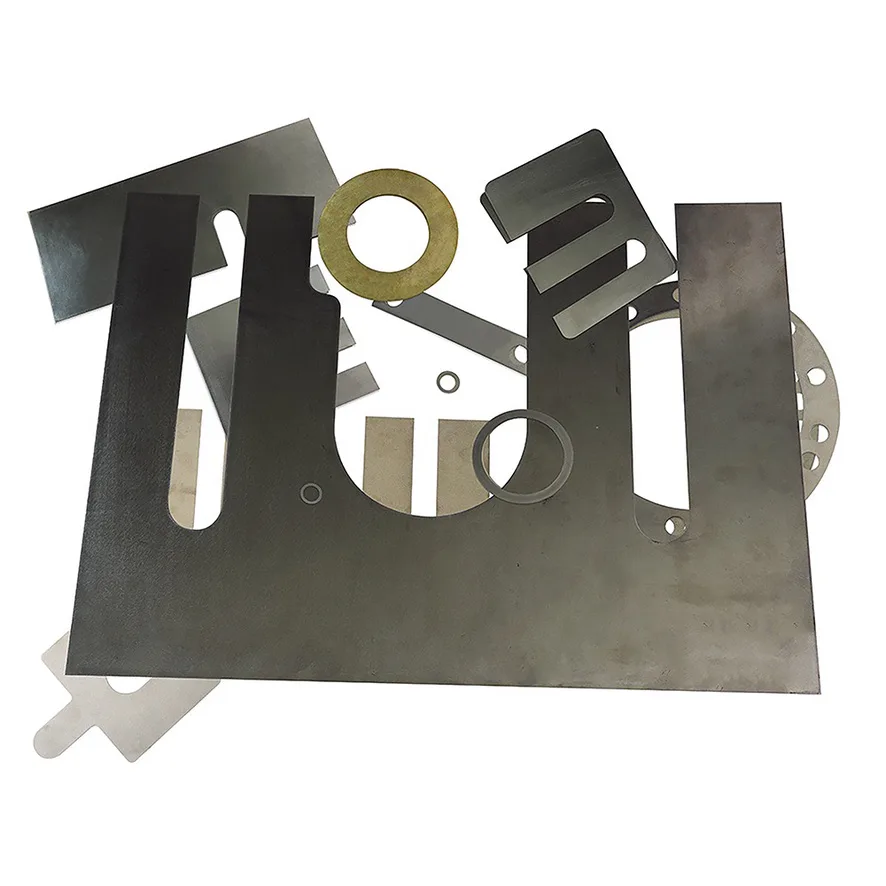
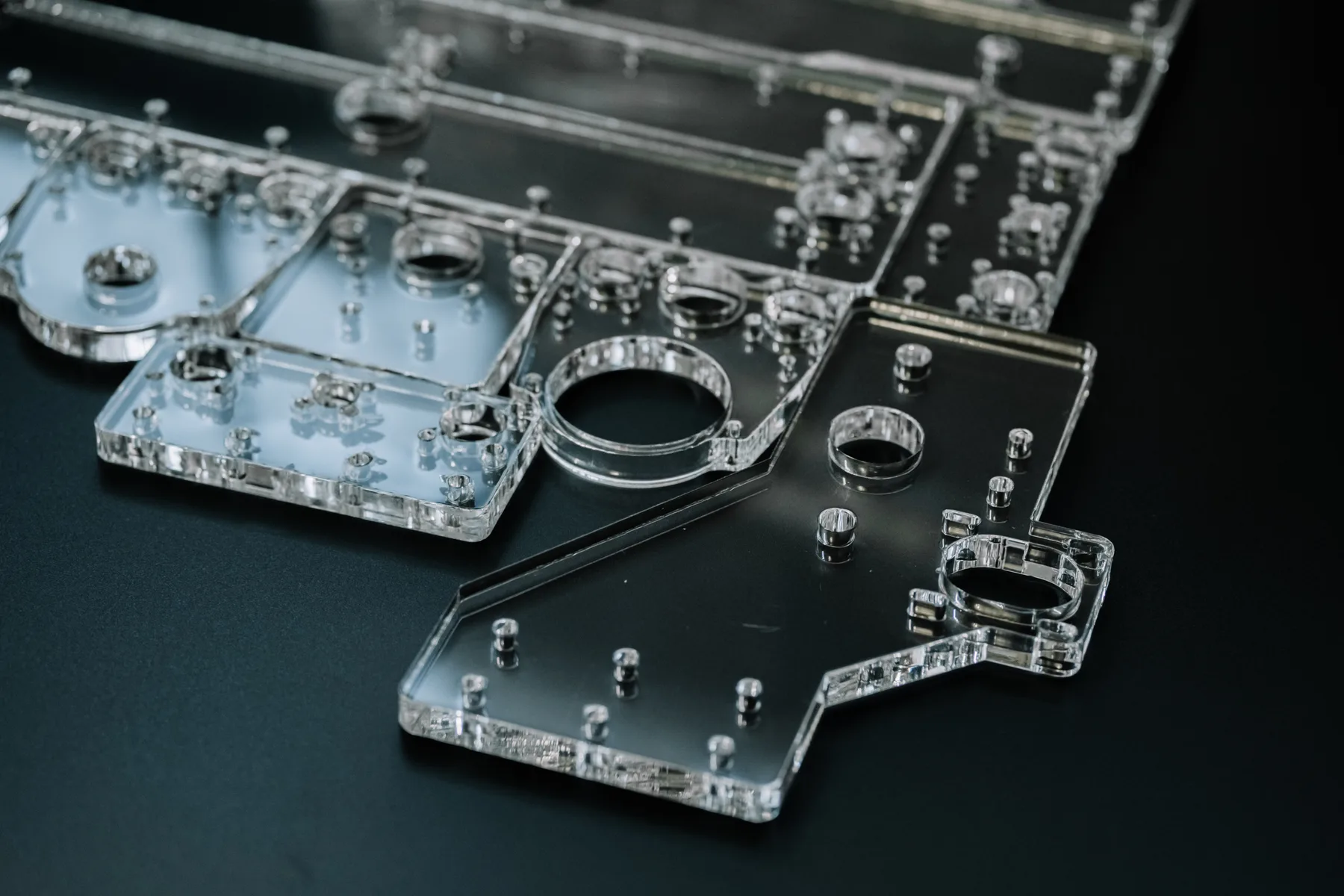
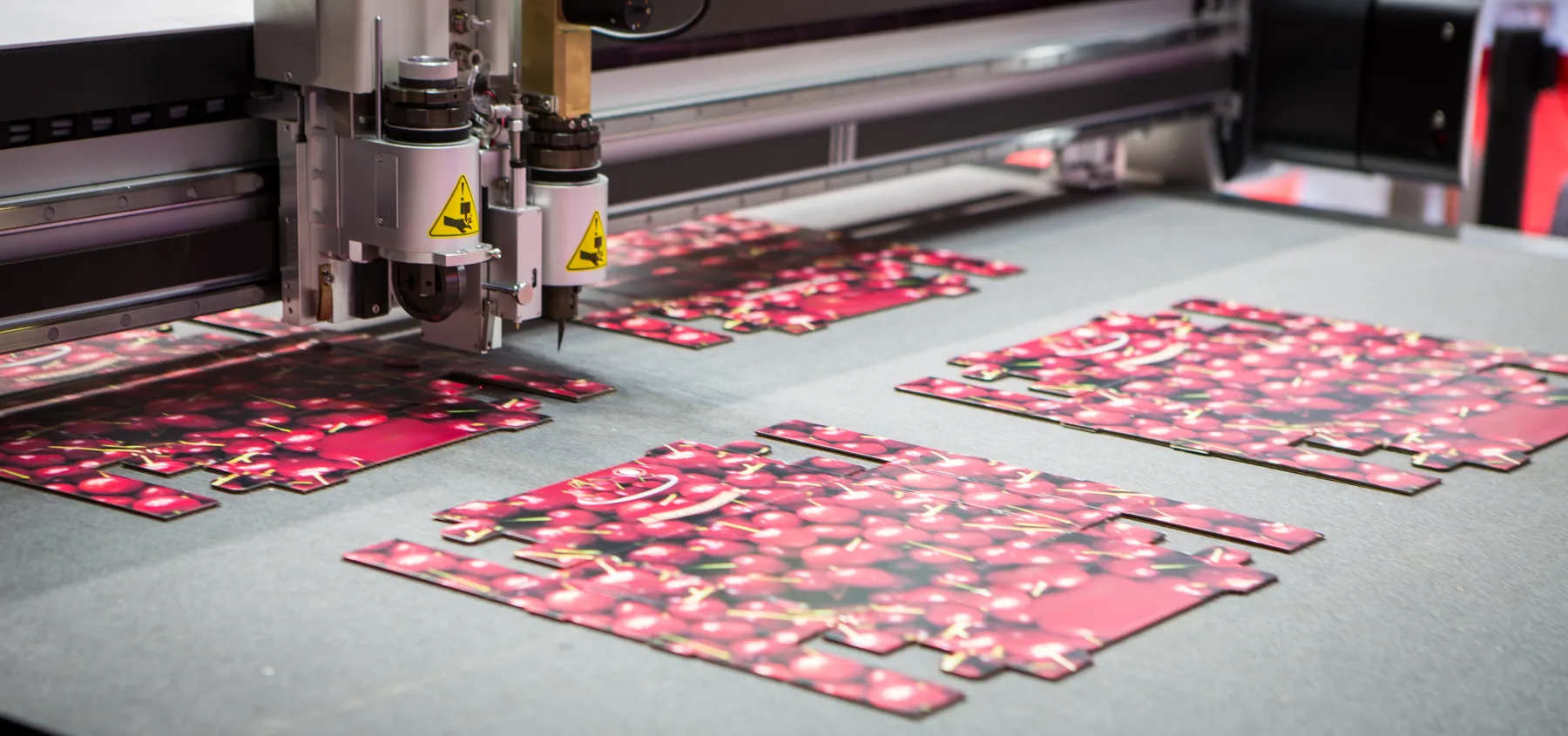
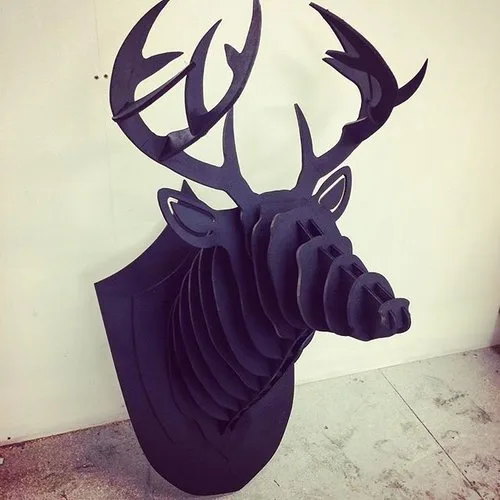
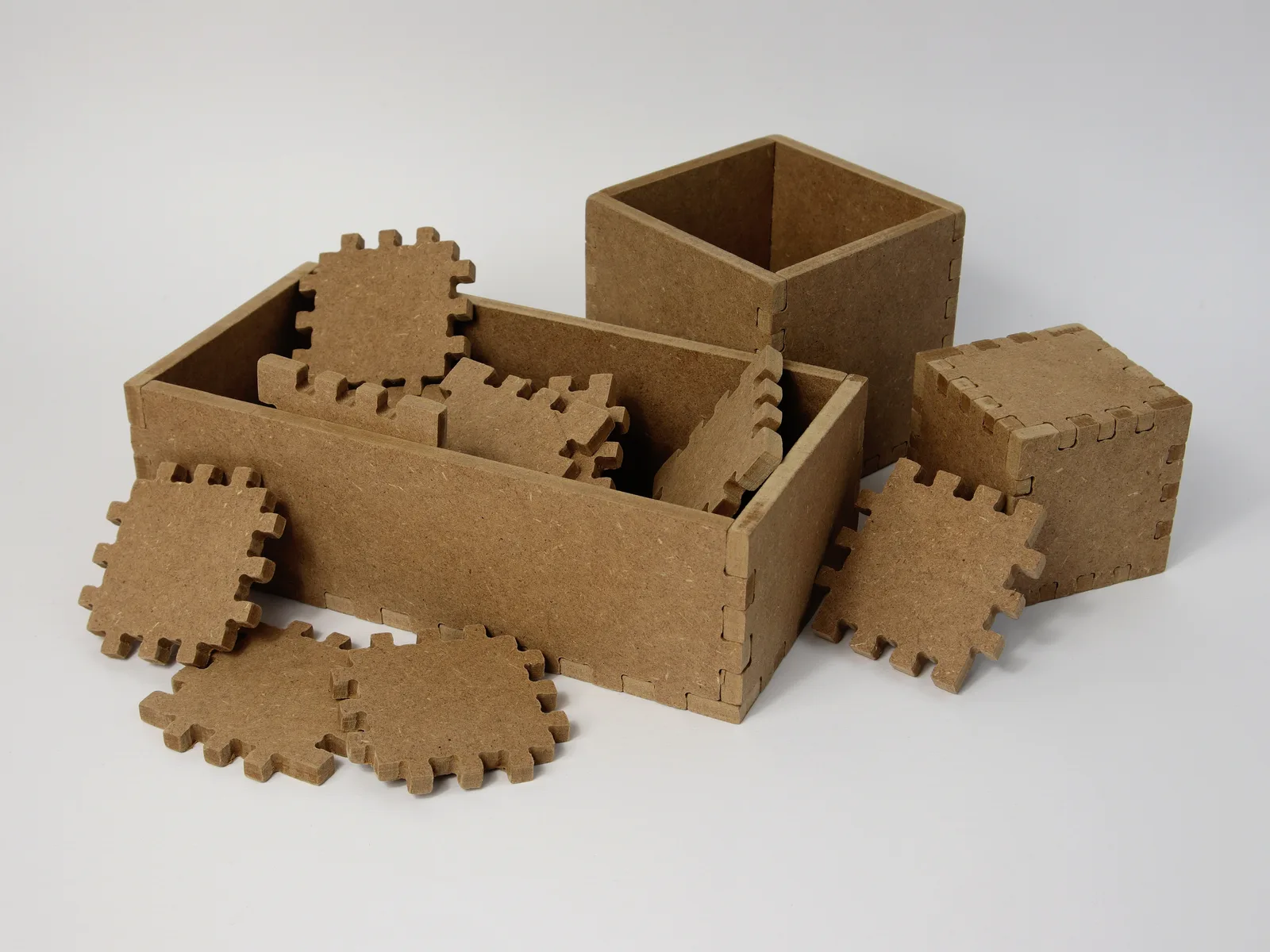
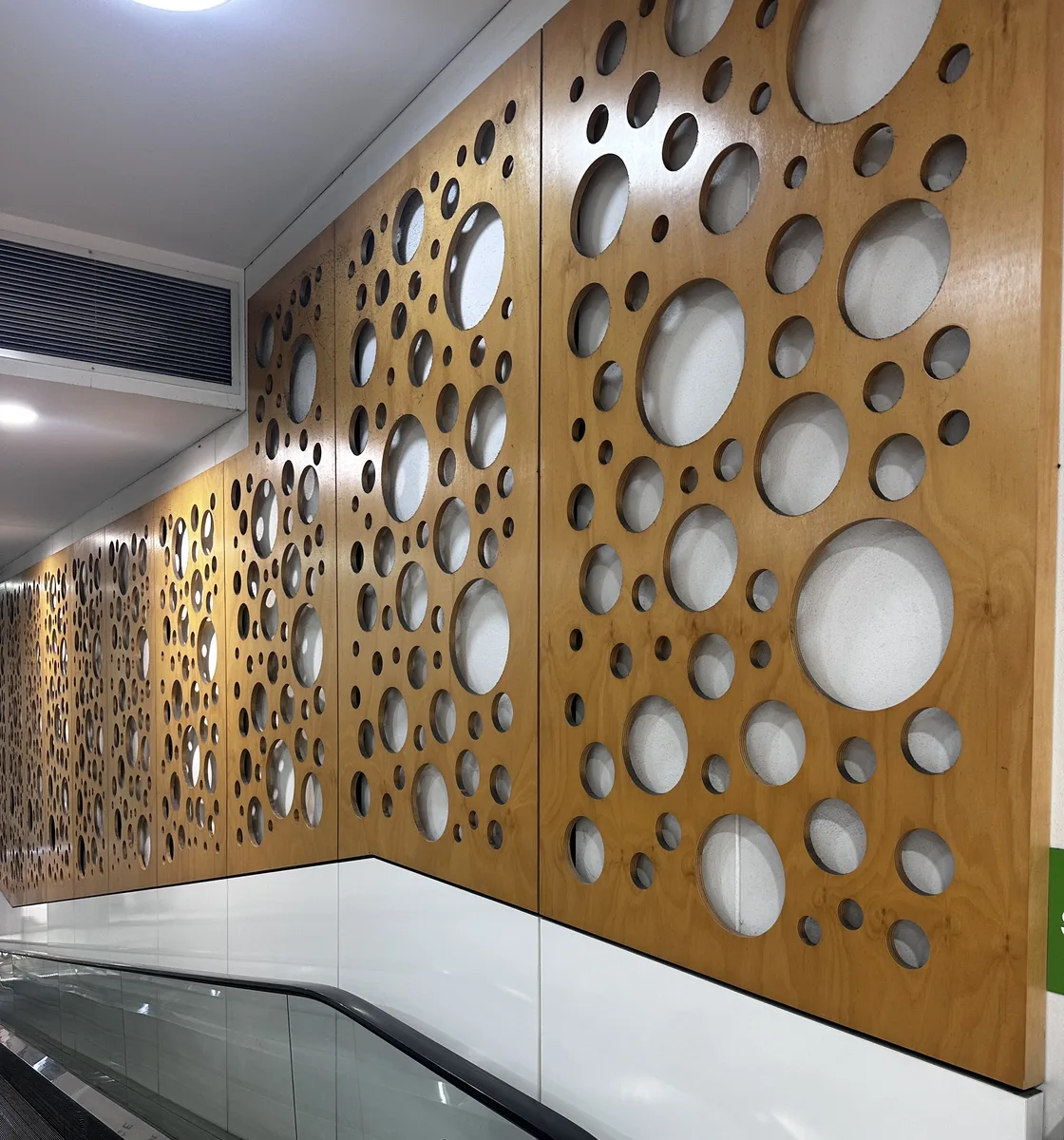
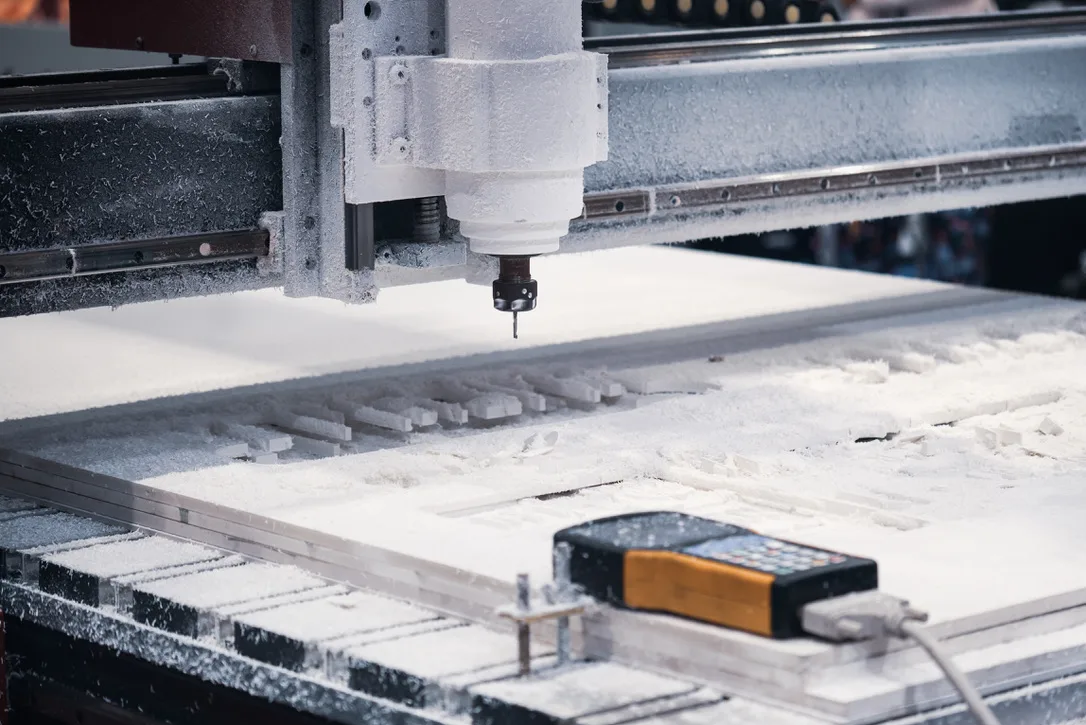
Selected production images help buyers understand the material family, process fit and type of output this page is talking about.
Materials and production fit
The right workflow depends on material behaviour, thickness, finish, registration, tolerance and whether the file is already production-ready.
Timber sheet jobs depend on grade, thickness, warp, ply quality, face finish and supplied material condition.
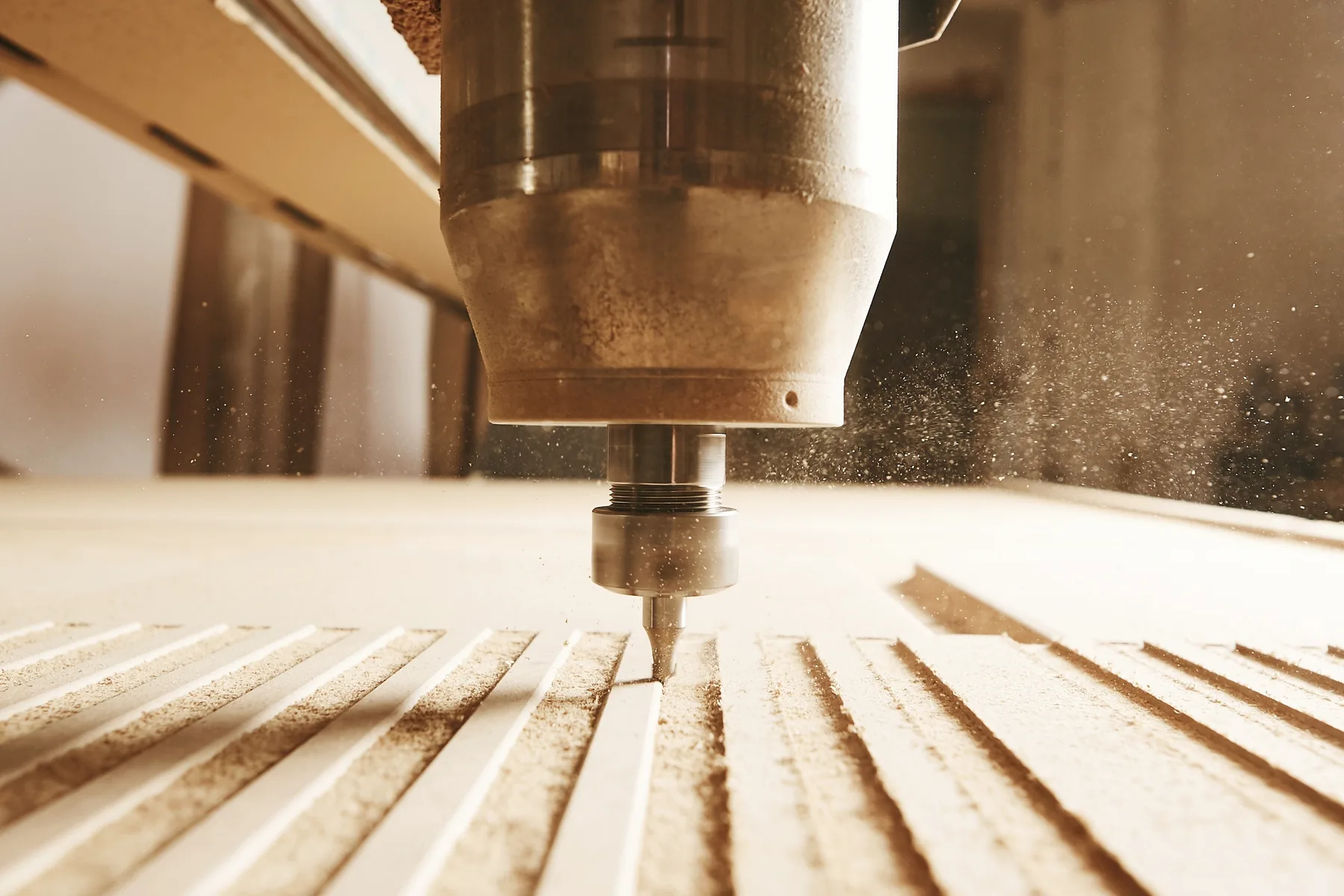
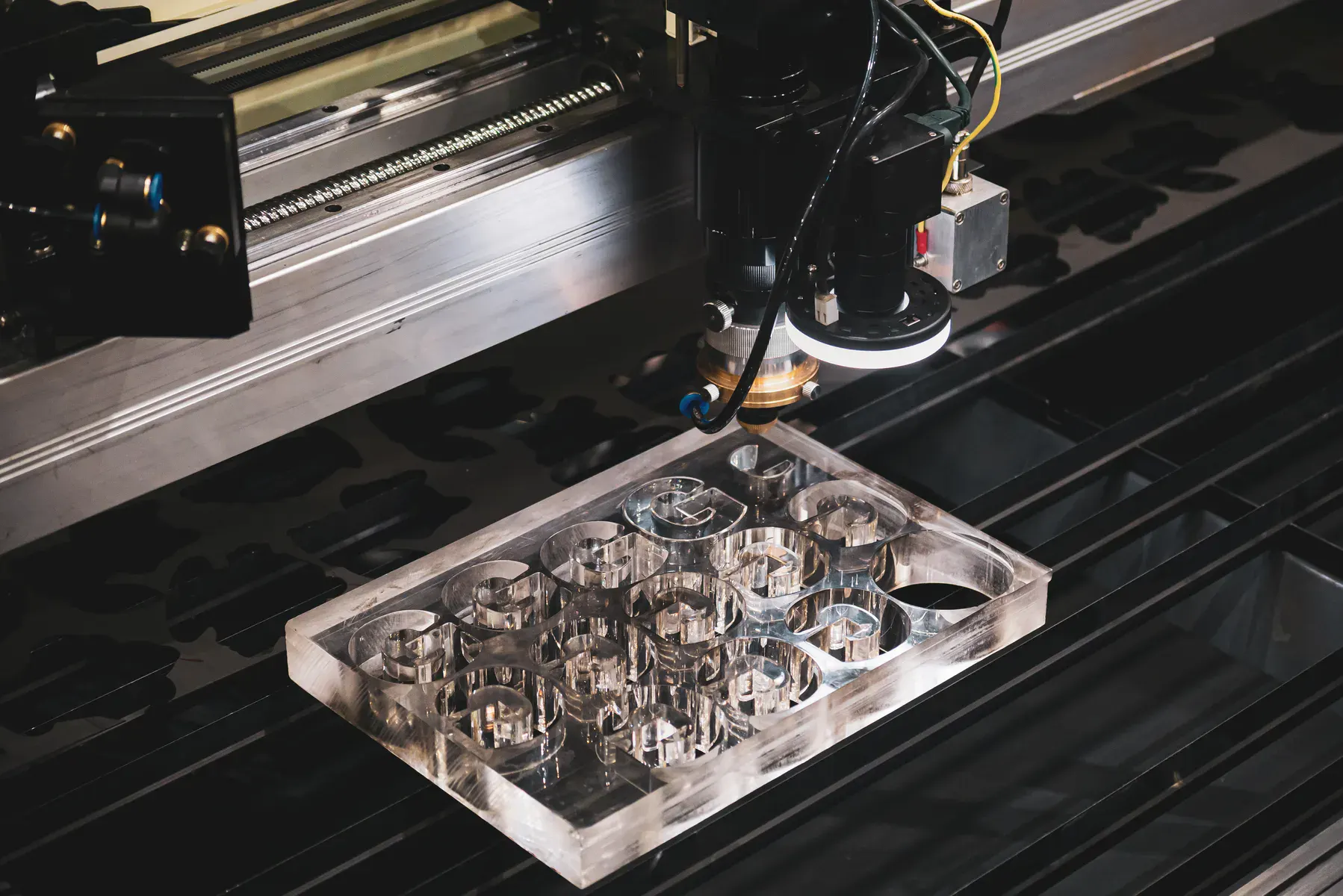
CNC routing suits panels, pockets and thicker timber; CO2 laser can suit finer profiles and engraving.
Painted, stained or visible-face timber work should call out edge expectations and handling requirements early.
Capabilities at a glance
2 material-specific pages in this group.
CNC router, CO2 laser
DXF, DWG or vector PDF with real cut paths at correct scale.
Instant pricing suits simple cut-ready profiles when the material, thickness, quantity and cutting process are clear.
Use reviewed quoting for supplied material, finish-critical work, layered sheets, mixed operations, tight tolerances or unclear files.
Confirm exact material, thickness, quantity, finish expectations and any print, crease, fold or handling requirements.
Why trade buyers use us
Category pages help buyers narrow the material first, then send cut-ready files or request review with the right production context.
Each material behaves differently, so the category page routes buyers toward the right detail page before quoting.
Fiber laser, CO2 laser, CNC router and digital knife workflows are selected around the sheet and final use.
The material pages explain file setup, finish risks and when reviewed quoting is the better path.
Once the material and file are proven, repeat production is easier to quote and produce consistently.
Instant pricing
Instant pricing suits simple cut-ready profiles when the material, thickness, quantity and cutting process are clear.
Reviewed quote
Use reviewed quoting for supplied material, finish-critical work, layered sheets, mixed operations, tight tolerances or unclear files.
Cutting technologies
Use the process pages when you need deeper guidance on laser, router or knife workflows.
Technical guidance
Start with the specific material page rather than a broad category so the quote path, process and limitations are clearer.
DXF, DWG and vector PDF files should contain real cut paths at correct scale. Screenshots, scans and photos need drawing work first.
Cut, engrave, drill, crease, score, fold and print-registration information should be separated so production can interpret the job correctly.
If the material is supplied, finish-critical, printed, layered, flexible, tolerance-sensitive or unclear, send it for review before production.
Related services and materials
Move from material fit into the process, sibling material or production page that helps prepare the quote correctly.
Related industries
These industry pages show how the material connects with real B2B production work and quote-path decisions.
Common questions
Suitable cutting-only jobs can use instant pricing when the file has real vector cut lines and the material, thickness and quantity are clear.
It depends on the exact sheet, thickness and finish. Common options for this group include CNC router, CO2 laser.
For cutting, upload DXF, DWG or vector PDF files with real cut paths. A screenshot, photo or JPEG saved as a PDF is not a cutting file.
Material-ready files
Upload DXF, DWG or vector PDF files with actual cut paths, or send complex jobs through reviewed quoting.