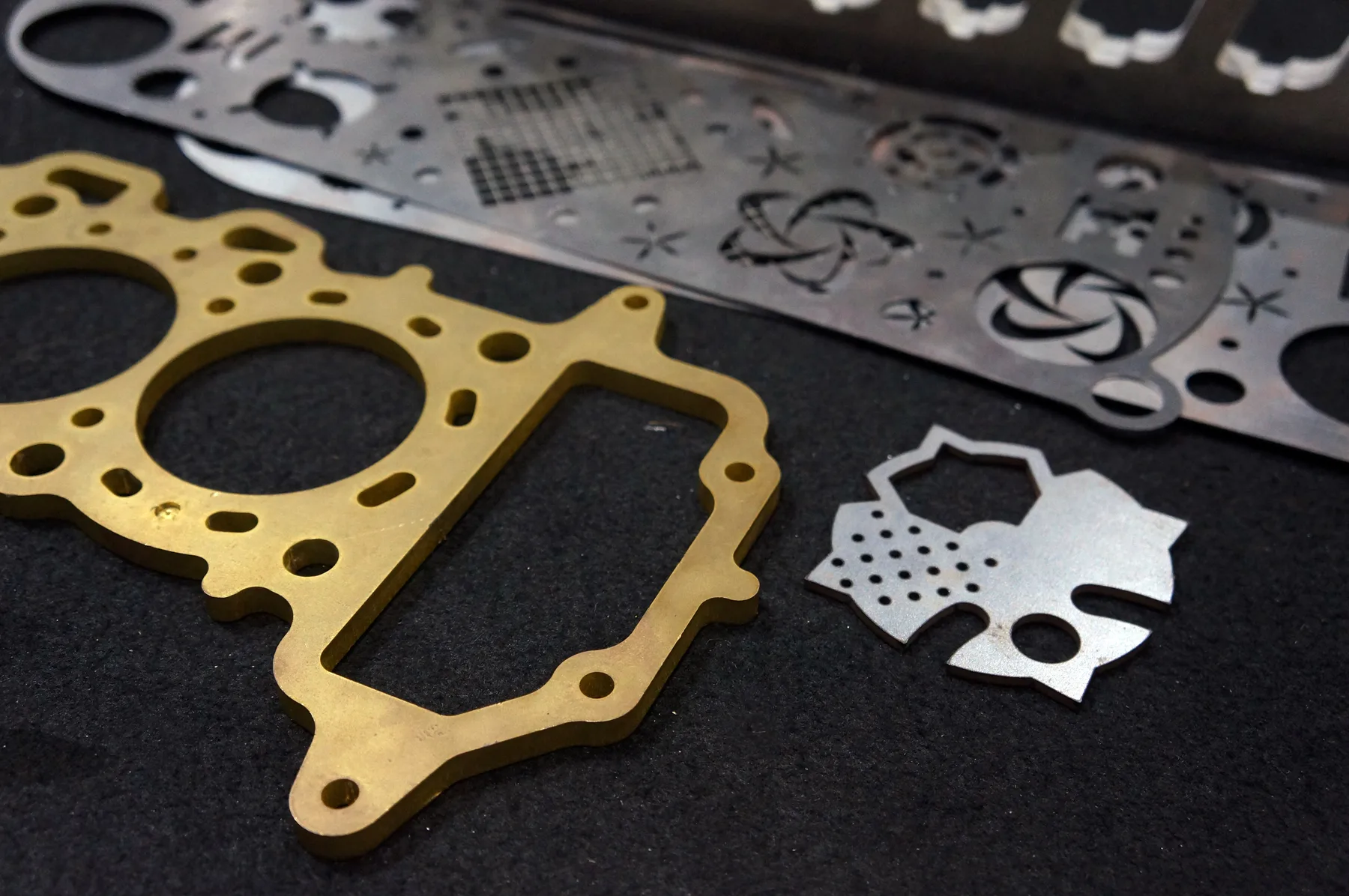
Metals
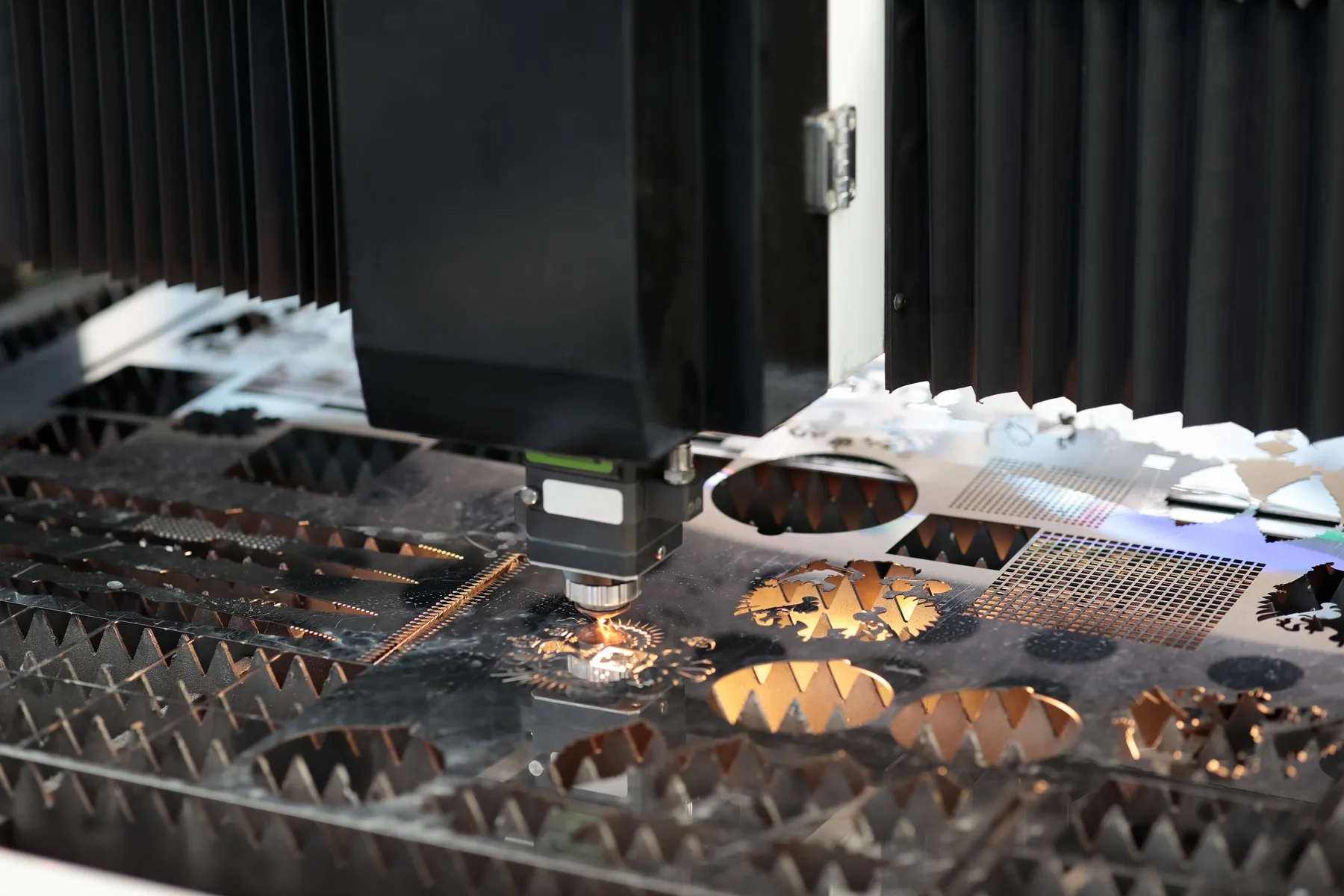
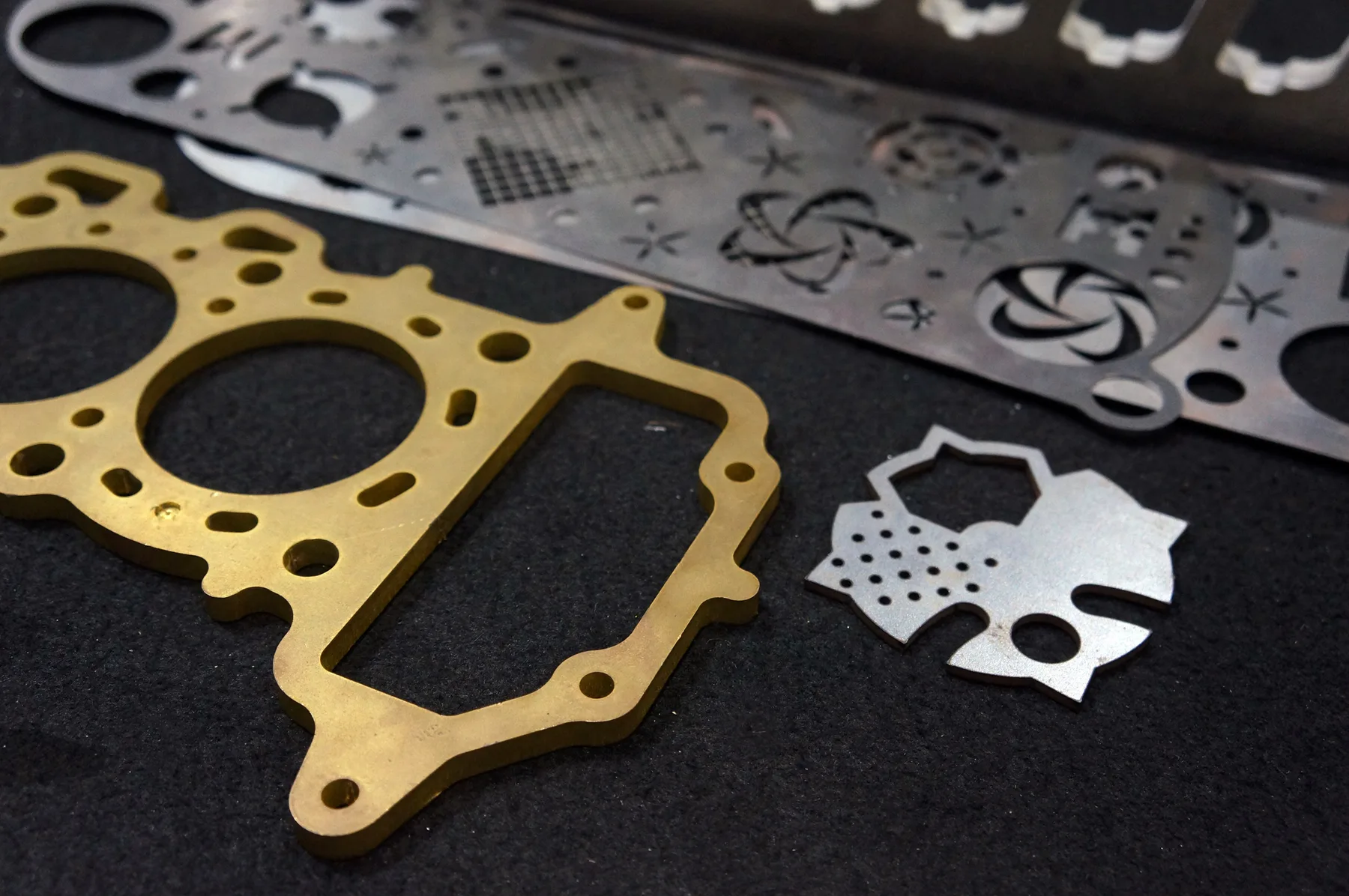
Sheet metal cutting for engineering, signage, architecture and fabrication projects that need accurate parts from production-grade metals.

Materials
Browse metals, plastics, composites, timber, boards, foams, paper, vinyl and rubber materials matched to the right cutting process. Use instant pricing for suitable cut-ready files, or send complex material work for review.
Material groups
Each group leads to material-specific pages with quoting notes, process fit and file setup guidance.
Sheet metal cutting for engineering, signage, architecture and fabrication projects that need accurate parts from production-grade metals.
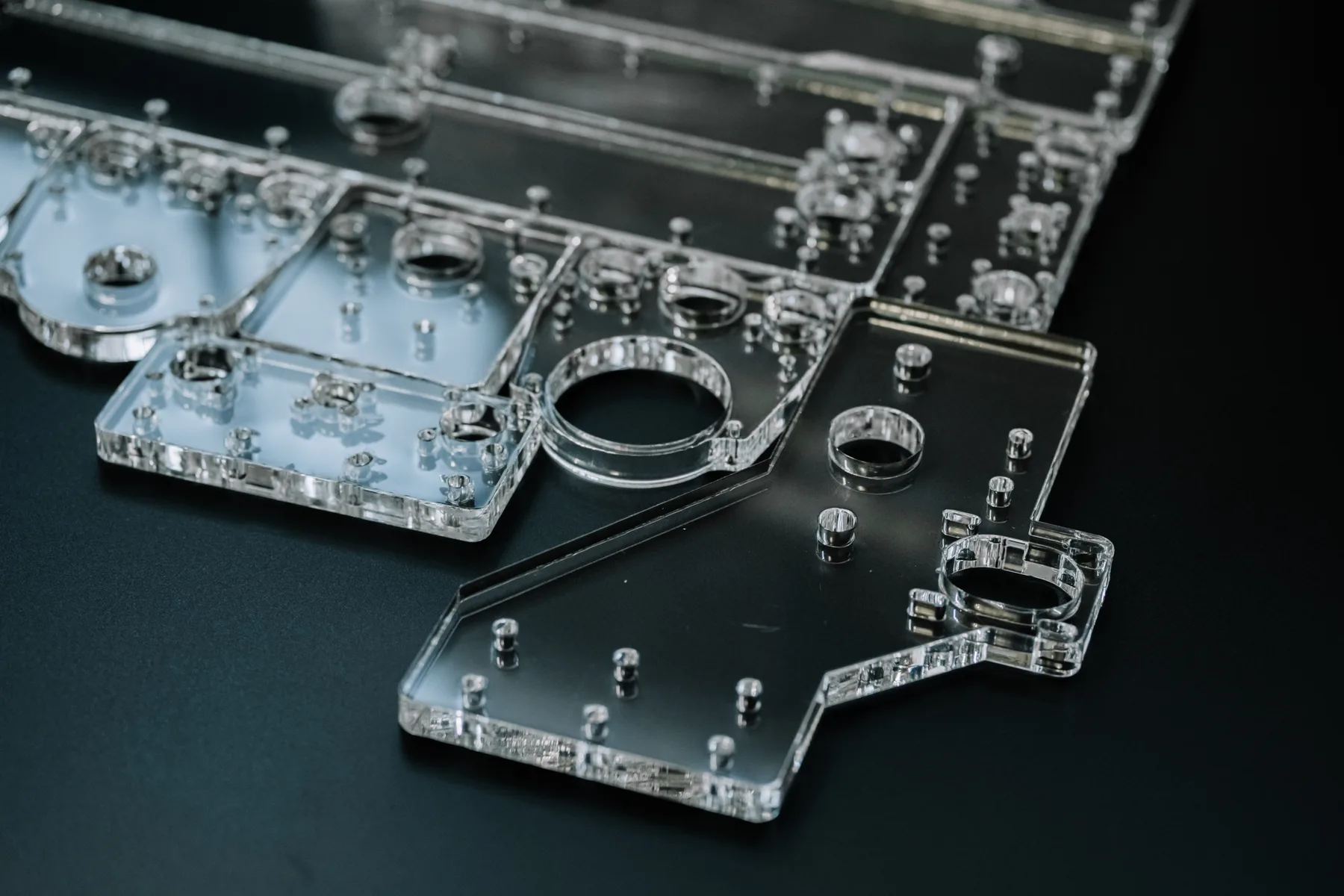
Laser, router and knife cutting for rigid plastics used in signage, machine guards, displays, fixtures and industrial components.

Cutting for ACM, gasket composites, cork, honeycomb boards and foamboard where the process must match the sheet construction.
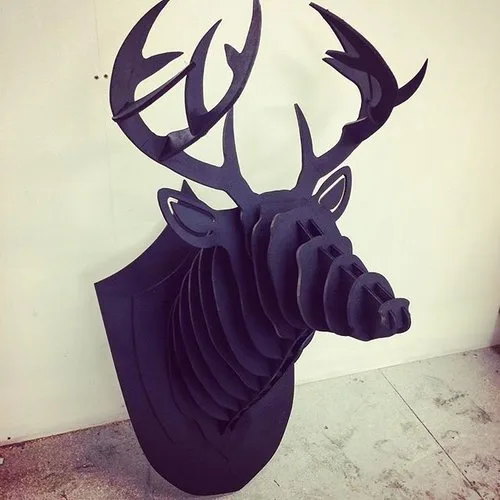
CNC router and CO2 laser cutting for plywood and timber sheet products used in joinery, interiors, signage and models.
Flat sheet processing for MDF, chipboard, greyboard and moisture-resistant boards across cabinetry, shopfitting and display work.
Knife, router and selected laser cutting for protective foam, inserts, pads and lightweight components.
Digital knife cutting, creasing and short-run production for cartonboard, kraft board, screenboard and roll materials.
Kiss-cutting and profile cutting for self-adhesive films, paint mask, frosted film and reflective vinyl.
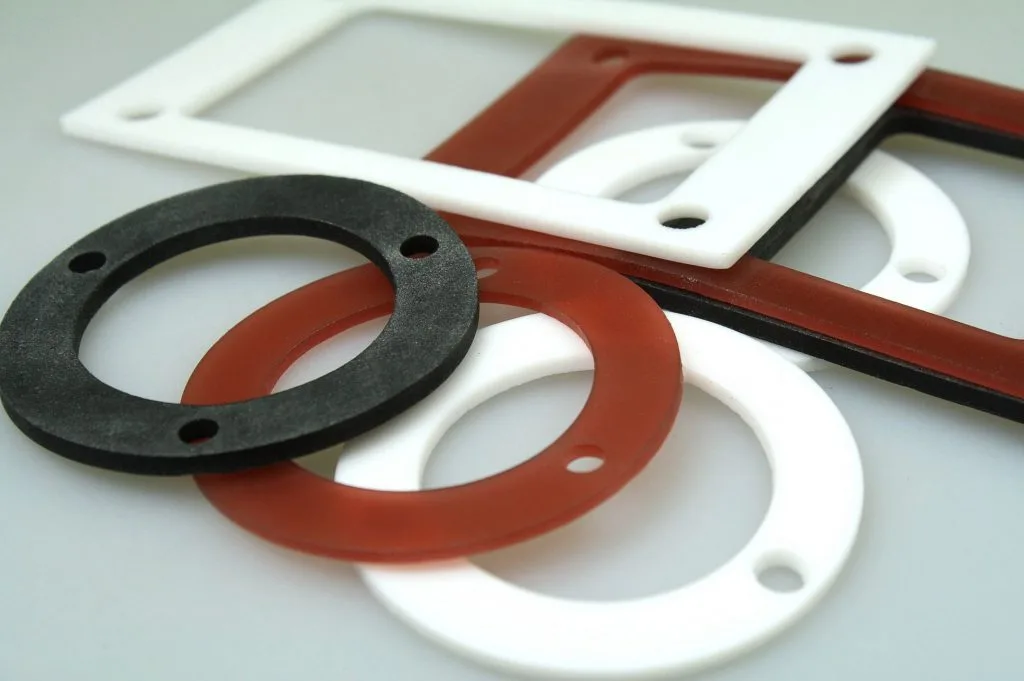
Flat rubber cutting for gaskets, seals, pads and industrial components in EPDM, NBR, neoprene and silicone.
High-intent material searches
These pages catch broader search language like metal cutting, acrylic cut to size, Perspex, brackets, panels and decorative screens.
Metal Cutting Australia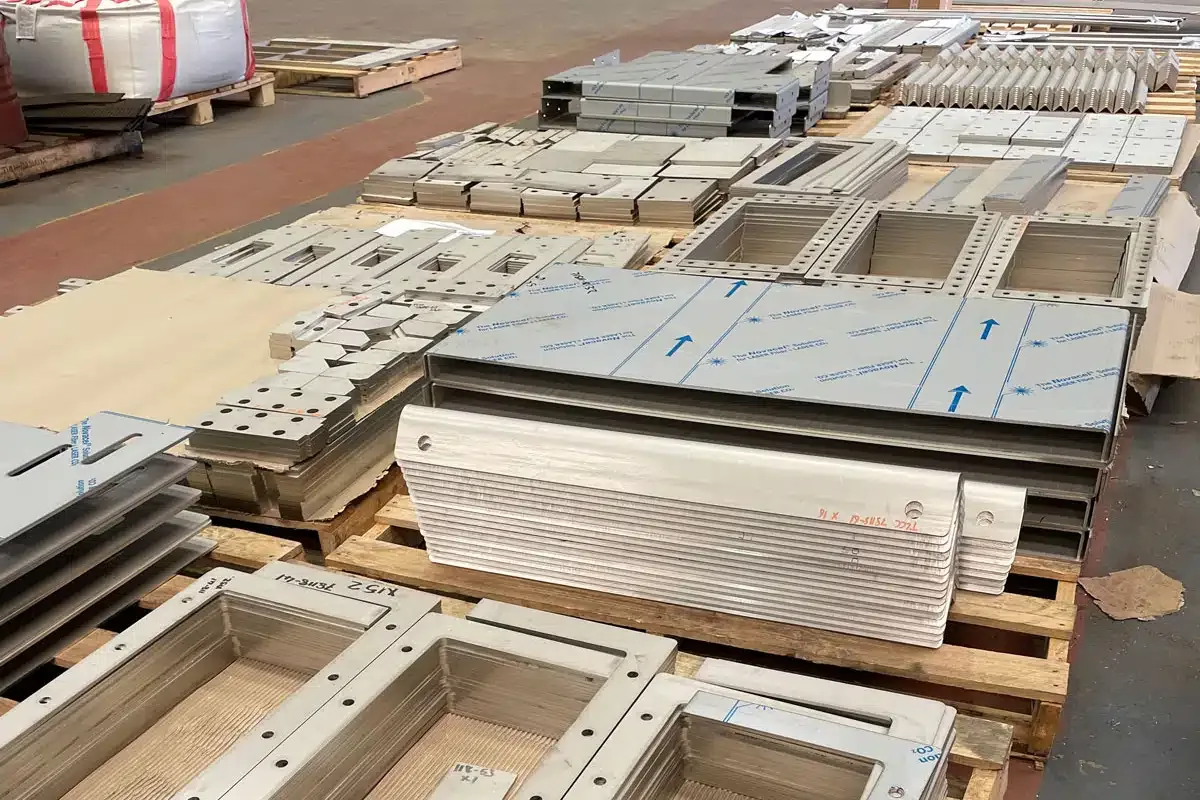 Steel Cutting Australia
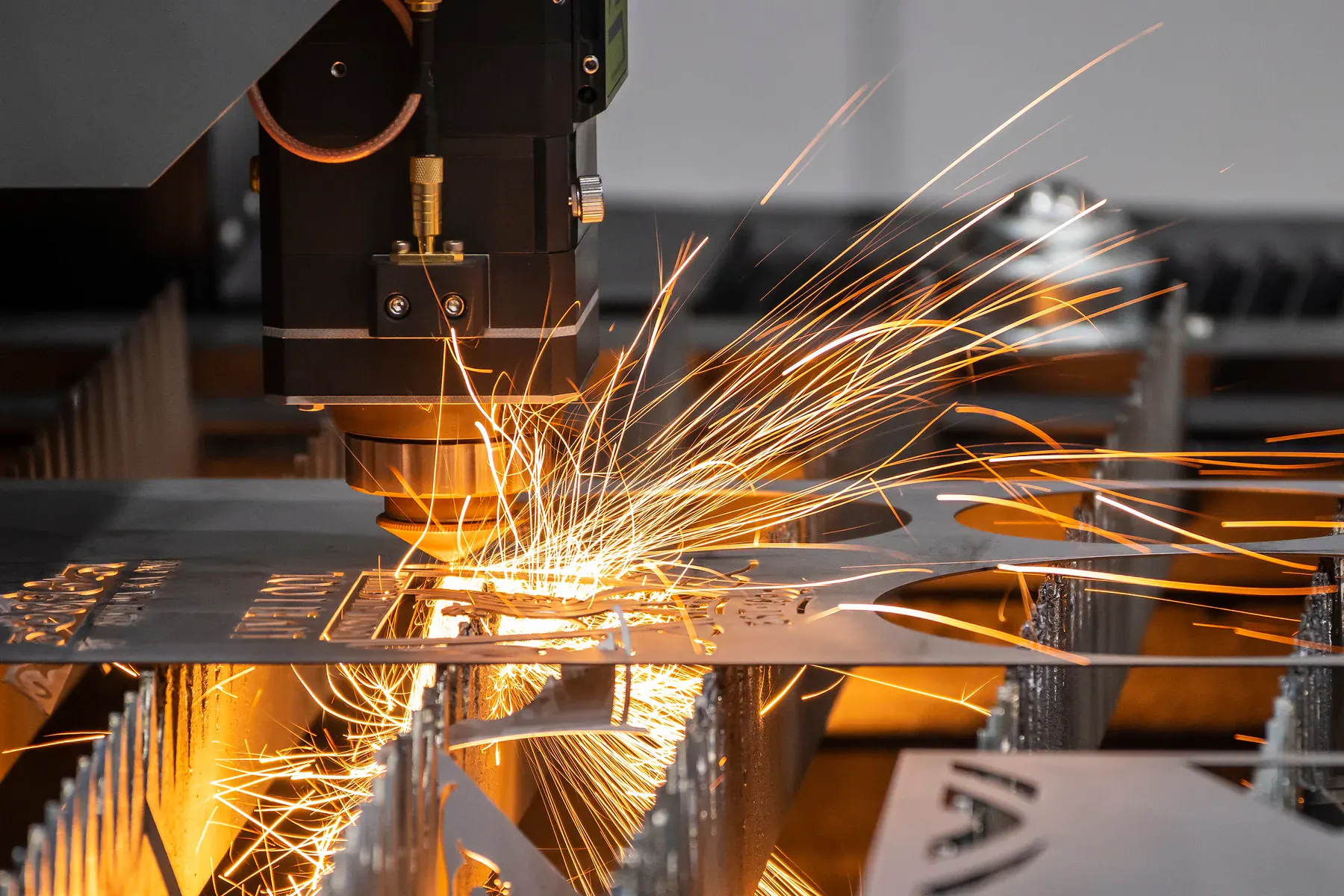 Steel Laser Cutting Australia
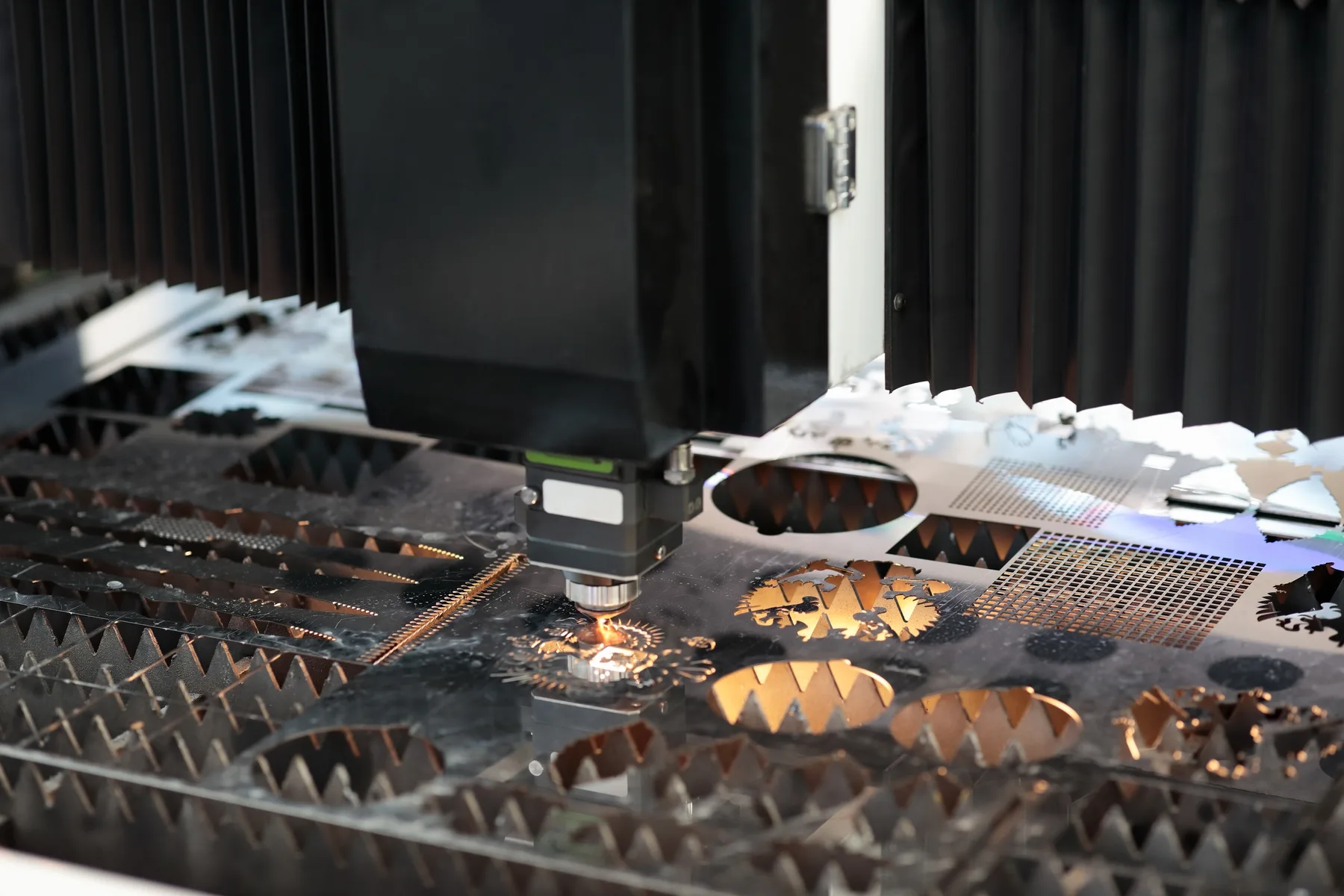 Stainless Steel Cutting Australia
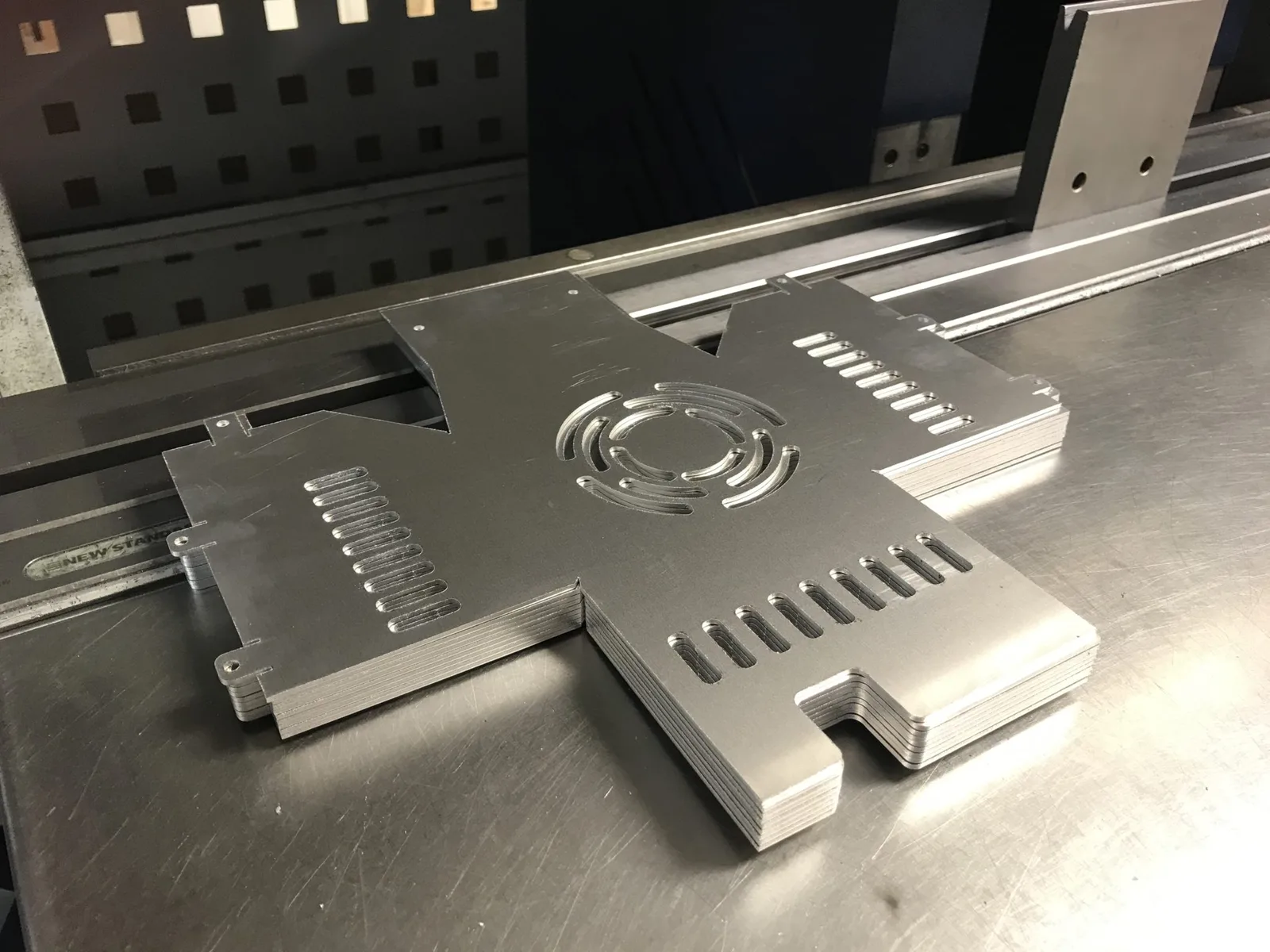 Aluminium Cutting AustraliaAcrylic Cut To Size AustraliaPerspex Cut To Size AustraliaCustom Perspex Cutting Australia
 Plastic Cutting Australia
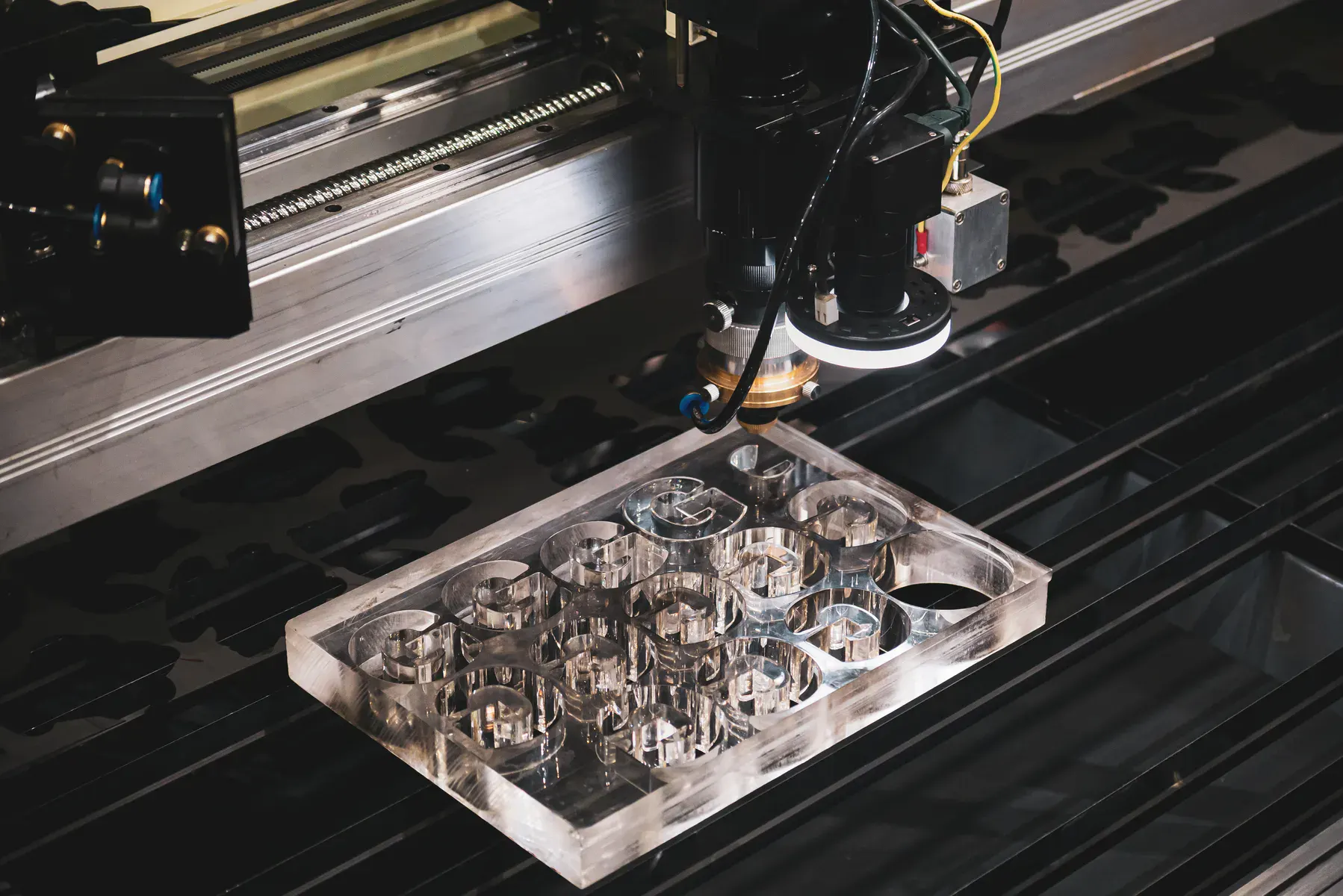 Plastic Laser Cutting Australia
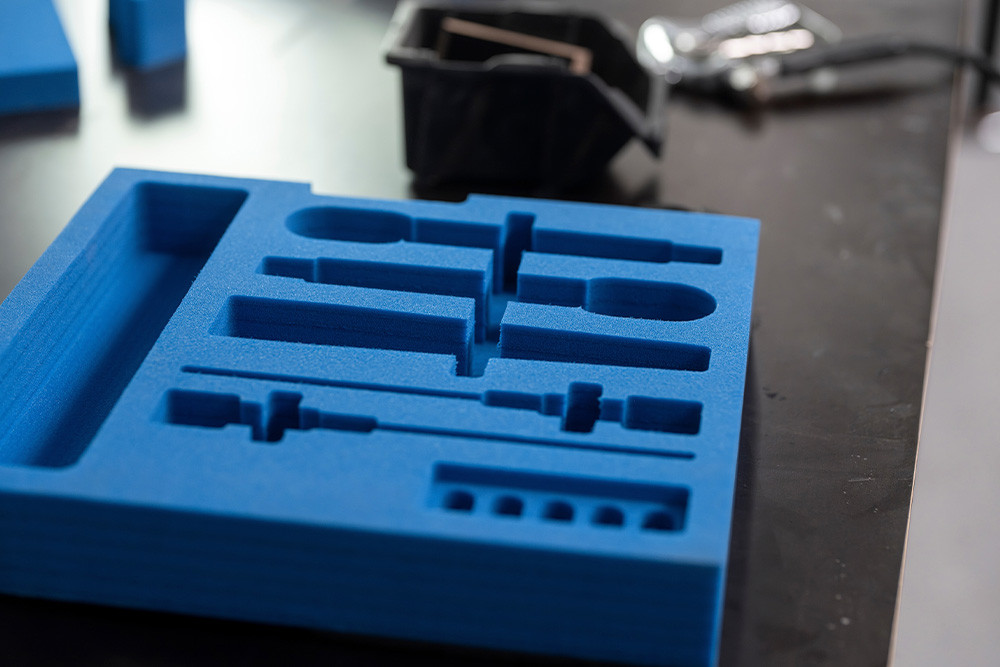 Foam Cut To Size AustraliaGasket Cutting Australia
High-intent application searches
These pages catch customers who search for panels, brackets, letters, guards, signage parts and gasket profiles instead of a process name.
Sydney material quote pages
These pages connect Sydney buyers directly to stainless, aluminium, steel, sheet metal, acrylic and Perspex quote paths instead of leaving them on broad material guides.
Metal cutting by service area
These pages connect broad metal cutting searches to approved service areas, with file, material and review guidance for brackets, plates and sheet parts.
Aluminium cutting by service area
These pages catch Australian aluminium searches in each priority market, while also covering the common aluminum spelling in copy and redirects.
Aluminium Cutting SydneyAluminium Cutting MelbourneAluminium Cutting Brisbane Aluminium Cutting Perth
 Aluminium Cutting Adelaide
 Aluminium Cutting Newcastle
 Aluminium Cutting WollongongAluminium Cutting GeelongAluminium Cutting Gold CoastAluminium Cutting CanberraAluminium Cutting Western SydneyAluminium Cutting Dandenong
 Aluminium Cutting Kwinana
Acrylic cutting by service area
These pages capture acrylic cutting searches in the markets we want to serve, then route buyers into CO2 laser, CNC router, Perspex and acrylic cut-to-size quote paths.
Acrylic Cutting SydneyAcrylic Cutting Melbourne Acrylic Cutting BrisbaneAcrylic Cutting Perth
 Acrylic Cutting AdelaideAcrylic Cutting NewcastleAcrylic Cutting WollongongAcrylic Cutting GeelongAcrylic Cutting Gold Coast
 Acrylic Cutting CanberraAcrylic Cutting Western SydneyAcrylic Cutting DandenongAcrylic Cutting Kwinana
Before uploading
Instant pricing is a major advantage for clean cutting jobs, but it needs real cutting geometry. If material behaviour, finishing, folds, coating, engraving or assembly affect the job, reviewed quoting is the better path.
Common questions
No. Suitable cutting-only jobs can use instant pricing when the file has real cut lines and the material, thickness and quantity are clear. Complex, supplied or finish-critical material work should be reviewed first.
DXF and DWG are preferred. Vector PDF can also work when it contains real cut paths at the correct scale. A photo or JPEG saved as a PDF is not a cutting file.
Start with the material family, then choose the exact material. The material-specific page explains the best-fit process and whether instant pricing is likely to suit the job.
Material quote
Upload suitable cutting files for instant pricing, or send material questions through reviewed quoting.