Upload the cutting file
Cut-ready DXF, DWG and vector PDF files with real cut lines can move straight into pricing.

File prep guide
The best cutting jobs start with tidy vectors, real-world scale, correct material notes and clear production requirements.
Use instant pricing for suitable DXF, DWG and vector PDF files with real cut lines, or talk to the team when the job needs process advice.
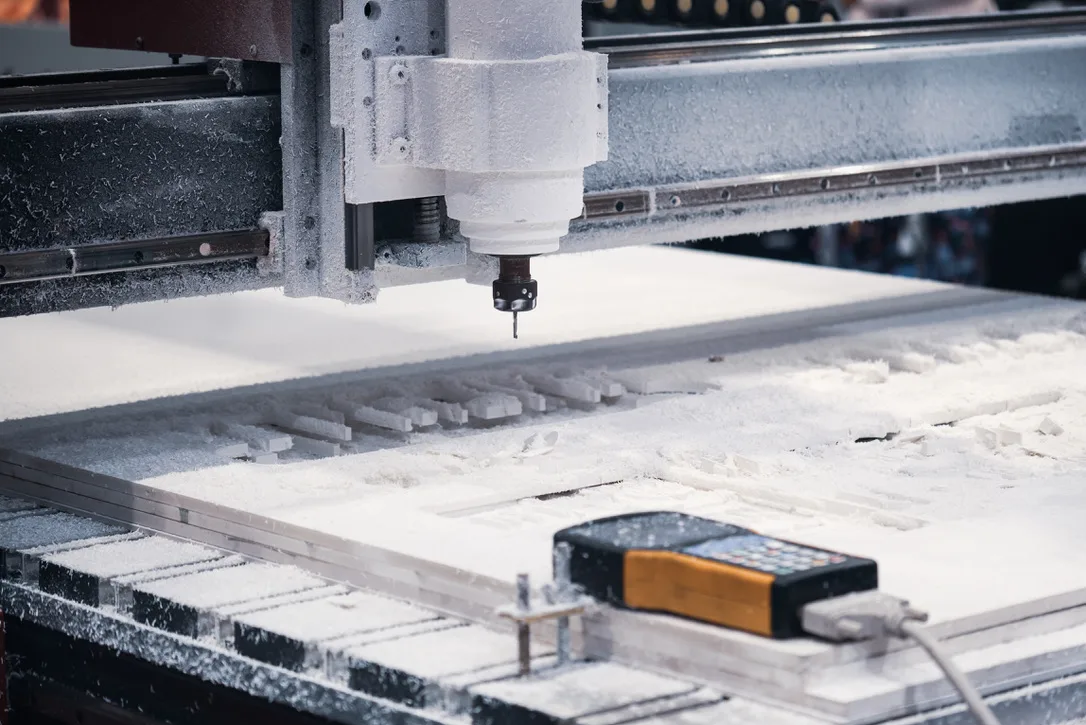
Instant pricing
Customers can upload suitable cutting files, select material and thickness, confirm quantity, and get pricing without waiting through a long estimating chain.
The instant calculator is for clean DXF, DWG and vector PDF files with real cut lines. A photo, screenshot or JPEG saved as a PDF is still an image, so it needs file prep or quote review before it can be cut.
If the job includes complex routing, grooves, engraving, fabrication, painting, welding or production-critical 3D printing, send it through the quote path for review. Simple STL print files can also use the 3D printing estimate pilot.
Cut-ready DXF, DWG and vector PDF files with real cut lines can move straight into pricing.
The quote is built around the actual process, sheet material and production setup.
Suitable cutting jobs price live. Complex files, grooves, engraving and custom services move to quote review.
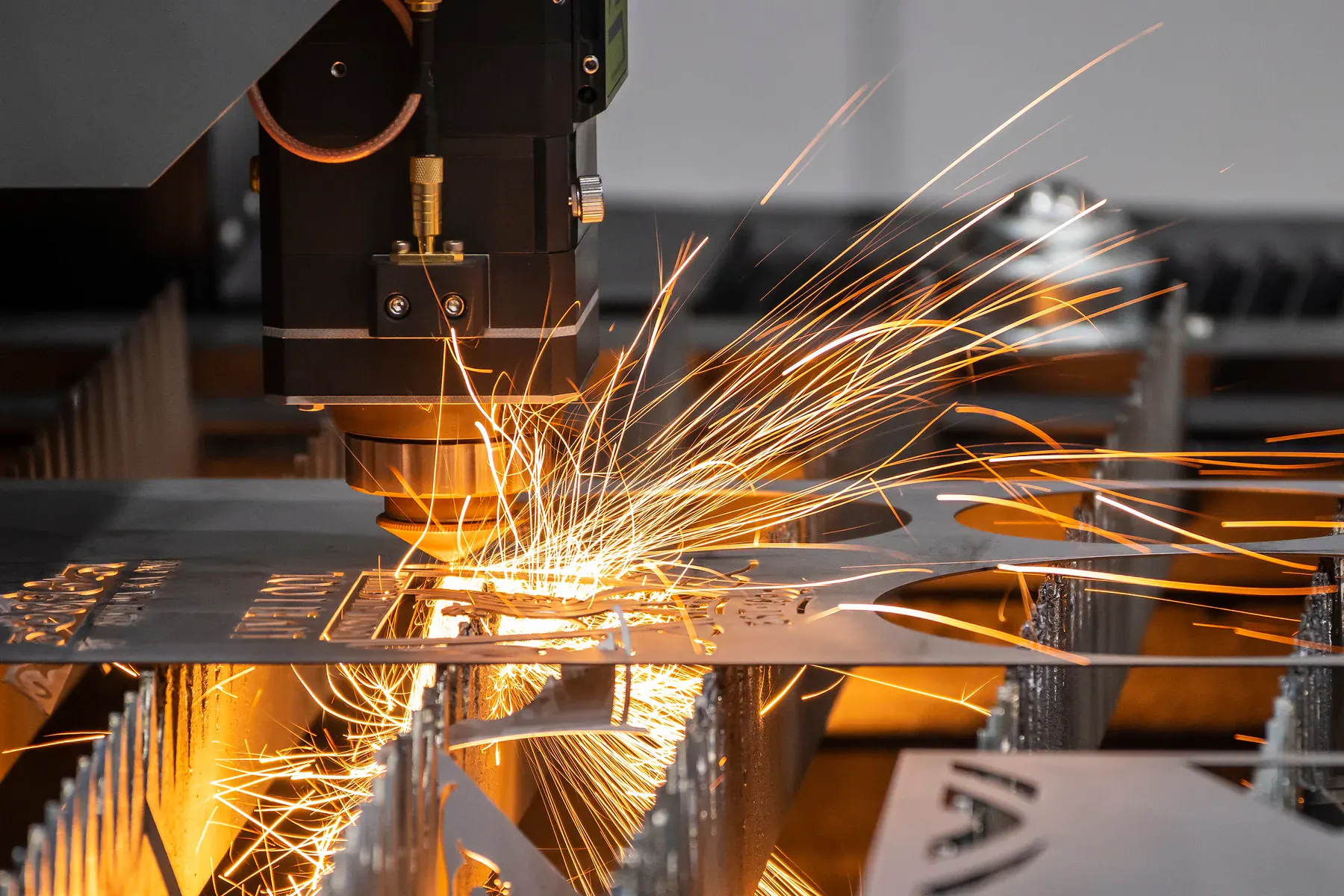 Fiber laser cutting
Cut-ready files
Scaled DXF, DWG and vector PDF files with real cut lines, joined paths, clear quantities and material notes help the instant pricing workflow stay fast.
Production checklist
Use this as a practical pre-upload checklist. It keeps the quote path cleaner and gives production the information needed to decide whether the job can be priced instantly or should be reviewed first.
Send DXF, DWG or vector PDF files with machine-readable cut lines. A photo, scan, screenshot or JPG inside a PDF is not a cutting file.
Draw the part at real size in millimetres. Australian production should not rely on guessed scale, screen size or export defaults.
Outside shapes and inside cutouts should be closed where they need to cut. Tiny gaps, broken arcs and open contours create review work.
Remove repeated geometry, hidden artwork and construction lines. Duplicate paths can distort pricing and may cause production issues.
Separate cut, etch, engrave, score, fold mark and reference geometry with layers or written notes so the file is not interpreted incorrectly.
State material, thickness, finish, colour, visible face and whether the sheet is supplied by you or sourced by us.
Tell us the required quantity, whether the file is already nested, and whether it is a one-off, prototype, repeat order or batch run.
Use reviewed quoting for supplied material, finishing, fabrication, paint, welding, tight-fitting parts, unclear drawings or mixed-process jobs.
Common problems
Good file preparation is not about making the drawing look polished on screen. It is about removing ambiguity for quoting and production. If the machine path, material and quantity are clear, the team can move faster.
If the job needs interpretation, send it through reviewed quoting with photos, notes, sketches or marked-up files. That is better than forcing a file through instant pricing when production decisions still need to be made.
Final file handover
A good file handover makes the drawing, quantity and production intent obvious. That does not mean every job needs a formal specification sheet, but it does mean the person opening the file should be able to understand what needs cutting, what needs reviewing and what information still needs confirmation.
Name files by project, part, revision and material where possible. Clear names make repeat orders and version checking much easier.
Include material, thickness, quantity, finish, face side and any deadline or packing requirement in the quote message.
If several parts belong together, say whether they are a kit, a nested batch, separate items or optional alternatives.
If you are unsure about scale, material, process or finish, say so. It is faster to review uncertainty before production than fix it after quoting.
Downloadable checklist use
The checklist is there to prevent the most common quote delays: missing material thickness, wrong scale, duplicate lines, image-only PDFs, unclear quantities and mixed operations with no notes. It should be shared with designers, draftspersons and trade buyers before files reach the quoting stage.
Ready to quote
Cut-ready cutting jobs can use live instant pricing. Complex and custom work can still be reviewed by the team.