Acrylic cutting files
Separate outside cut paths, holes and internal profiles from engraving artwork.
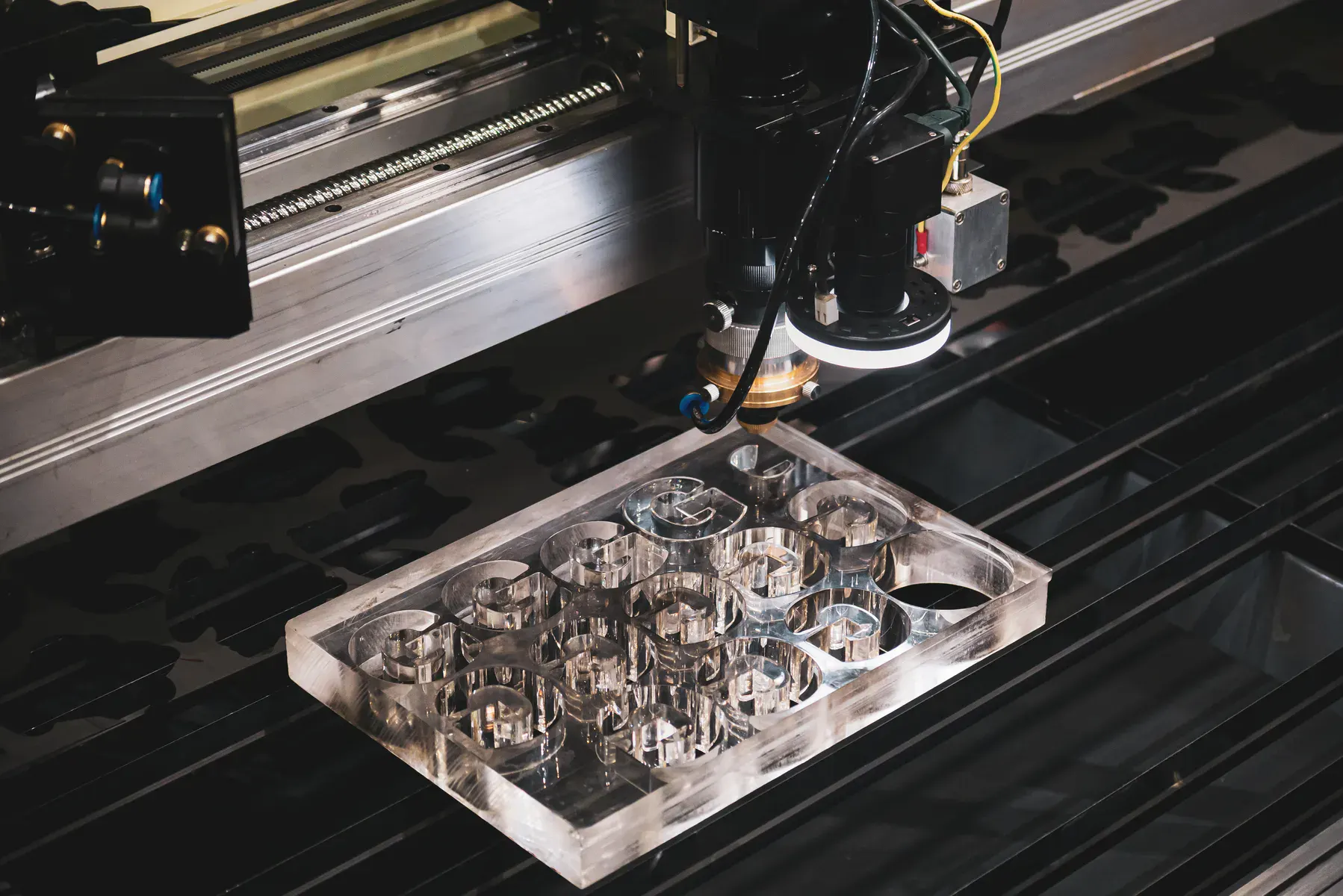
CO2 laser file setup
A practical CO2 laser file guide for acrylic, Perspex, light timber sheet, paper, cardboard, engraving and marked artwork where cut paths, engrave artwork and vector marks need to be separated clearly.
What we cut
A practical CO2 laser file guide for acrylic, Perspex, light timber sheet, paper, cardboard, engraving and marked artwork where cut paths, engrave artwork and vector marks need to be separated clearly.
This page exists for commercial intent: buyers who need a part, panel, material or local cutting service and want to know whether they can upload a file for instant pricing or should request review.
Separate outside cut paths, holes and internal profiles from engraving artwork.
Supply engraving artwork as clean vector or high-quality raster artwork with size and position notes.
Traffolyte-style and laminated engraving materials need material, colour and engraving-side notes.
Fine lines, fold marks, guides or decorative lines should be labelled separately from through-cuts.
MDF and plywood files should account for burn marks, edge darkening and sheet variation.
Light material jobs should separate cut, score and fold lines so the process is not guessed.
Project gallery
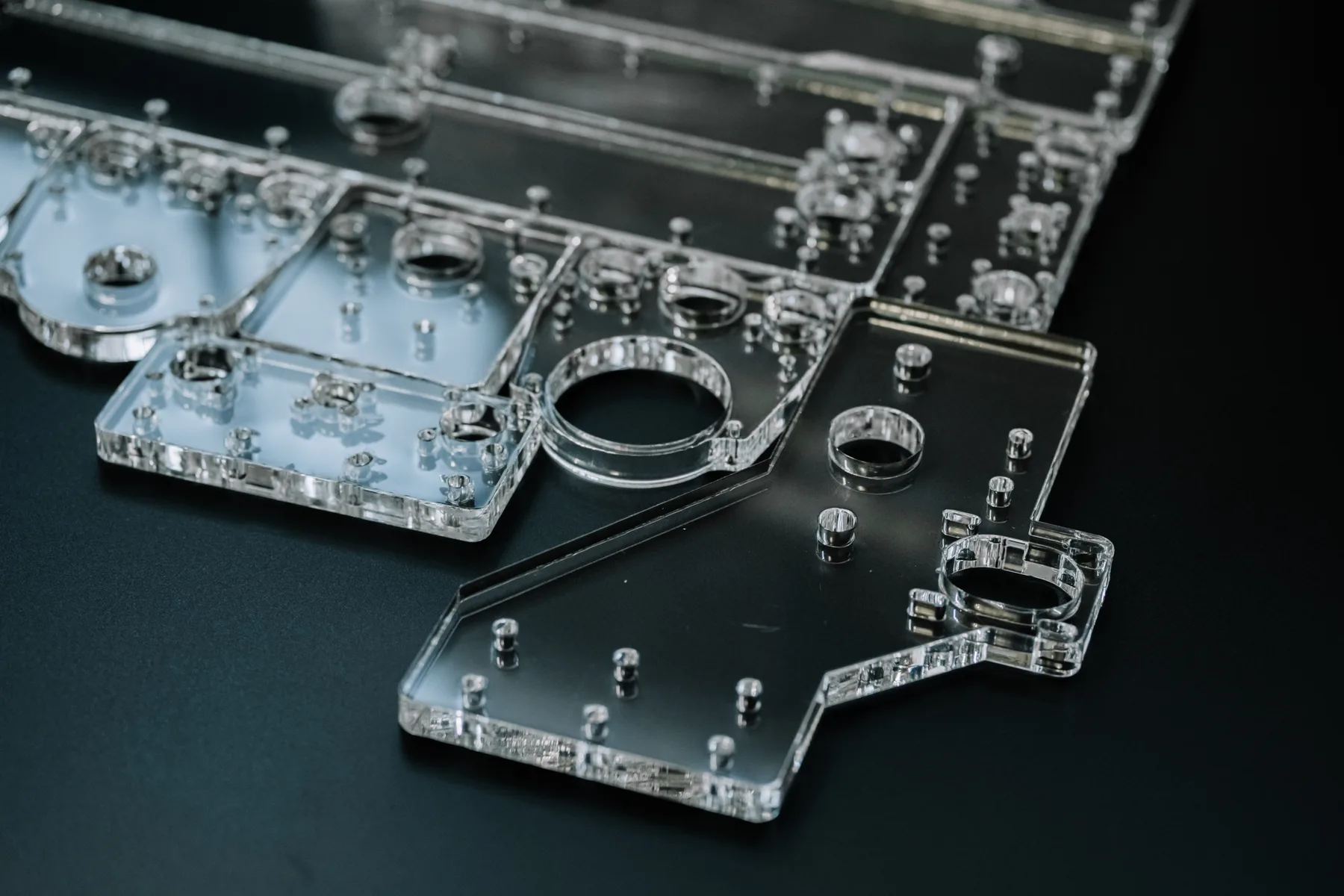
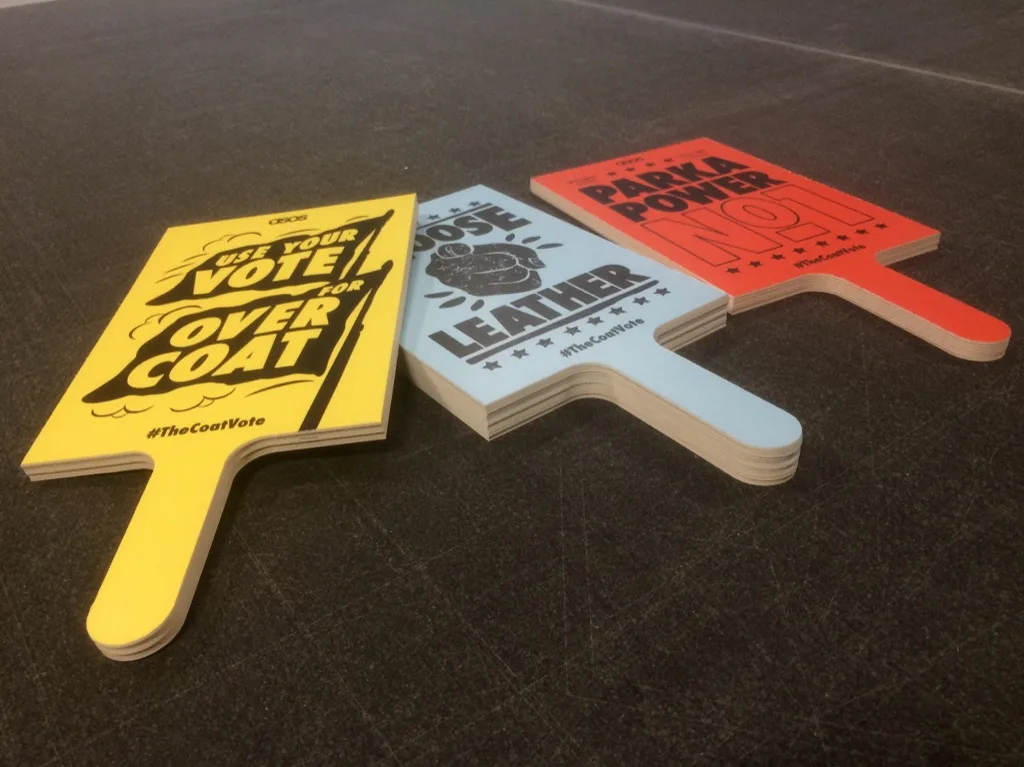
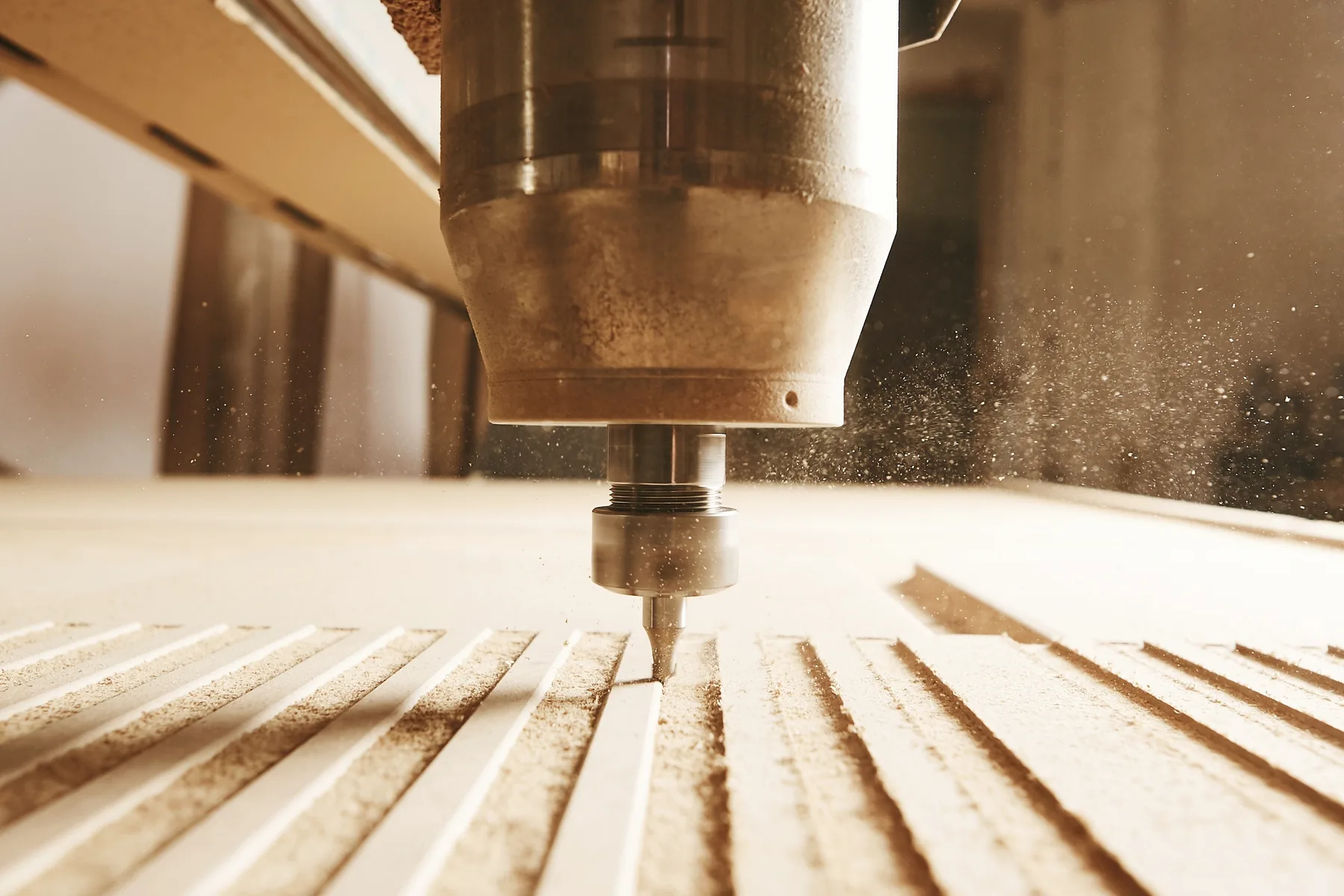
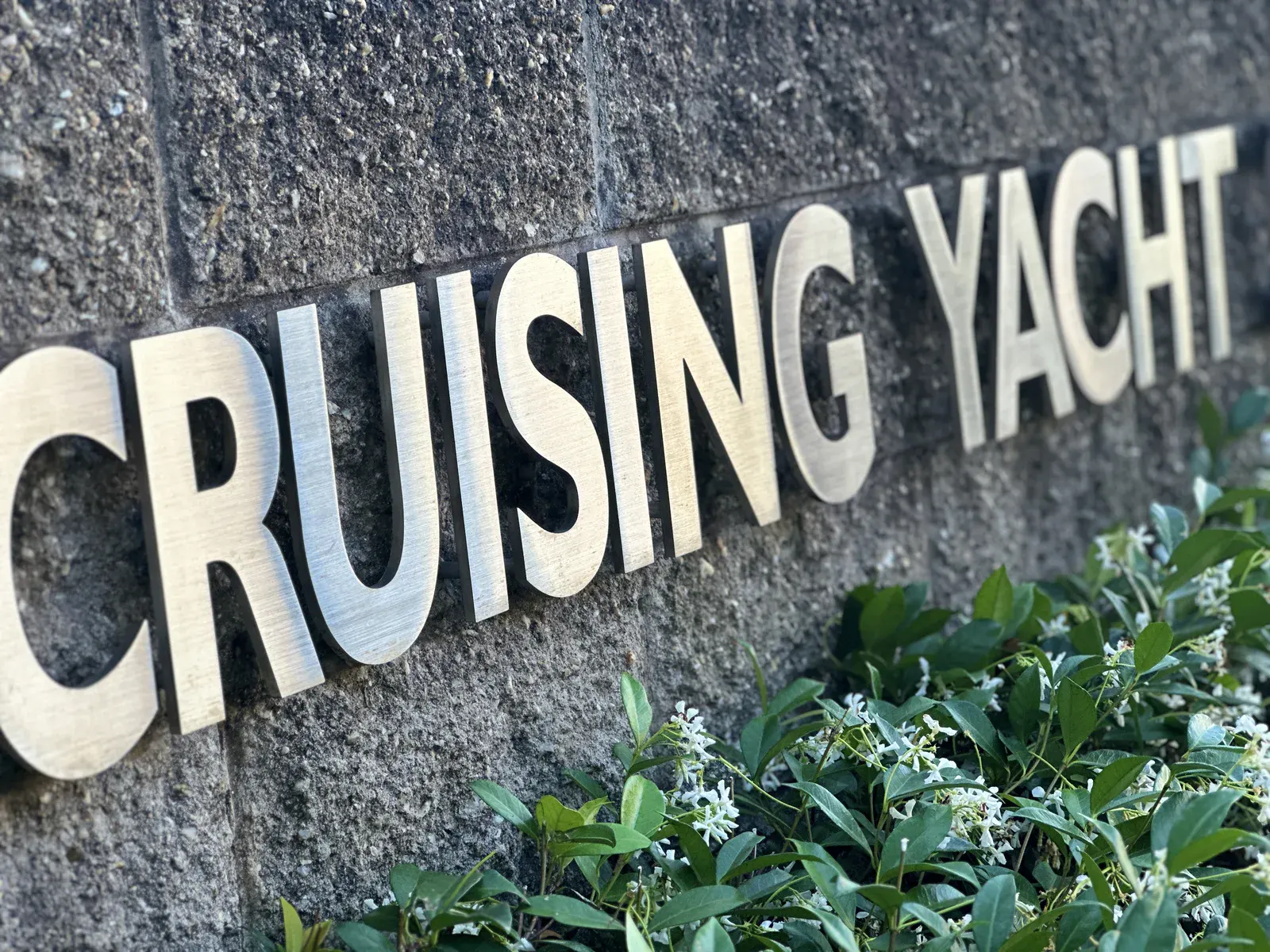
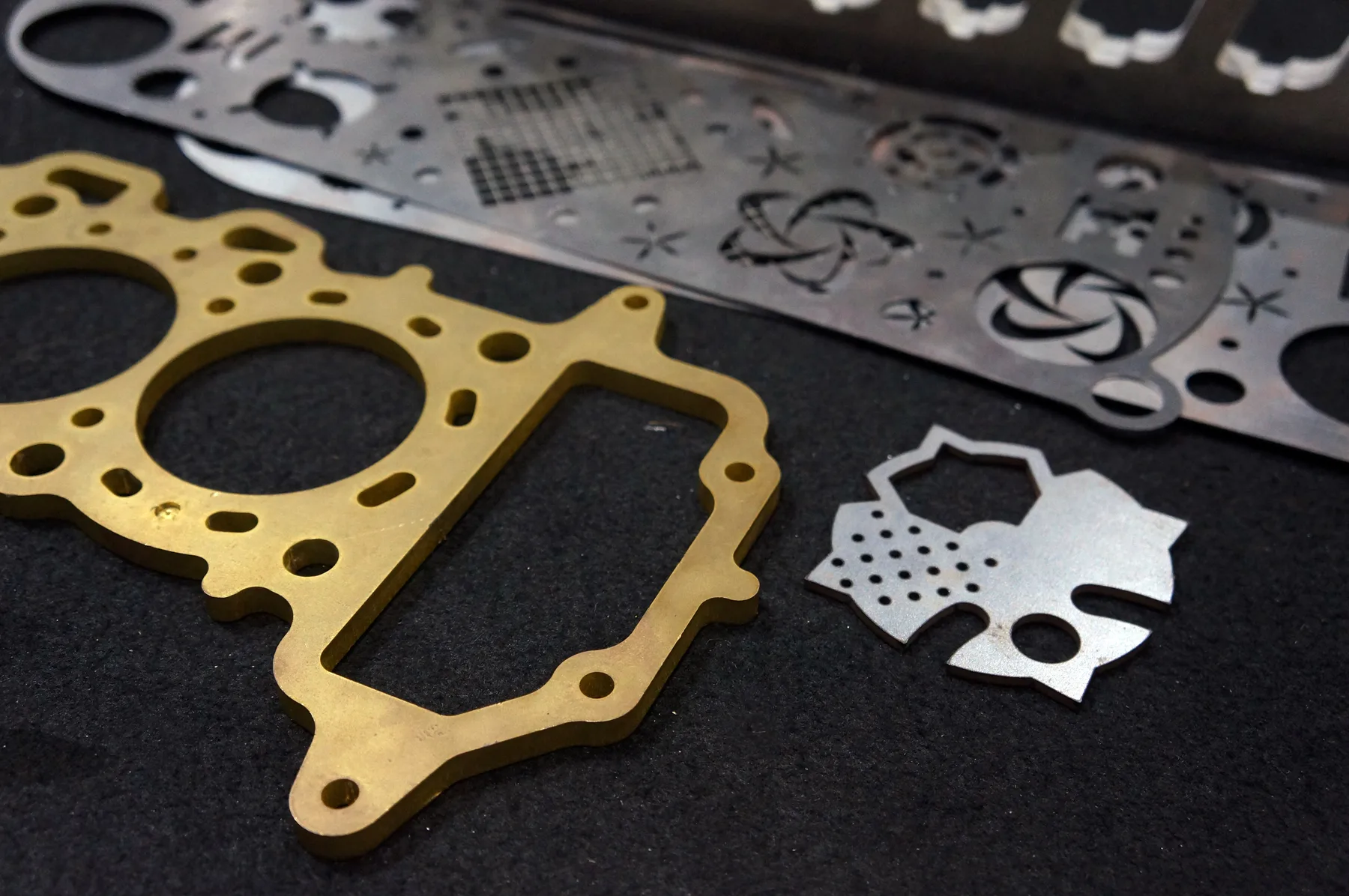
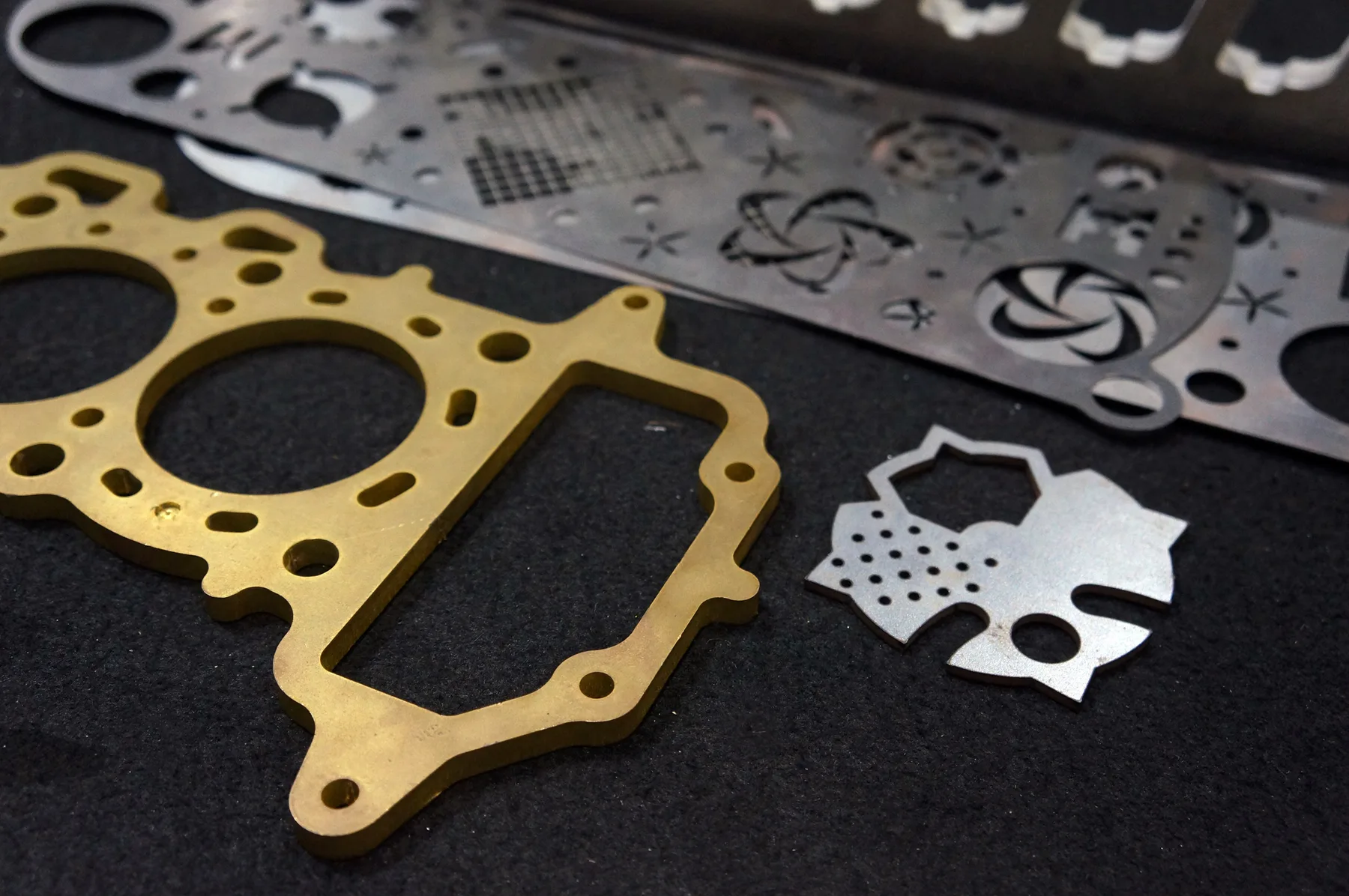
Relevant workshop, material and process photos showing the kind of cutting work this page is built around.
Materials and production fit
The fastest quote is a clean file with known material and thickness. The safest quote is a reviewed job when finish, fit or production risk matters.
Use this guide for laser-suitable non-metals only.
The file should make each operation obvious.
Some files should not be forced into instant pricing.
Capabilities at a glance
CO2 laser cutting and engraving for suitable non-metal sheet materials, selected by material, thickness and operation type.
DXF, DWG, SVG, AI or vector PDF can be reviewed when cut, engrave and mark operations are separated clearly at true millimetre scale.
Sign shops, acrylic fabricators, display makers, industrial label buyers, designers, shopfitters and trade customers.
Suitable for simple cut-only acrylic or light sheet files with correct scale, material, thickness and quantity.
Best for cut plus engrave files, labels, supplied sheet, unknown plastic, fine artwork, score lines or finish-critical display work.
Sydney production support from Botany NSW, with pickup or delivery for suitable Australian jobs.
Why this page matters
These are not thin doorway pages. Each one captures a specific commercial query and routes buyers into the correct material, service, location or quote pathway.
CO2 file setup searches indicate buyers are close to ordering but need confidence before uploading artwork.
The page connects CO2 laser cutting, acrylic engraving, traffolyte-style labels, acrylic cutting and the online quote path.
It prevents customers from mixing cut lines, engrave artwork and reference geometry in one unclear file.
This strengthens the CO2, acrylic, engraving, signage and file-prep clusters without polluting fiber metal pages.
Instant pricing
Use instant pricing for clean CO2 cut-only files with material, thickness and quantity selected.
Reviewed quote
Use reviewed quoting for engraving, scoring, vector marking, supplied material, unknown plastics, tiny detail or visible presentation work.
Cutting technologies
The best process is selected around material, thickness, finish, geometry and whether the file is ready for instant pricing.
Technical guidance
Files should be drawn at final size in millimetres. If the source is ambiguous, add one known dimension in the quote notes.
Through-cut, vector mark, score and raster engrave artwork should be on separate layers or clearly labelled before review.
Do not send PVC or vinyl for CO2 laser cutting. Unknown plastics should be reviewed before any production decision.
Engraving depth, face side, material colour, reverse engraving and fill/paint expectations should be included in the notes.
Related services and materials
These pages move buyers from the broad search term into process, material, location or application detail.
 Custom Laser Cutting Services Australia
Contract Laser Cutting Manufacturing Partner Australia
Custom Laser Cutting Services Australia
Contract Laser Cutting Manufacturing Partner Australia
 Cutting, Welding and Finishing Services Australia
Laser Cut Prototypes
Laser Cutting Booking Australia
Cutting, Welding and Finishing Services Australia
Laser Cut Prototypes
Laser Cutting Booking Australia
 Laser Cutting CAD Drafting Australia
Laser Cutting Lead Times Australia
Laser Cutting Machine Capabilities Australia
Laser Cutting CAD Drafting Australia
Laser Cutting Lead Times Australia
Laser Cutting Machine Capabilities Australia
 Laser Cutting Project Support Australia
Laser Cutting Quote Requirements Australia
Laser Cutting Sheet Size and Nesting Guide
Laser Cutting Stock Material Guide Australia
Laser Cutting Project Support Australia
Laser Cutting Quote Requirements Australia
Laser Cutting Sheet Size and Nesting Guide
Laser Cutting Stock Material Guide Australia
Common questions
DXF and DWG are preferred for cutting. SVG, AI and vector PDF can be reviewed when they contain real vector geometry.
Engraving should be supplied as vector artwork or high-quality raster artwork with position, size, material and face-side notes.
Yes, but the operations should be separated clearly so cutting, marking and engraving are not confused.
No. Acrylic is the core CO2 plastic. PVC, vinyl and unknown plastics should not be treated as standard laser-cut materials.
Quote-ready files
Use instant pricing for clean cutting files, or send complex jobs through reviewed quoting when production decisions matter.