Real vector geometry
For cutting, the file must contain machine-readable vector paths. A picture inside a PDF is not enough.

Buying guide
A practical guide to the factors that affect laser cutting prices, including material, thickness, cut length, setup and quantity. Written for trade customers who need better files, clearer material choices and fewer quoting delays.
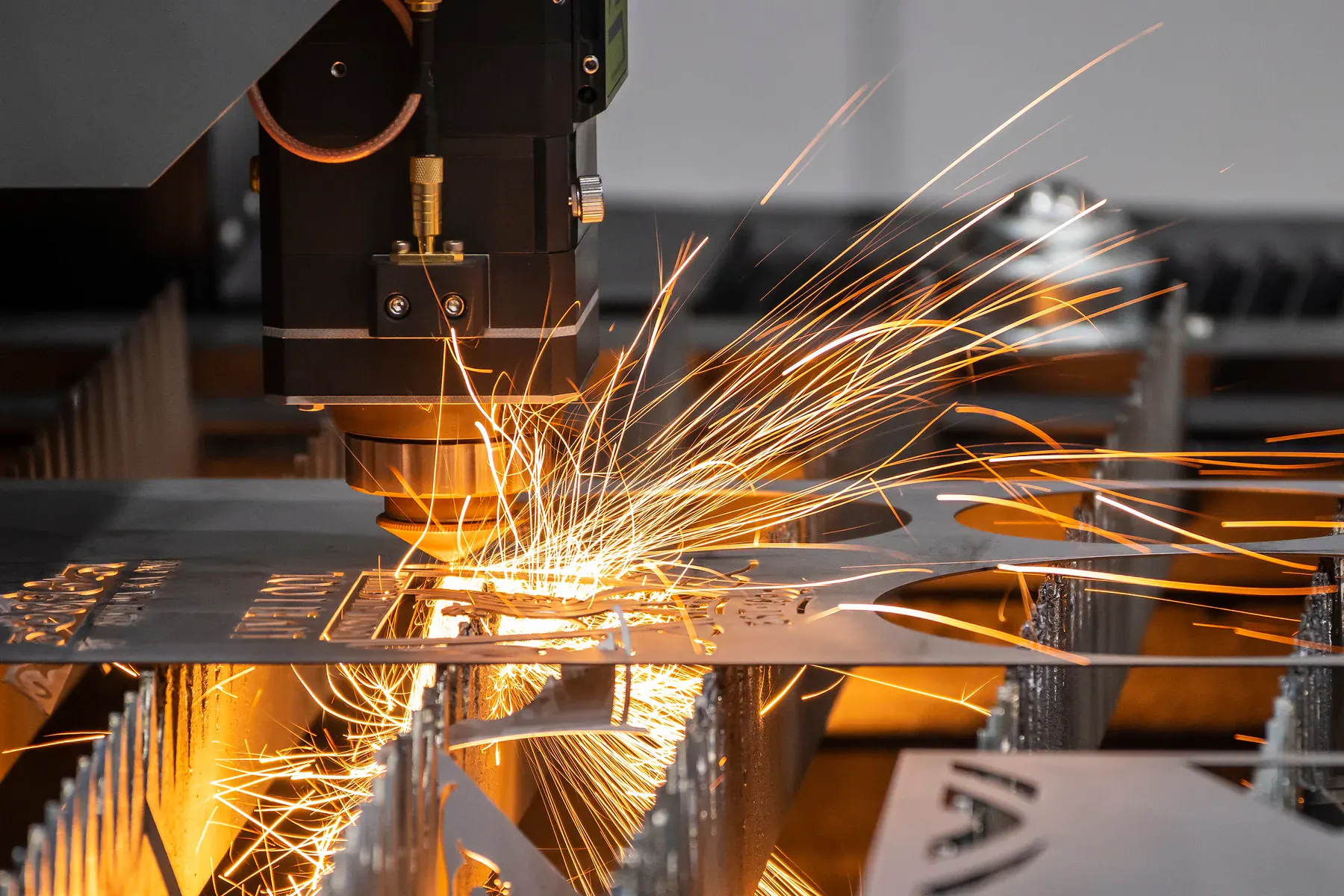
Guide summary
A practical guide to the factors that affect laser cutting prices, including material, thickness, cut length, setup and quantity.
The aim is practical: better quoting files, fewer production surprises and clearer decisions about when to use instant pricing versus reviewed quoting.
Practical checks
For cutting, the file must contain machine-readable vector paths. A picture inside a PDF is not enough.
Set drawings at real-world scale and remove duplicate lines, open paths and hidden construction geometry.
Confirm material, thickness, side finish, coating and whether you are supplying sheets or need material included.
Engraving, folds, paint, welding, 3D printing, assembly or unclear files should go through reviewed quoting.
Buyer notes
Use this guide to understand why two parts with the same outside size can price differently. The biggest difference is usually not the rectangle around the part; it is the material, thickness, total cut length, pierce count, nesting efficiency and whether the file needs interpretation before production.
Confirm the exact material and thickness before comparing prices. Mild steel, stainless steel, aluminium and acrylic behave differently in the quote path, and thickness affects speed, cut quality, edge expectation and review requirements.
A part with many internal details can take longer than a simple panel even when the outside dimensions are smaller. Long contours, dense patterns and repeated small details all increase machine time.
Every hole, slot and internal cut usually needs a start point. High pierce counts can increase cost, especially in thicker metal or parts with many small cutouts.
Multiple copies in the same material and thickness can reduce handling and setup waste. Mixed materials, mixed thicknesses or many one-off files usually need more review.
Duplicate lines, open paths, hidden artwork, wrong units and screenshot PDFs can turn a fast quote into redraw or review work.
Welding, folding, painting, engraving, tapping, supplied material and visible faces should be discussed before relying on a cutting-only estimate.
Avoid these mistakes
Do not compare a clean DXF price with a quote that includes redraw, material sourcing, finishing or fabrication.
Do not assume a bigger part always costs more than a smaller detailed part.
Do not upload artwork at the wrong scale and expect the price to mean anything useful.
Do not hide material choice until after quoting; material is one of the main cost drivers.
What to send
The best quote request combines a clean file with the commercial details that production needs: material, thickness, quantity, finish expectation, deadline and whether the part is a sample, one-off, repeat batch or component in a larger job.
If any of those details are unknown, reviewed quoting is the better path. It gives the team a chance to check the file, ask the right questions and prevent a fast estimate from being mistaken for a production-ready decision.
Quote readiness
Good guidance reduces wasted quoting time, but it does not remove the need to check files, materials and finish expectations. If the work has supplied material, mixed processes, visible presentation faces, tight fit-up, customer-specified hardware or unclear scale, the safest quote path is still a reviewed quote before production acceptance.
More guides
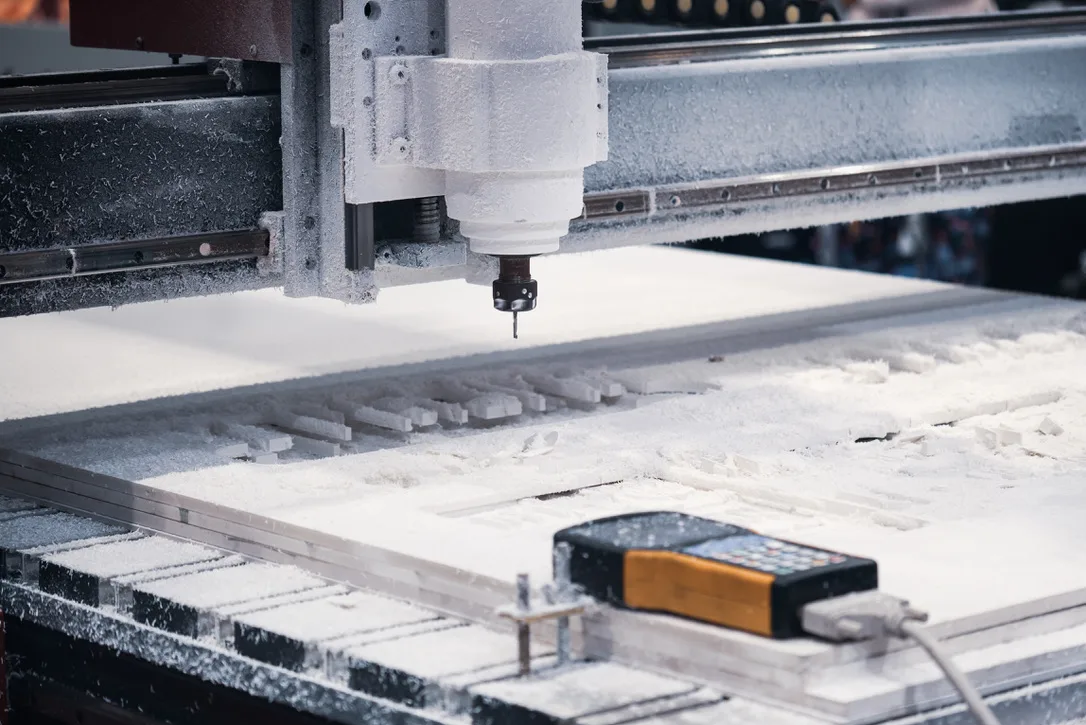
File preparation
The file setup mistakes that slow down quoting and production, plus a clean checklist for cut-ready drawings.
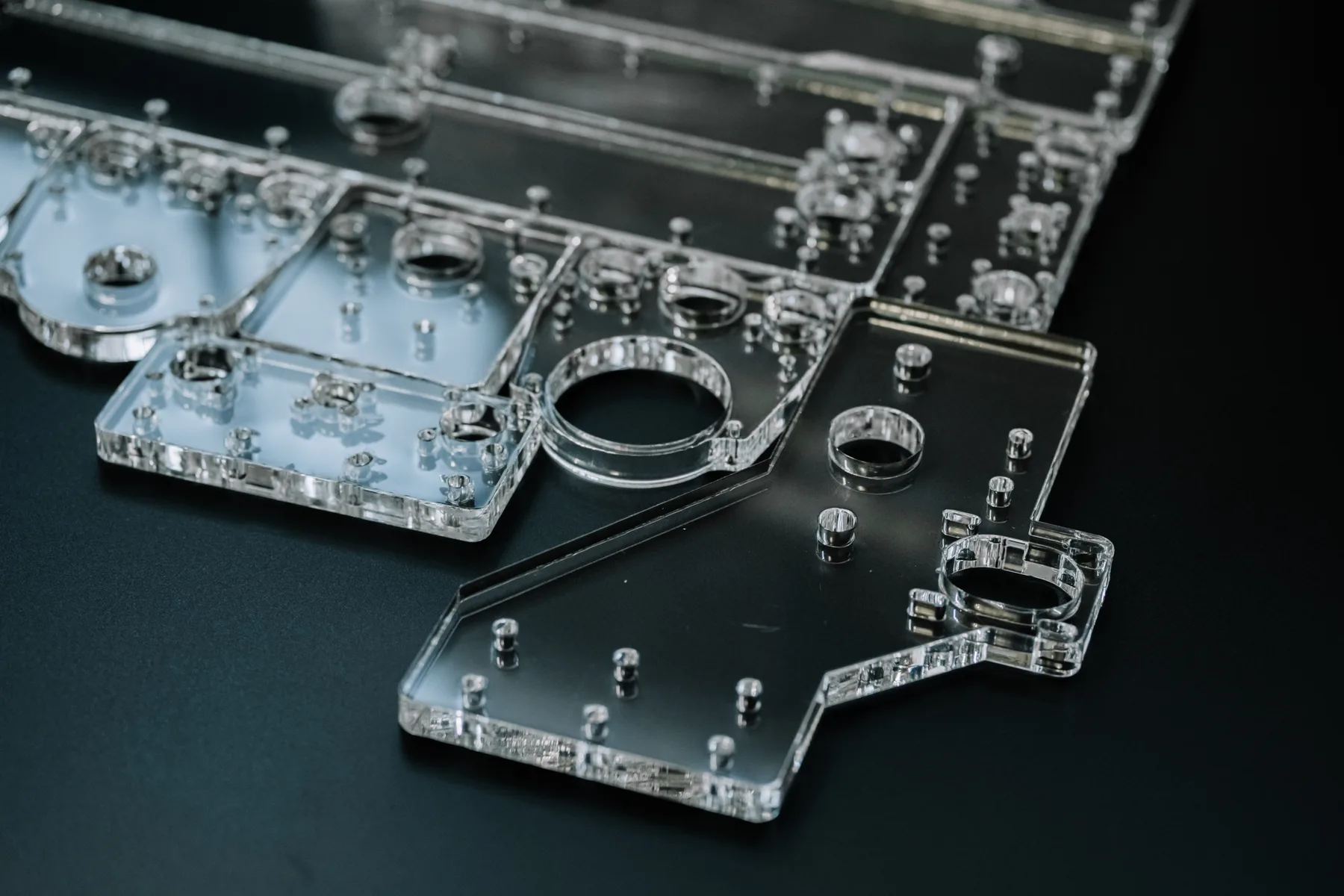
Material guide
How acrylic behaves when laser cut, which finishes work best, and how to design parts for clean edges and reliable fit.
Process guide
When to use fiber laser for metals, when CO2 laser is better for acrylic and timber, and why the material decides the process.
Common questions
Yes, but only if it is a vector PDF with real cut lines at the correct scale. A JPG, screenshot or photo saved as a PDF is still an image.
DXF and DWG files are preferred. Vector PDF can work when it contains real vector cut paths.
Ask for review when the job has unclear geometry, supplied material, finishing, fabrication, engraving, folds, assembly or tight production requirements.
Use the guide
Upload DXF, DWG or vector PDF files with actual cut paths, or send unclear jobs through reviewed quoting.