DXF and DWG file setup
Use real vector cut paths at 1:1 scale, with construction lines, dimensions and title blocks removed unless they are production notes.

Design guidelines
Practical file setup guidance for buyers who want cleaner quotes, fewer drawing issues and better production outcomes from DXF, DWG and vector PDF files.
What we cut
Practical file setup guidance for buyers who want cleaner quotes, fewer drawing issues and better production outcomes from DXF, DWG and vector PDF files.
This page exists for commercial intent: buyers who need a part, panel, material or local cutting service and want to know whether they can upload a file for instant pricing or should request review.
Use real vector cut paths at 1:1 scale, with construction lines, dimensions and title blocks removed unless they are production notes.
A PDF should contain real vectors, not a screenshot, scan or flattened artwork pretending to be a cutting file.
Draw holes, slots and cut-outs accurately, and keep small details sensible for the material and thickness.
Add material, thickness, face side and quantity clearly so quoting does not depend on guessing.
Keep file names, revisions and material notes stable when the same part will be ordered again.
When the job is not cut-ready, send photos, sketches, samples and use notes so the team can review the path forward.
Project gallery
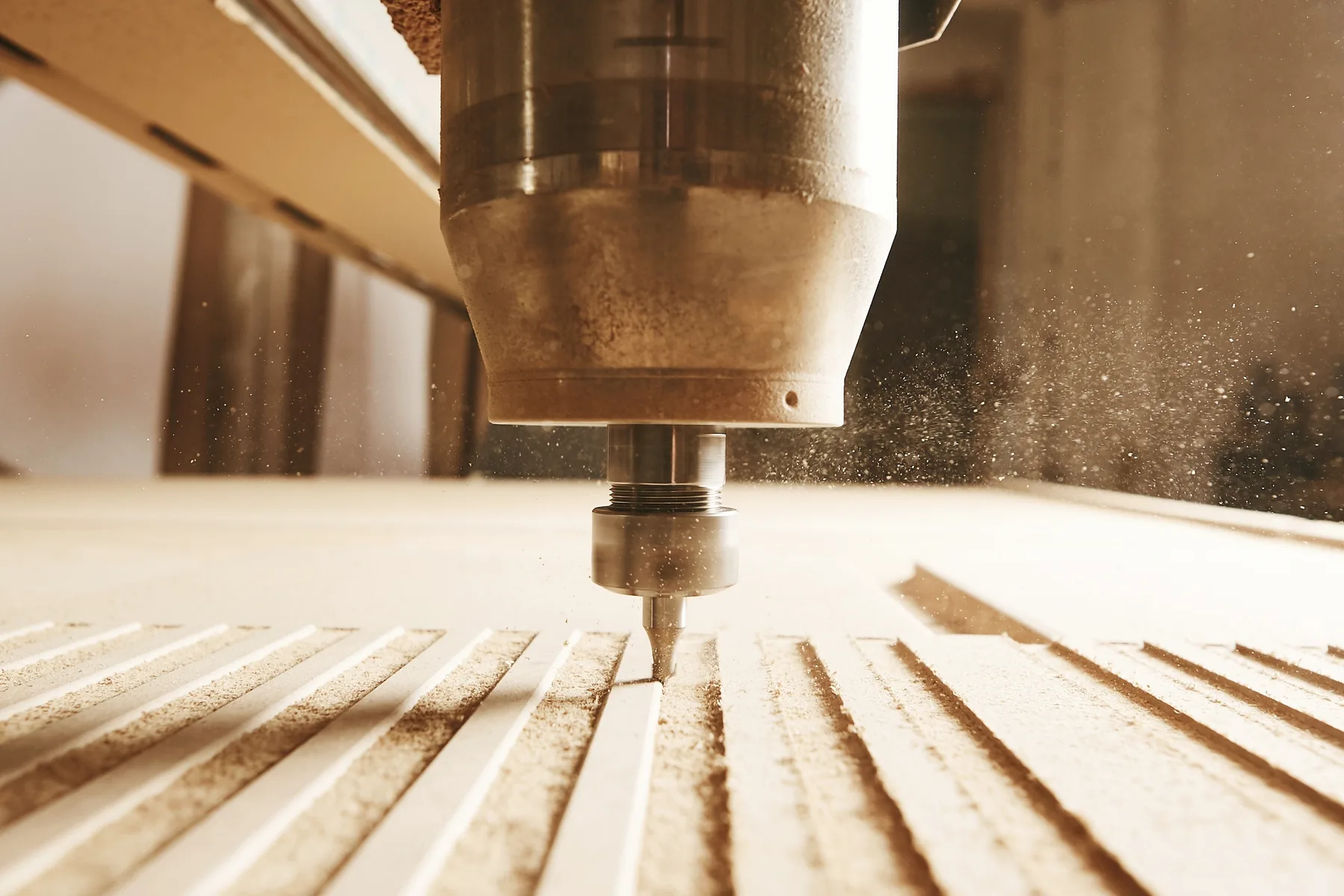
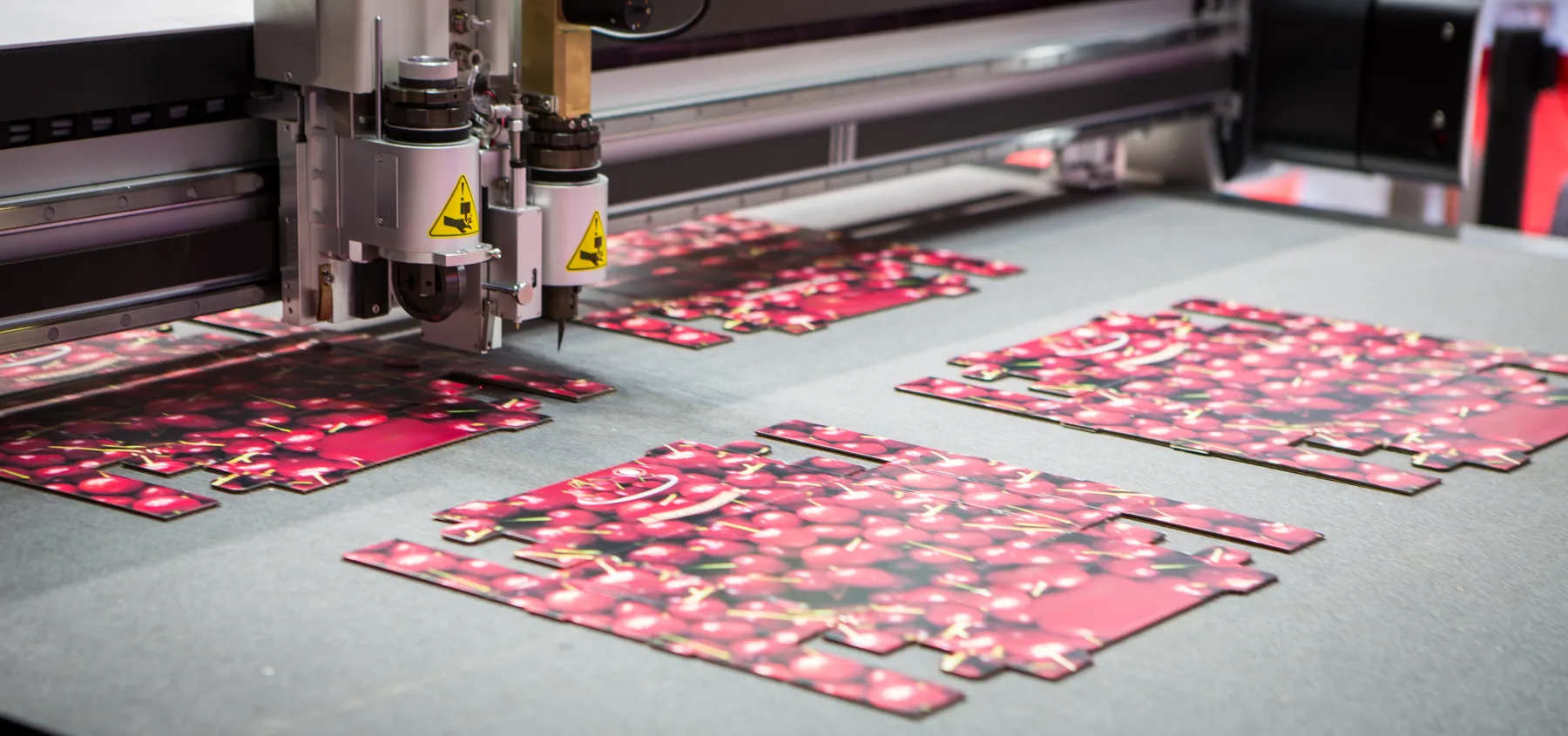
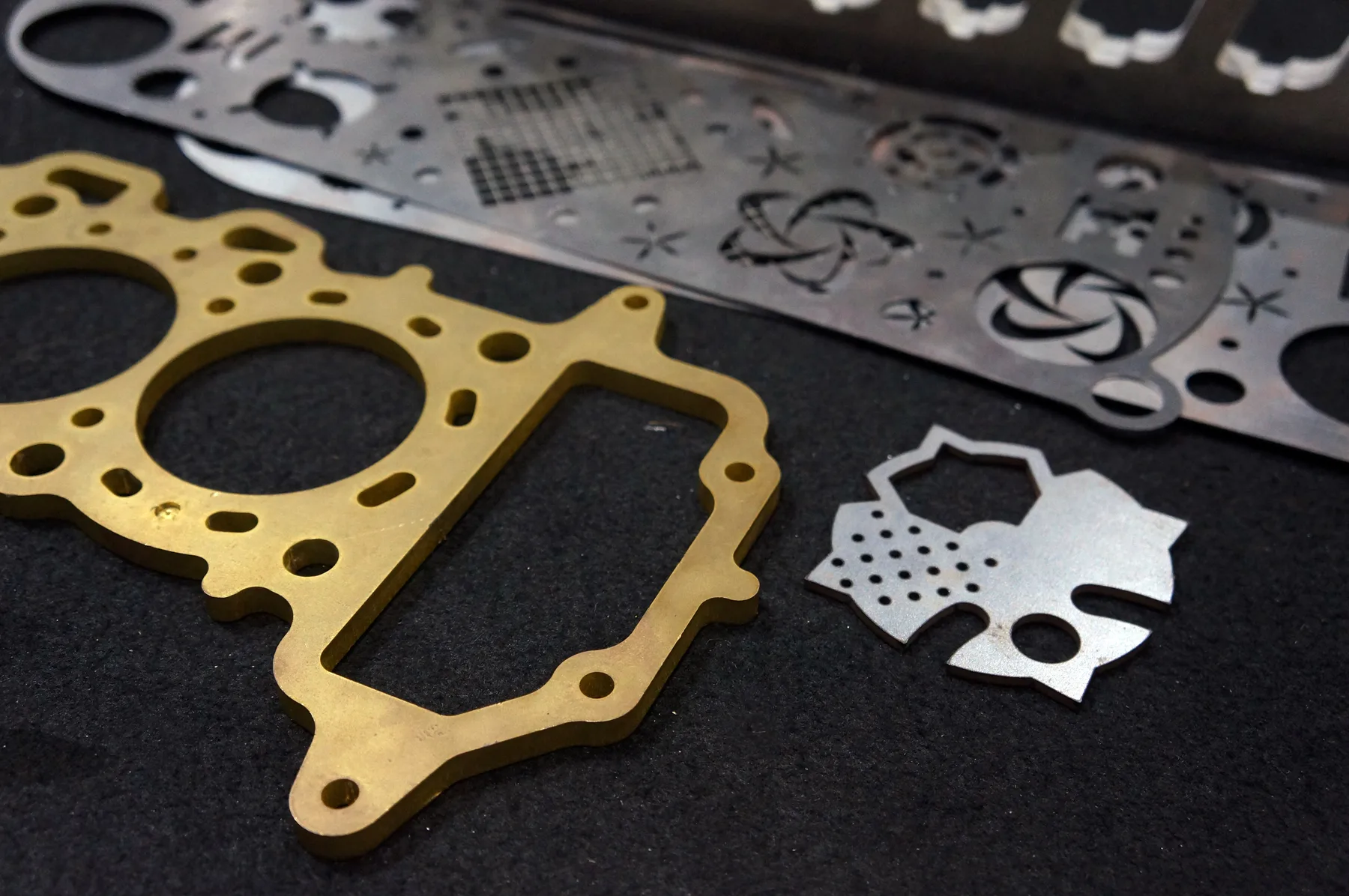
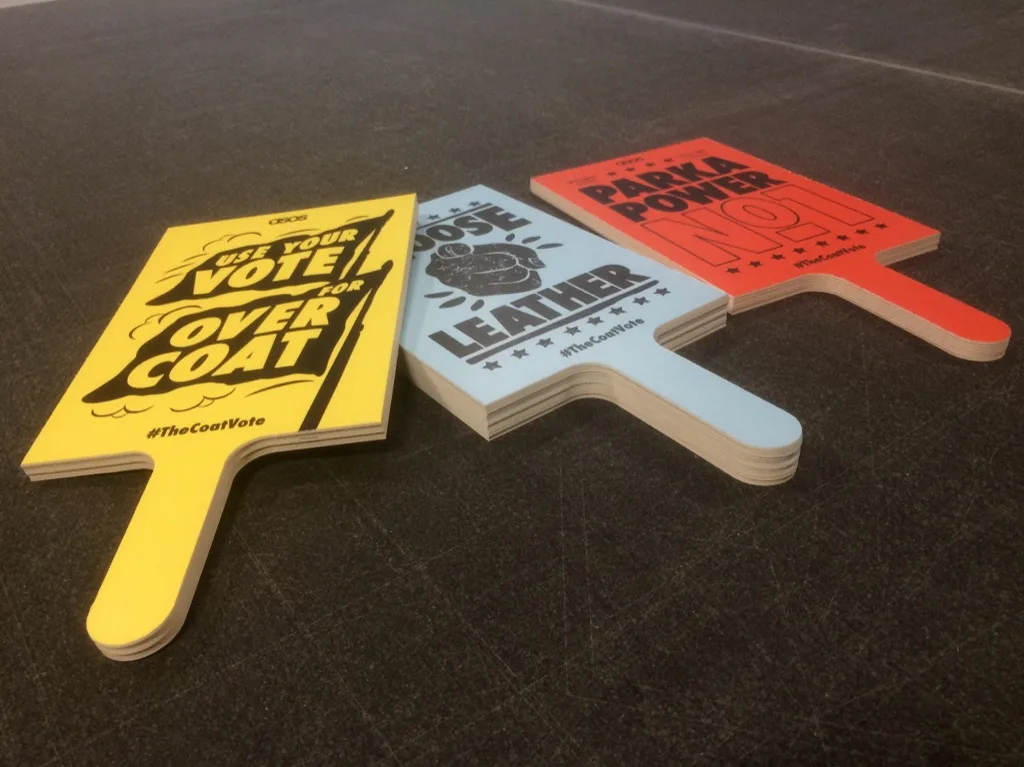
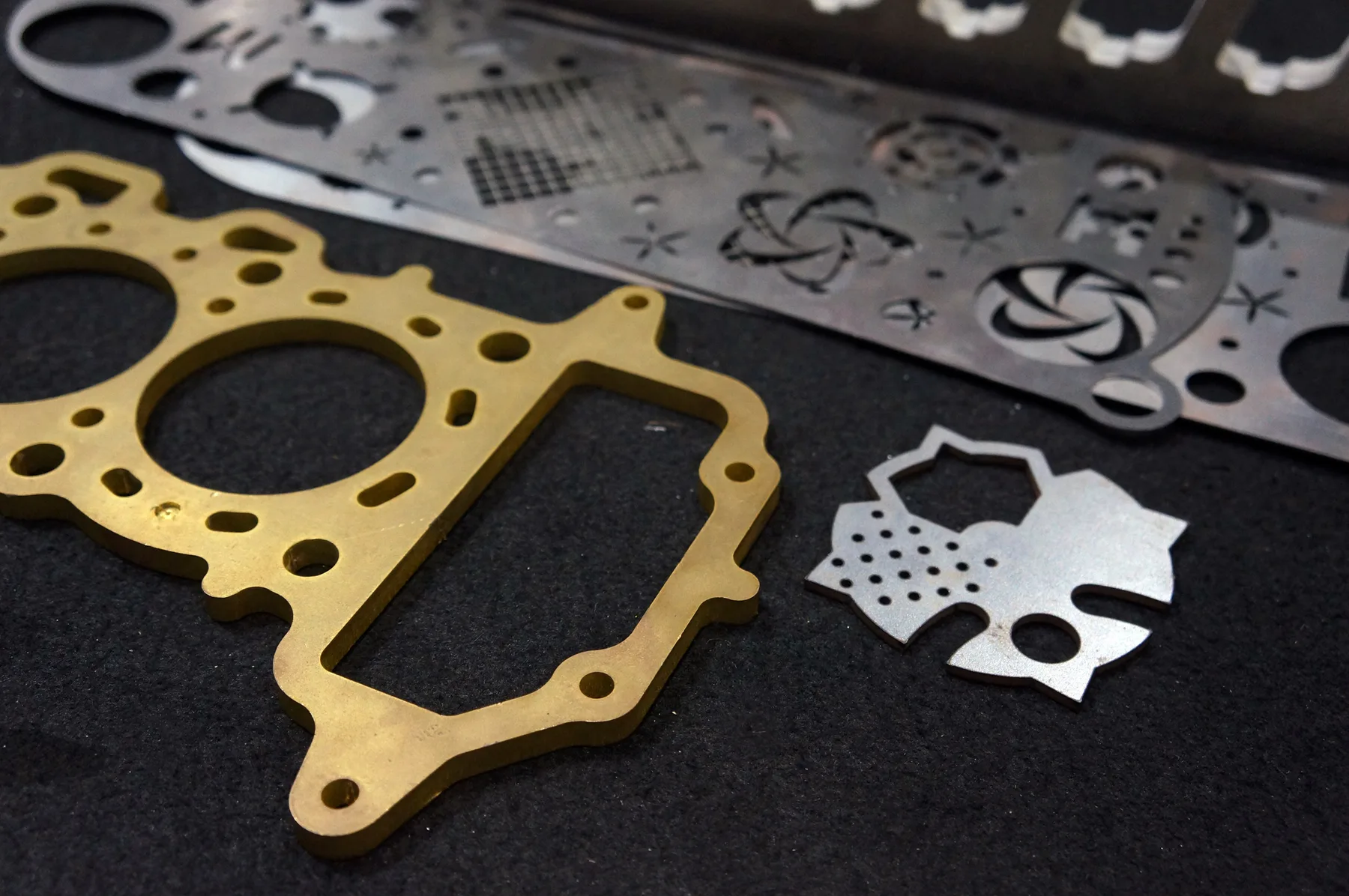
Relevant workshop, material and process photos showing the kind of cutting work this page is built around.
Materials and production fit
The fastest quote is a clean file with known material and thickness. The safest quote is a reviewed job when finish, fit or production risk matters.
The file should describe the part the machine must cut, not only how the part should look.
Material changes can alter edge quality, process choice, tolerance expectation and quote path.
Review is safer when the file has ambiguity or the final use matters more than speed.
Capabilities at a glance
File preparation guidance for fiber laser, CO2 laser, CNC router and digital knife cutting workflows.
DXF, DWG or vector PDF files with real cut paths at the correct scale.
Engineers, fabricators, sign shops, designers, shopfitters, builders and procurement teams preparing quote-ready files.
Best when the drawing has clean vector paths, correct scale, material, thickness and quantity.
Best when the file is a scan, photo, screenshot, unclear artwork, supplied material or a job with finish or fit risk.
Sydney production support from Botany NSW, with pickup or delivery for suitable Australian jobs.
Why this page matters
These are not thin doorway pages. Each one captures a specific commercial query and routes buyers into the correct material, service, location or quote pathway.
Buyer education before upload reduces failed quotes, bad files and production confusion.
It routes users into file prep, online quote, material and process pages after explaining what a production file needs.
Better file education reduces bad uploads and lets instant pricing stay useful for the jobs it can actually handle.
This strengthens the quote, DXF, design, tolerance and repeat-production content cluster.
Instant pricing
Use instant pricing when the file is a clean cutting-only DXF, DWG or vector PDF with material, thickness and quantity already known.
Reviewed quote
Use reviewed quoting when the source file is unclear, visual-only, supplied material, finish-critical or requires production judgement.
Cutting technologies
The best process is selected around material, thickness, finish, geometry and whether the file is ready for instant pricing.
Technical guidance
Australian production should be treated as metric. Files should be drawn at real-world size, with units and scale confirmed before quoting.
Cut paths should be easy to identify. Notes for engraving, face side, material, thickness or quantity should not create accidental cut geometry.
A JPG, PNG, scan or screenshot inside a PDF still needs review or redrawing. It should not be treated as a production vector file.
Small holes, thin bridges, sharp internal corners, fragile shapes and visible faces should be checked against the material and final use.
Related services and materials
These pages move buyers from the broad search term into process, material, location or application detail.
Common questions
DXF and DWG are preferred for most production cutting. Vector PDF can work when it contains real cut paths at the correct scale.
A screenshot or photo can be reviewed, but it is not a cut-ready file for instant pricing.
Yes. Treat production files as metric and confirm real-world dimensions before quoting.
Missing material, wrong scale, duplicate paths, raster artwork, unclear quantities and unsupported secondary operations are common causes.
Quote-ready files
Use instant pricing for clean cutting files, or send complex jobs through reviewed quoting when production decisions matter.