
Focused on CNC router files, not laser cutting. Internal corners, tool radius and depth operations matter.
Plywood CNC design guide
Plywood CNC Cutting Design Guide for Router-Ready Files
A practical guide for preparing plywood CNC router files with clean DXF geometry, real millimetre scale, sensible part spacing, internal corner clearance, dogbone fillets, pockets and rebates.
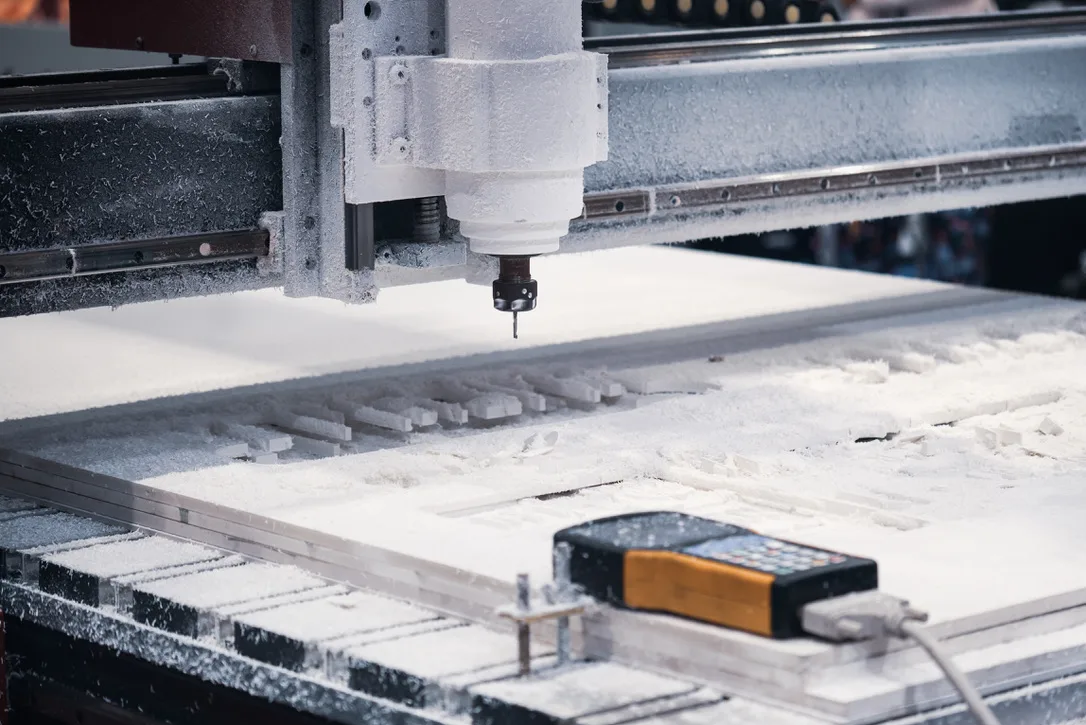
Best fitBuyers and designers preparing plywood router files before requesting a quote.
Typical workPlywood panels, slot-together components, shopfitting parts, templates, furniture-style flat parts, decorative screens, jigs and display pieces.
File setupUse DXF or DWG where possible. Include only real production geometry, use millimetres, close shapes, remove duplicate lines, separate operations and note material thickness.
Quote pathUse instant pricing after the file is simple and cut-ready. Use reviewed quoting for dogbones, pockets, rebates, tight fits, veneers, supplied sheet or finish-critical plywood work.
Downloadable asset
Download the plywood CNC file checklist.
This branded A4 checklist is built for plywood, MDF and timber-panel router files. It helps clients check scale, internal corners, dogbones, nesting, pockets, rebates, visible faces and review triggers before sending DXF or DWG files.
Dogbones, slots and tight assemblies are called out early so fit-critical work moves to review.
Material, thickness, quantity, visible face, grain direction and revision notes are captured before upload.
What we cut
Practical work behind the search term.
A practical guide for preparing plywood CNC router files with clean DXF geometry, real millimetre scale, sensible part spacing, internal corner clearance, dogbone fillets, pockets and rebates.
This page exists for commercial intent: buyers who need a part, panel, material or local cutting service and want to know whether they can upload a file for instant pricing or should request review.
DXF file checks
Confirm the file contains real vectors rather than a screenshot, image trace or scaled visual mockup.
Internal radius planning
Design inside corners with router-bit radius in mind so parts are not accidentally impossible to cut cleanly.
Dogbone fit details
Use dogbone-style relief only where a square mating part actually needs to fit into an internal corner.
Nested sheet layouts
Leave sensible spacing between parts, holes and sheet edges so the work can be held and separated cleanly.
Pocket and rebate notes
Label depth-controlled operations separately from through-cuts so the quote does not treat them as basic outlines.
Fit and finish review
Use review for visible veneer, grain direction, slots, assembly fit and any face-quality expectation.
Project gallery
Production examples for this type of work.
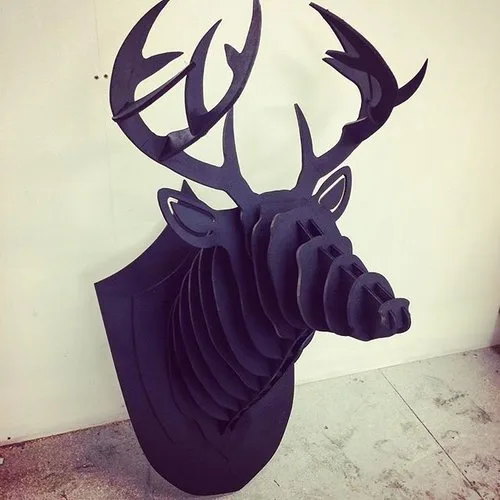
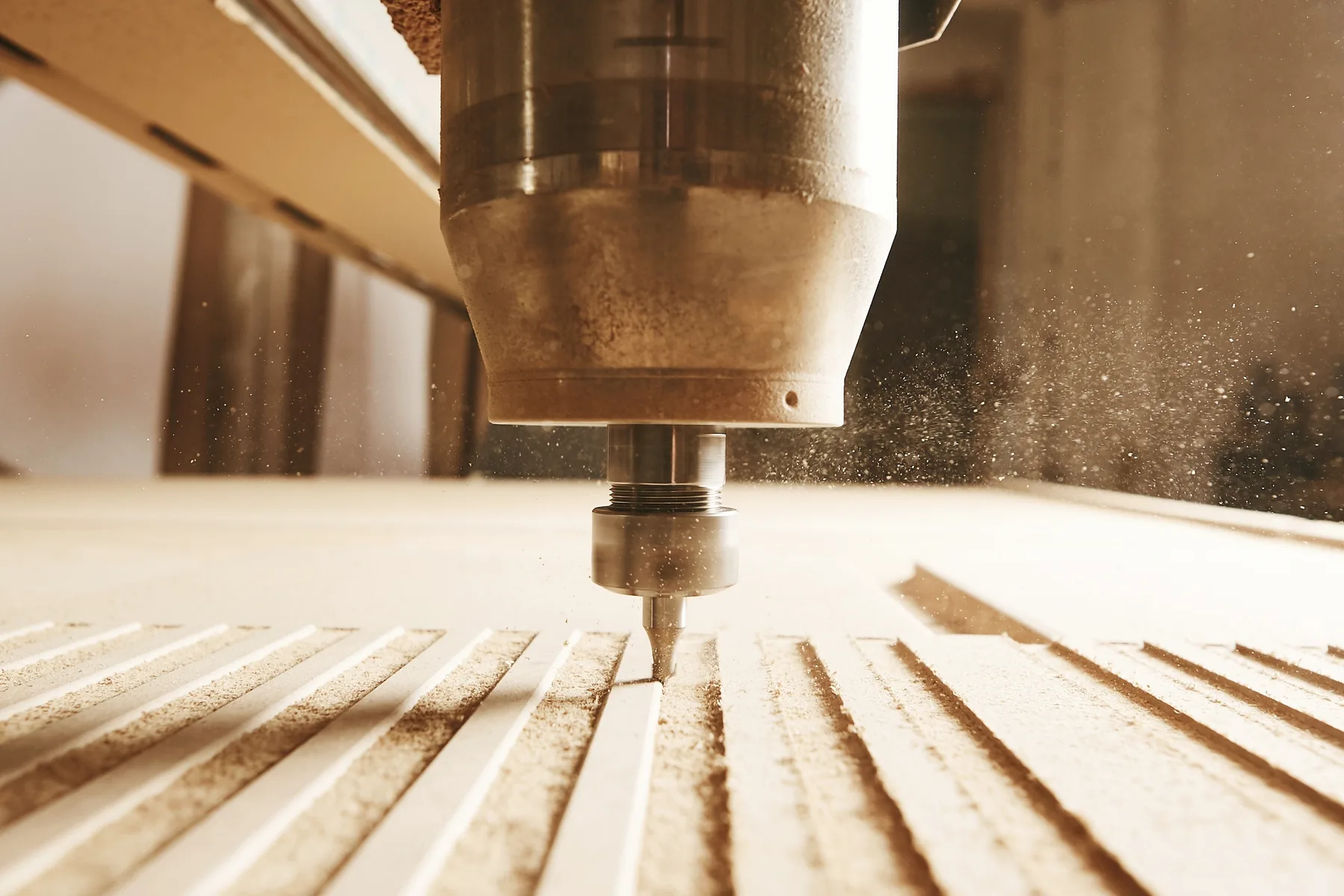
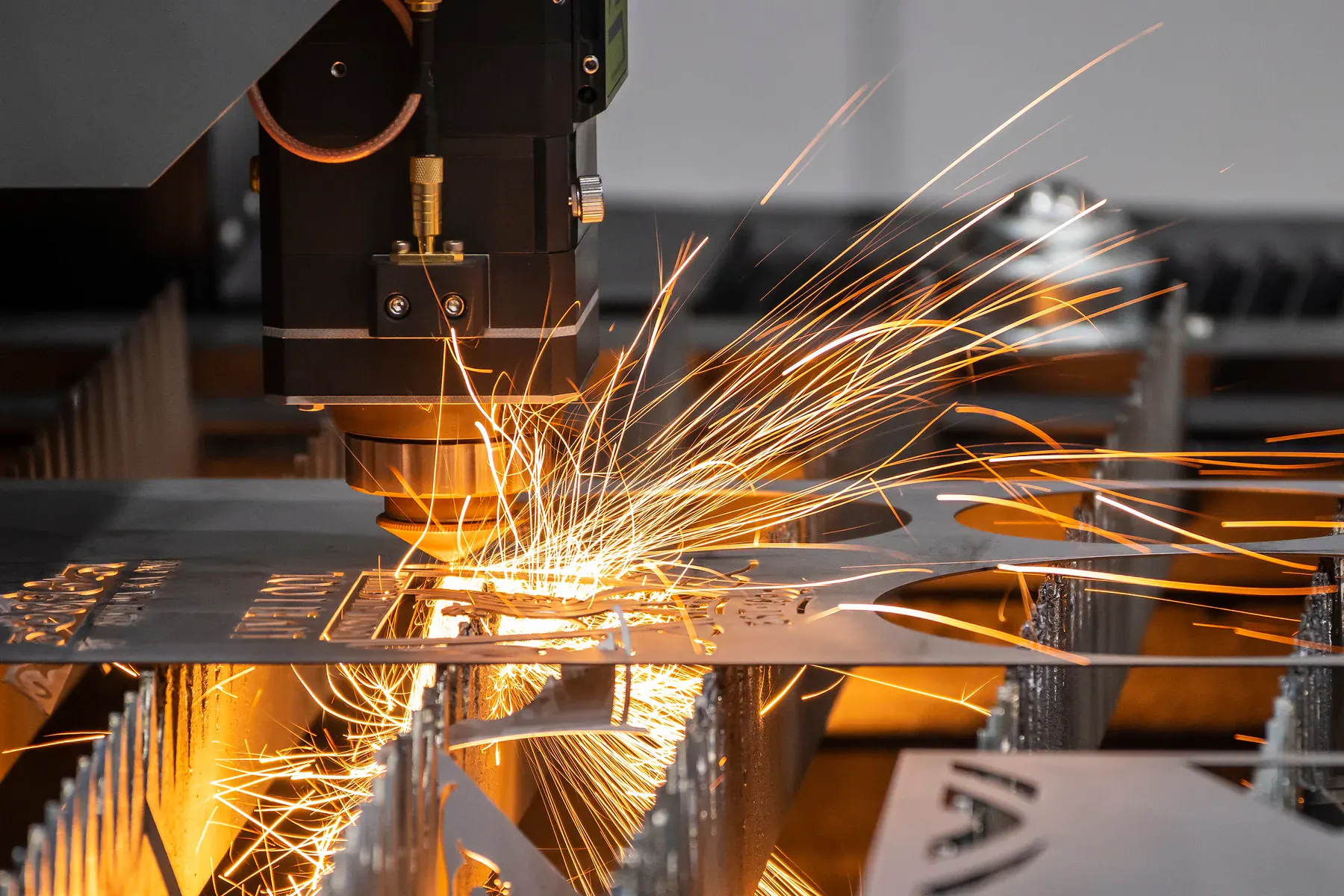
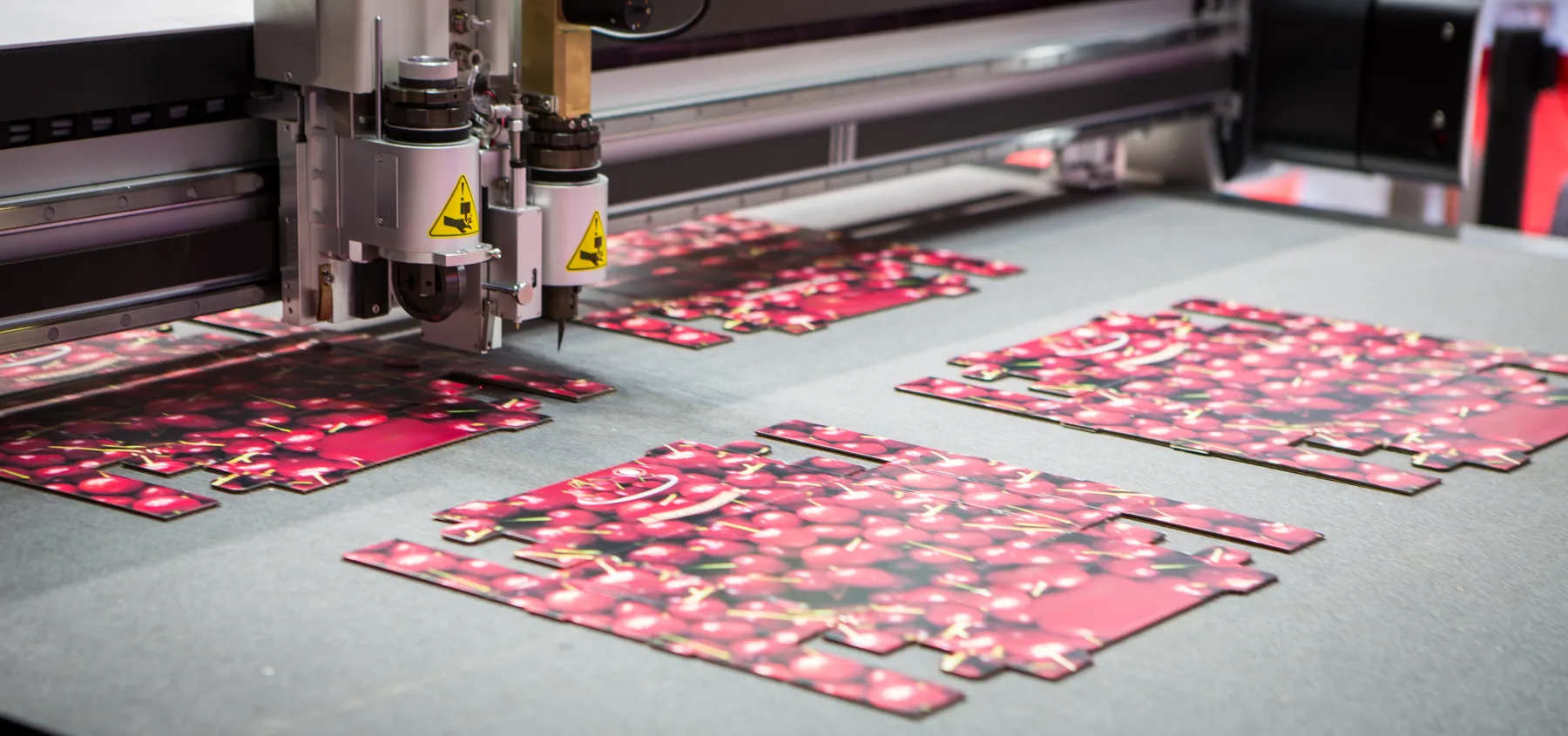
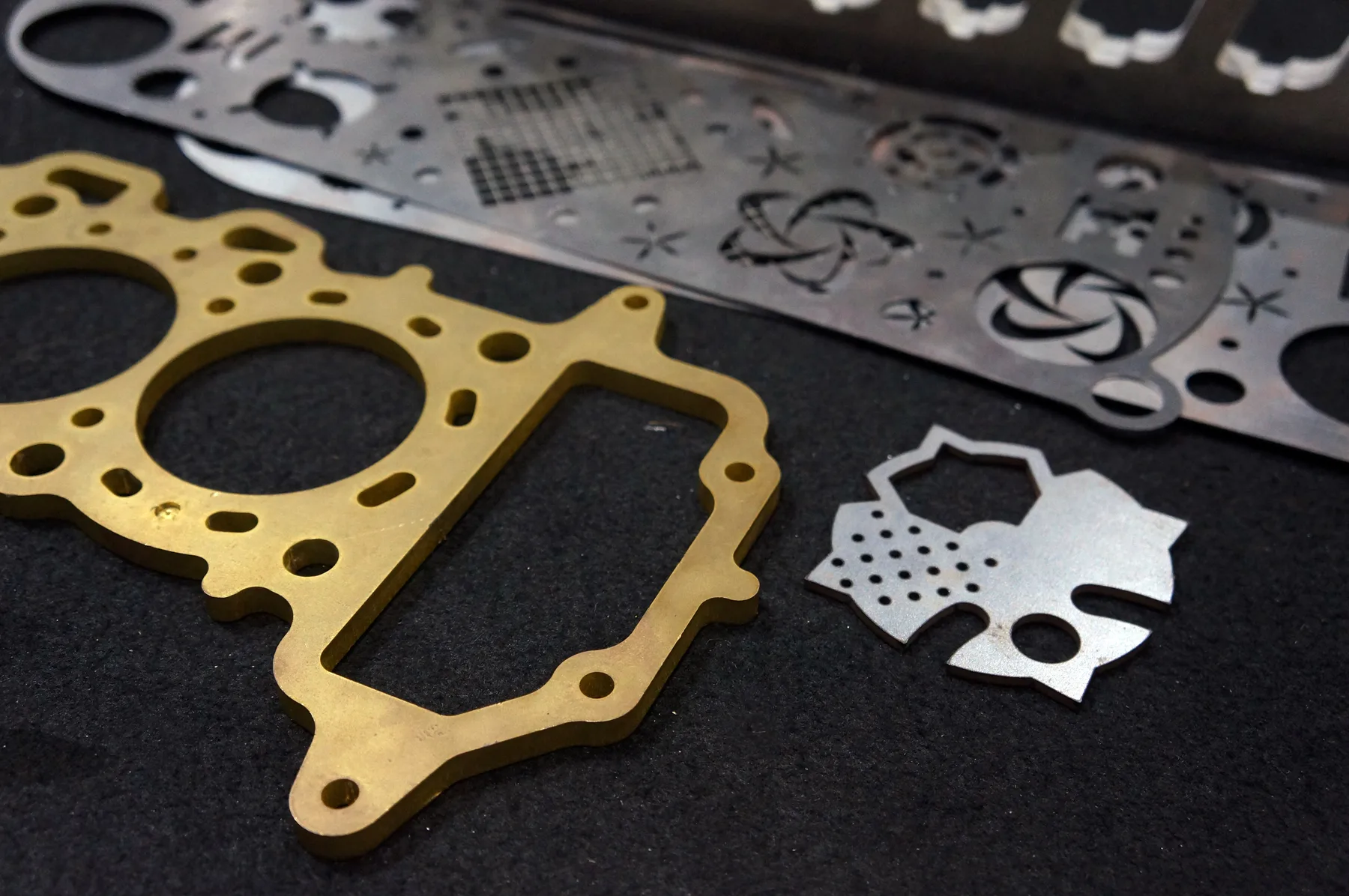
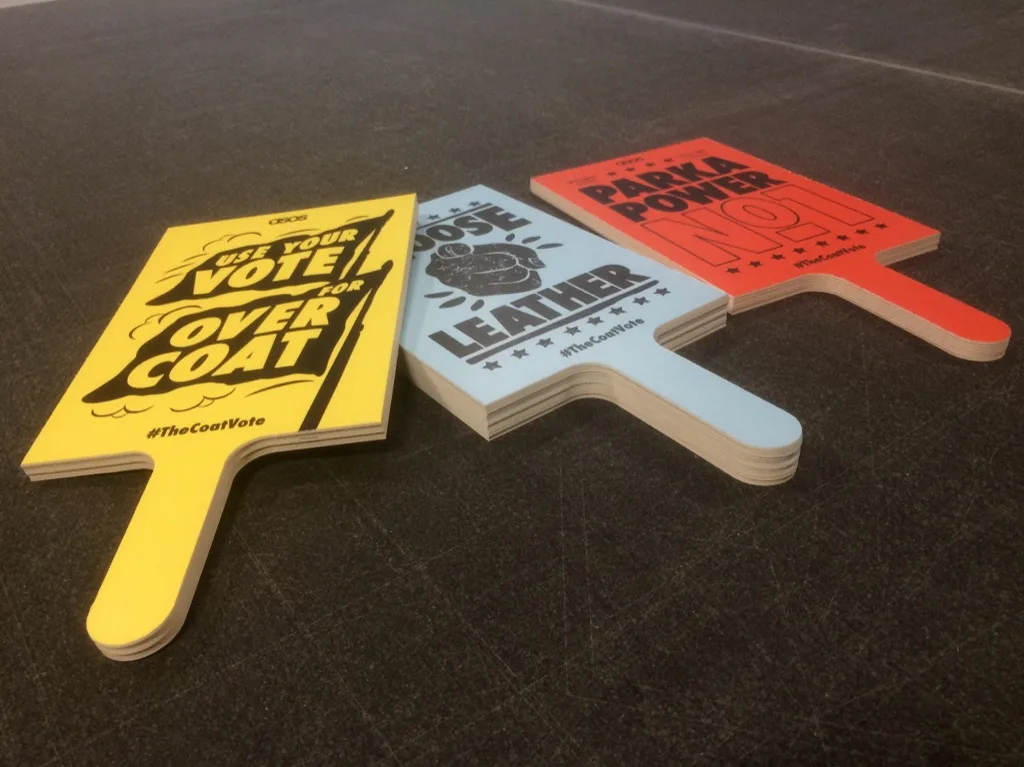
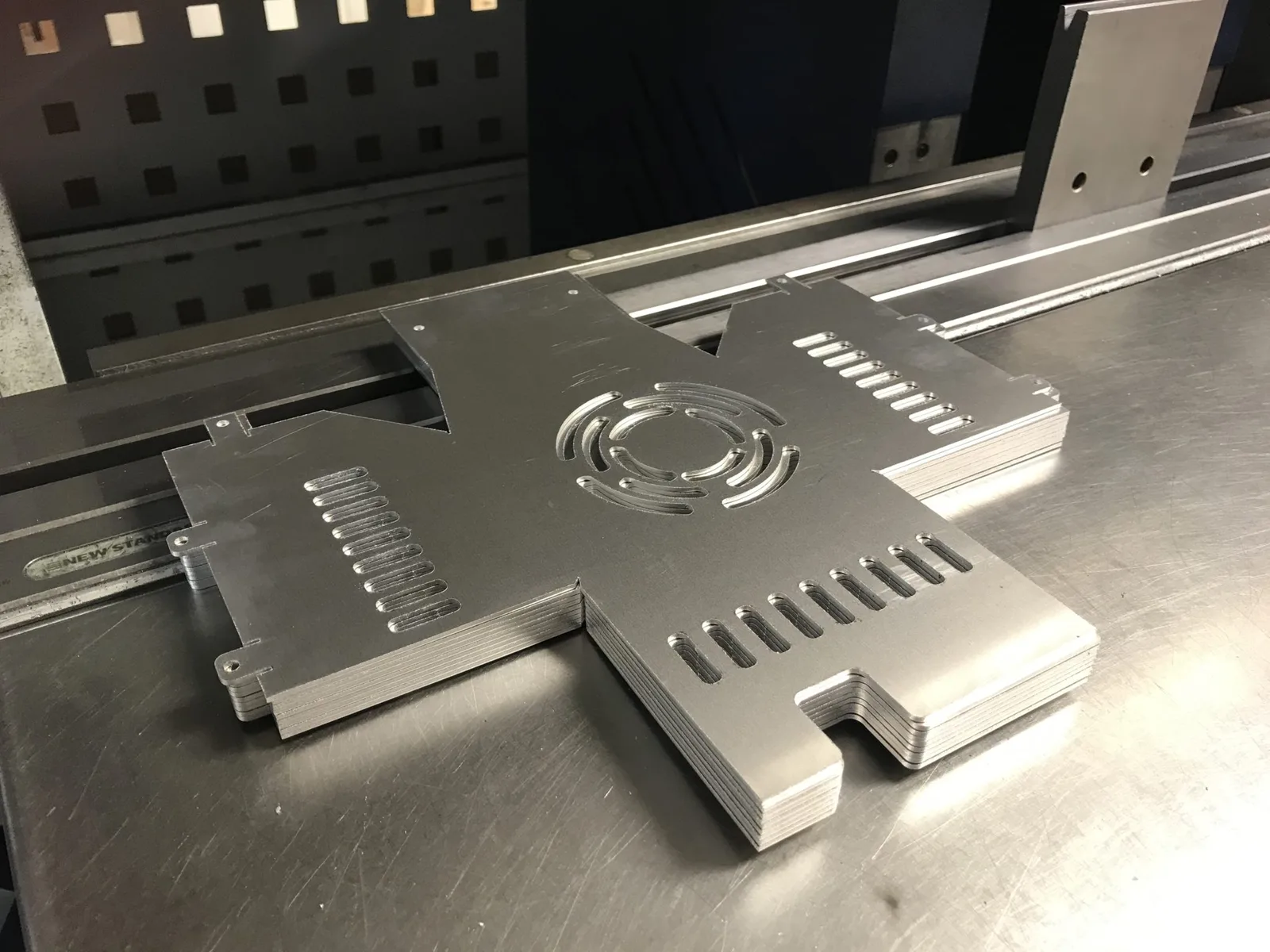
Relevant workshop, material and process photos showing the kind of cutting work this page is built around.

Materials and production fit
Match material, file and quote path before production.
The fastest quote is a clean file with known material and thickness. The safest quote is a reviewed job when finish, fit or production risk matters.
Design inputs
A plywood CNC file is easier to quote when the practical production inputs are included.
- Material thickness
- Finished size
- Quantity
- Visible face
- Grain direction
- Supplied sheet note
Geometry checks
Small drawing issues can create quoting or cutting problems.
- Closed shapes
- No duplicate lines
- No tiny stray paths
- Real millimetre scale
- Outlined text
- Separate layers
Router-specific details
Plywood routing has tool and holding limits that should be designed in.
- Tool radius
- Dogbone fillets
- Part spacing
- Tabs by review
- Pocket depth
- Rebate depth
Capabilities at a glance
Details buyers need before sending files.
Process
Design guidance for CNC router cut plywood, not a guarantee that every file or sheet will be accepted automatically.
Accepted files
Use DXF or DWG where possible. Include only real production geometry, use millimetres, close shapes, remove duplicate lines, separate operations and note material thickness.
Best buyers
Designers, sign shops, shopfitters, joiners, display makers, makers, product teams and trade customers.
Instant pricing
Suitable after the file is clean, scaled, closed, through-cut only and matched to a known plywood thickness.
Reviewed quote
Required for dogbones, tight fits, pockets, rebates, supplied sheet, veneers, visible faces, large panels, fit-critical assemblies or unclear scale.
Production base
Sydney production support from Botany NSW, with pickup or delivery for suitable Australian jobs.
Why this page matters
Built around high-intent SEO and real quote decisions.
These are not thin doorway pages. Each one captures a specific commercial query and routes buyers into the correct material, service, location or quote pathway.
High-intent query
Buyer education is a high-value plywood CNC content signal. A design guide gives LCE a useful SEO asset while improving quote quality.
Clear routing
This page supports CNC router cut plywood, CNC router CAD/CAM file prep, joinery cutting, shopfitting and decorative panel pages.
Quote quality
It reduces back-and-forth by teaching what a router-ready plywood file needs before upload.
Internal cluster
This strengthens the plywood and CNC-router file-prep cluster with practical, non-generic guidance.
Instant pricing
Have cut-ready CAD?
Use instant pricing only for clean through-cut plywood geometry with known material, thickness and quantity.
- DXF, DWG or vector PDF only
- Real vector cut paths at correct scale
- Material, thickness and quantity selected
Reviewed quote
Need production advice?
Use reviewed quoting for dogbones, slots, pockets, rebates, supplied plywood, visible veneers, tight fits or production-critical file interpretation.
- Sketches, samples, photos or unclear drawings
- Supplied materials, finishing, assembly or special handling
- Critical tolerance, visual finish or installation risk
Cutting technologies
Processes connected to this page.
The best process is selected around material, thickness, finish, geometry and whether the file is ready for instant pricing.
Technical guidance
What matters before production starts.
Use real millimetre geometry
A DXF, DWG or vector file should open at the intended real-world size, not as an unscaled artwork board.
Plan for round tools
A router cannot create a perfectly sharp internal corner. Use internal radii or reviewed dogbone relief where the design requires square-fit assembly.
Separate through-cuts from depth cuts
Through-cuts, pockets, rebates, grooves and drill holes should be on separate layers or clearly labelled notes.
Spacing affects holding
Very tight nests can look efficient on screen but fail in production if there is not enough material for holding, tooling and separation.
Related services and materials
Useful next pages for this quote.
These pages move buyers from the broad search term into process, material, location or application detail.
 Trade CNC Routing
CNC Cutting vs Laser Cutting
CNC Routed Feature Walls Australia
CNC Routed Prototypes Australia
Trade CNC Routing
CNC Cutting vs Laser Cutting
CNC Routed Feature Walls Australia
CNC Routed Prototypes Australia
 CNC Router Aluminium Panel Cutting Australia
CNC Router CAD/CAM File Prep Australia
CNC Router Cut Plywood Australia
CNC Router Machine Capabilities Australia
CNC Routing Plywood MDF and Timber Sydney
CNC Router Services Australia
CNC Router Aluminium Panel Cutting Australia
CNC Router CAD/CAM File Prep Australia
CNC Router Cut Plywood Australia
CNC Router Machine Capabilities Australia
CNC Routing Plywood MDF and Timber Sydney
CNC Router Services Australia
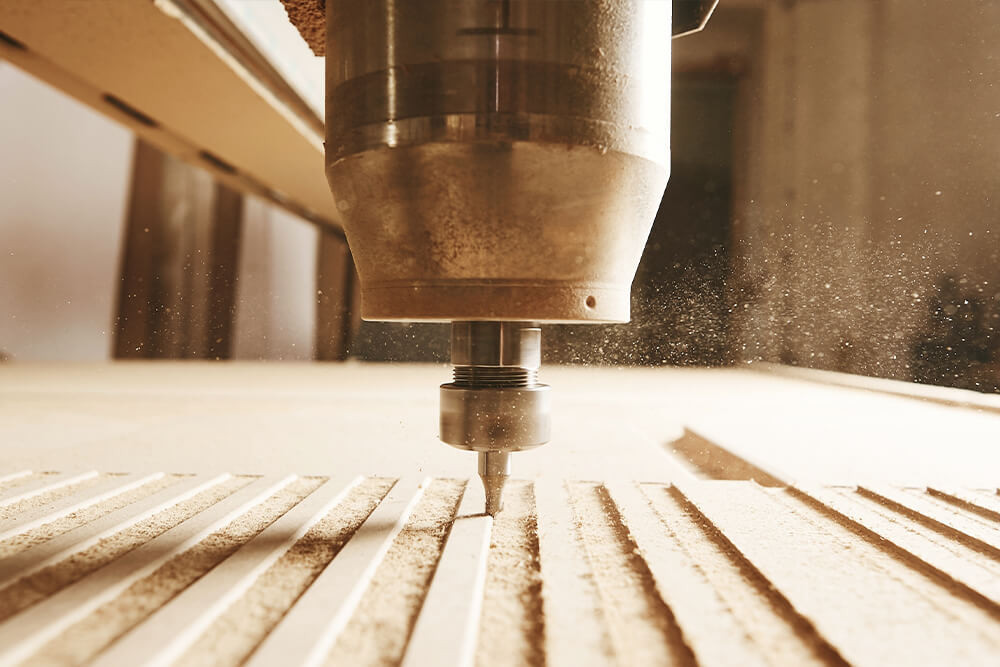 CNC Router Cutting
File Prep Guide
CNC Router Cutting
File Prep Guide
Common questions
Answers before production starts.
What file is best for plywood CNC cutting?
DXF or DWG is preferred. Vector PDF, AI or SVG may work when scale and geometry are clean.
Why do inside corners have a radius?
Router bits are round, so internal corners inherit the tool radius unless a relief detail is added.
When do I need dogbone fillets?
Use dogbone fillets when a square mating part needs to fit into an inside corner. Review the file before production.
Can I send a nested plywood sheet layout?
Yes, but keep part spacing, sheet margins, material thickness and operation layers clear so the layout can be reviewed.
Quote-ready files
Send plywood cnc cutting design guide australia through the right quote path.
Use instant pricing for clean cutting files, or send complex jobs through reviewed quoting when production decisions matter.