
Useful for designers, CAD operators, sign shops and fabricators preparing files before upload.
File checklist
Laser Cutting File Checklist Before Upload
A simple pre-upload checklist for DXF, DWG and vector PDF files so buyers can avoid wrong scale, duplicate paths, open contours and missing material notes.
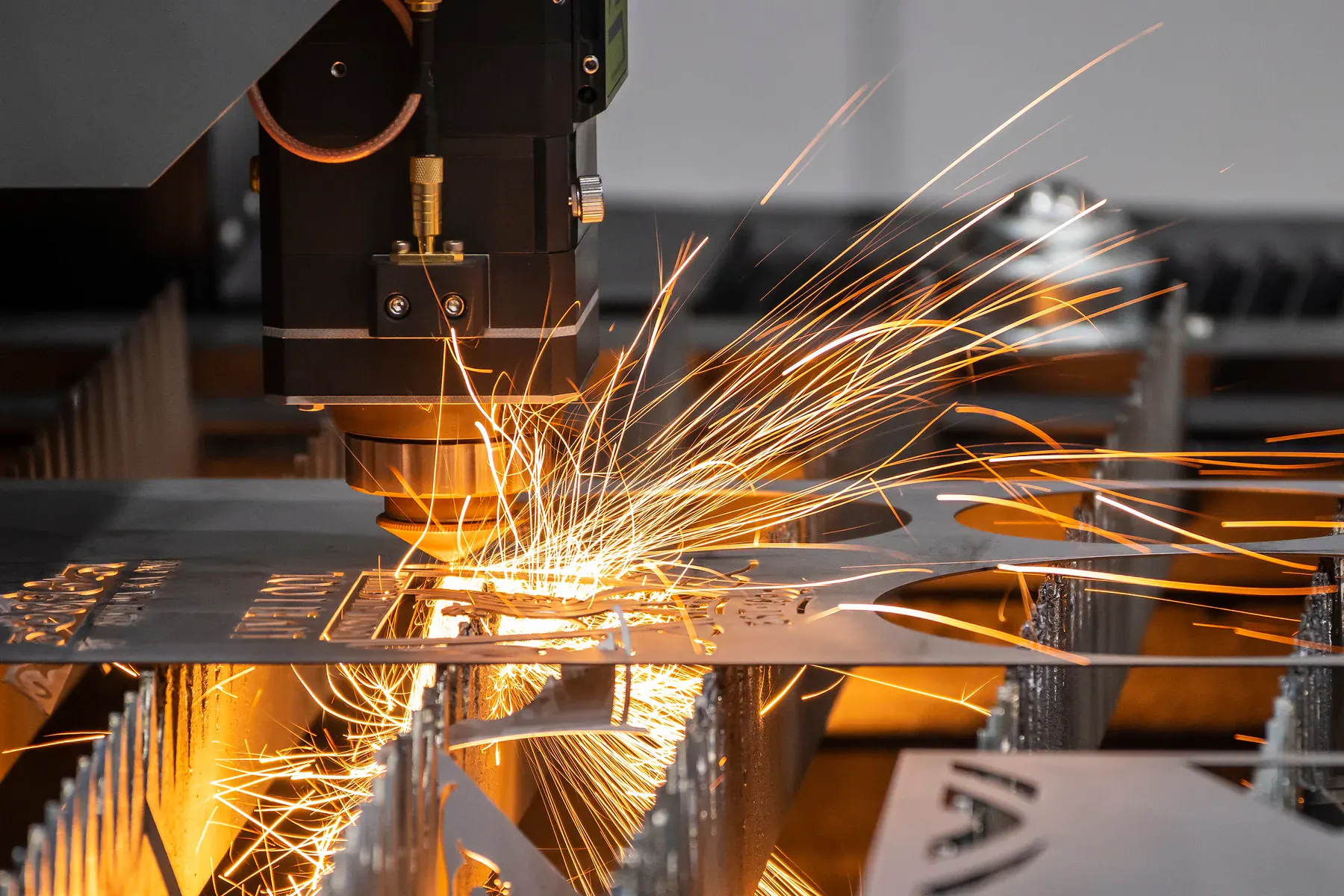
Best fitAnyone preparing a cutting file for instant pricing or reviewed quoting.
Typical workFlat metal parts, acrylic shapes, signage components, panels, brackets, templates, gaskets and repeat trade files.
File setupDXF, DWG or vector PDF files with real cut paths at the correct scale.
Quote pathInstant pricing for clean cutting files, reviewed quoting where material, finish or interpretation matters.
Downloadable asset
Download the client checklist before sending files.
This is a branded A4 checklist clients can use before exporting DXF, DWG or vector PDF files. It reduces wrong-scale uploads, duplicate lines, missing material notes and avoidable quote delays.
Built around fiber laser and CO2 laser file prep, with router and knife work kept out of the laser checklist.
Stops the common issues that slow quoting: wrong scale, raster files, open paths and missing material details.
File format
- DXF, DWG or true vector PDF
- No JPG, PNG, screenshot or scanned PDF for instant pricing
- One material/thickness group per file where possible
Scale and units
- Draw at real finished size
- Use millimetres for Australian production
- Include one known dimension if the file may be ambiguous
Cut geometry
- Closed profiles for outside shapes and internal holes
- No duplicate or overlapping cut lines
- Remove stray points, hidden objects and construction geometry
Artwork and text
- Convert text to outlines before upload
- Add bridges for stencil-style letters and loose islands
- Separate cut, score, engrave and groove layers clearly
Material and finish
- State material, grade, colour and thickness
- Mark visible face or grain direction when relevant
- Add edge, burr, protective film or finish expectations
Order details
- Quantity per part and total batch quantity
- Deadline, pickup/delivery and postcode
- Revision name if this part may be reordered
Instant price candidate
Use instant pricing when the file is clean, scaled, vector-based and the material, thickness and quantity are already known.
Reviewed quote instead
Use review when the source is a sketch, photo, scan, screenshot, supplied material, visible finish, tight fit or a mixed-process job.
Repeat order ready
Keep file names, revisions and material selections stable so approved parts can be reordered without creating new confusion.
What we cut
Practical work behind the search term.
A simple pre-upload checklist for DXF, DWG and vector PDF files so buyers can avoid wrong scale, duplicate paths, open contours and missing material notes.
This page exists for commercial intent: buyers who need a part, panel, material or local cutting service and want to know whether they can upload a file for instant pricing or should request review.
Check real-world scale
Confirm the part is drawn at the actual finished size in millimetres before uploading.
Remove duplicate geometry
Duplicate cut lines, stacked shapes and hidden objects can create pricing and production problems.
Close cut paths
Profiles, holes and slots should be closed shapes where the part needs a complete cut.
Convert text to outlines
Text that needs to be cut should be converted to paths, with bridges where islands would otherwise fall out.
Remove non-cutting clutter
Dimensions, title blocks, notes and construction lines should not be mistaken for machine paths.
Add quote essentials
Material, thickness, quantity, face side and finish notes should be clear before quote review.
Project gallery
Production examples for this type of work.
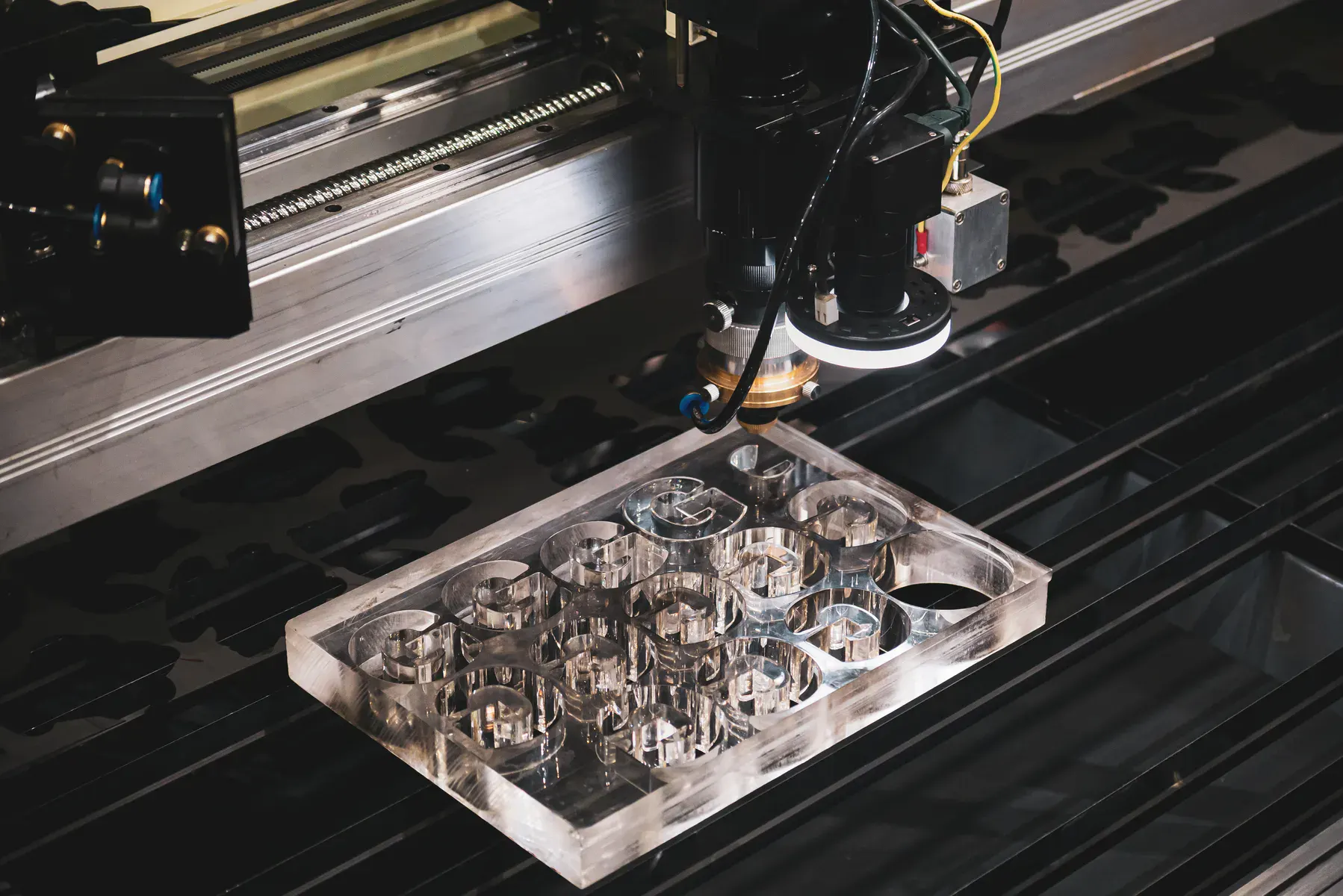
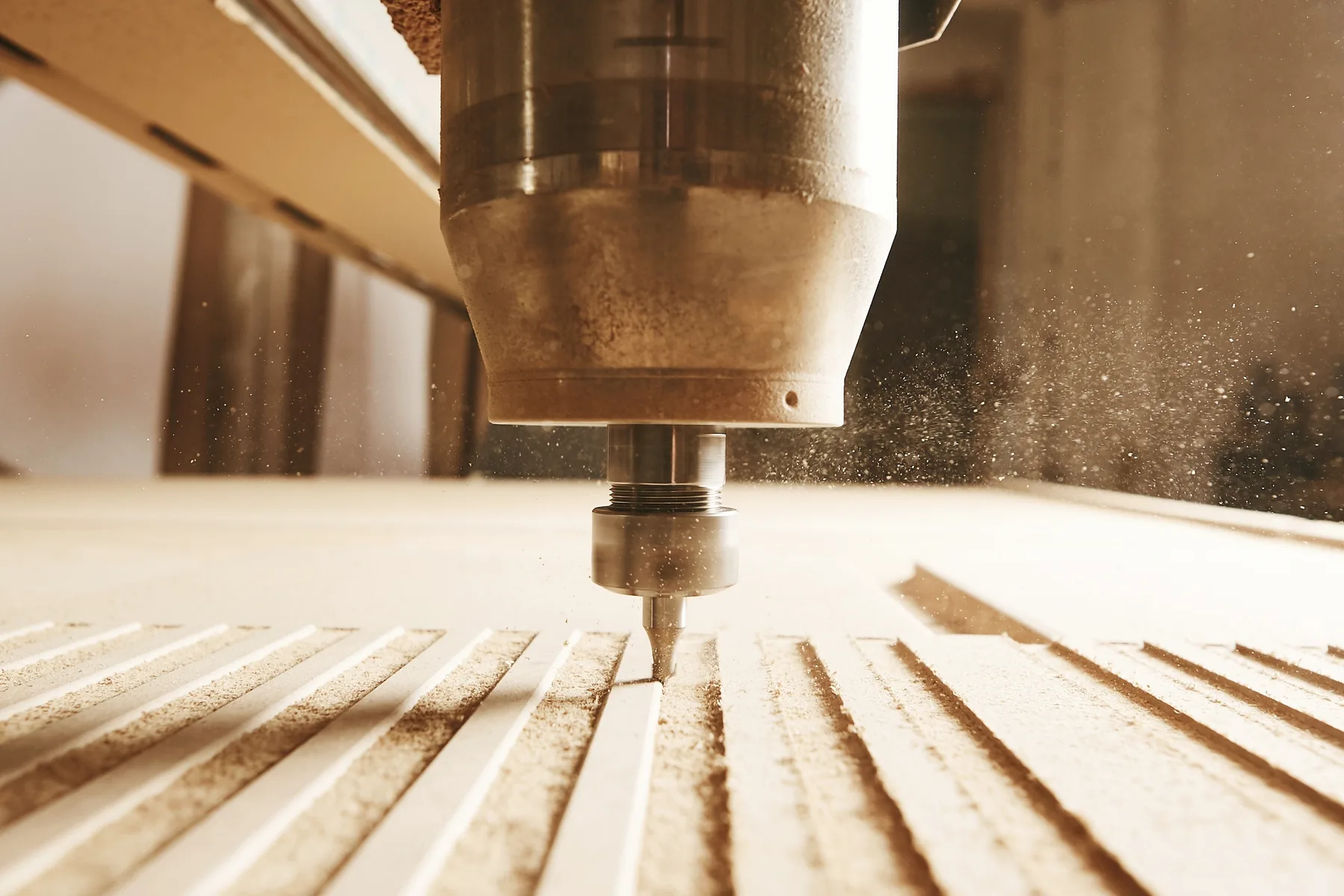
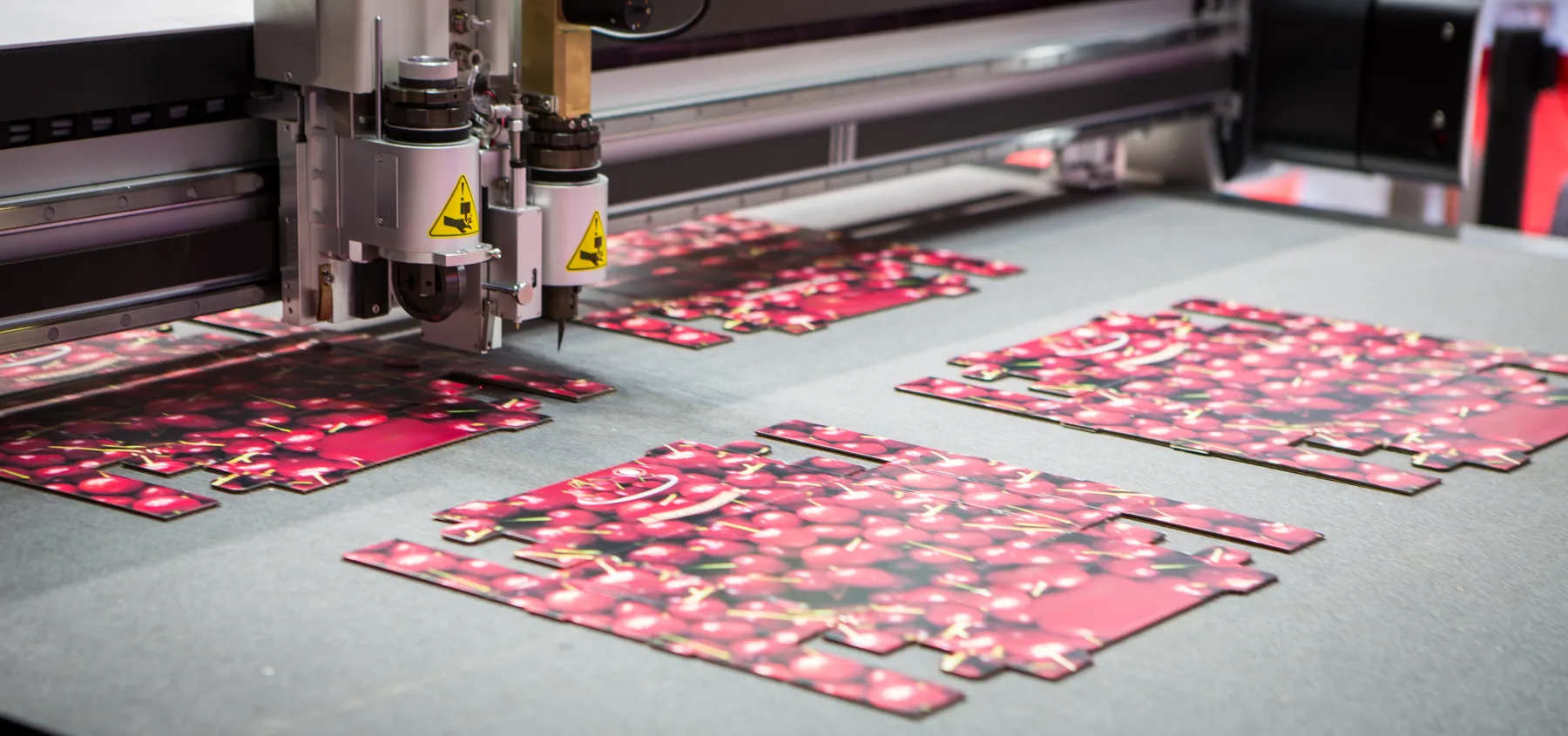
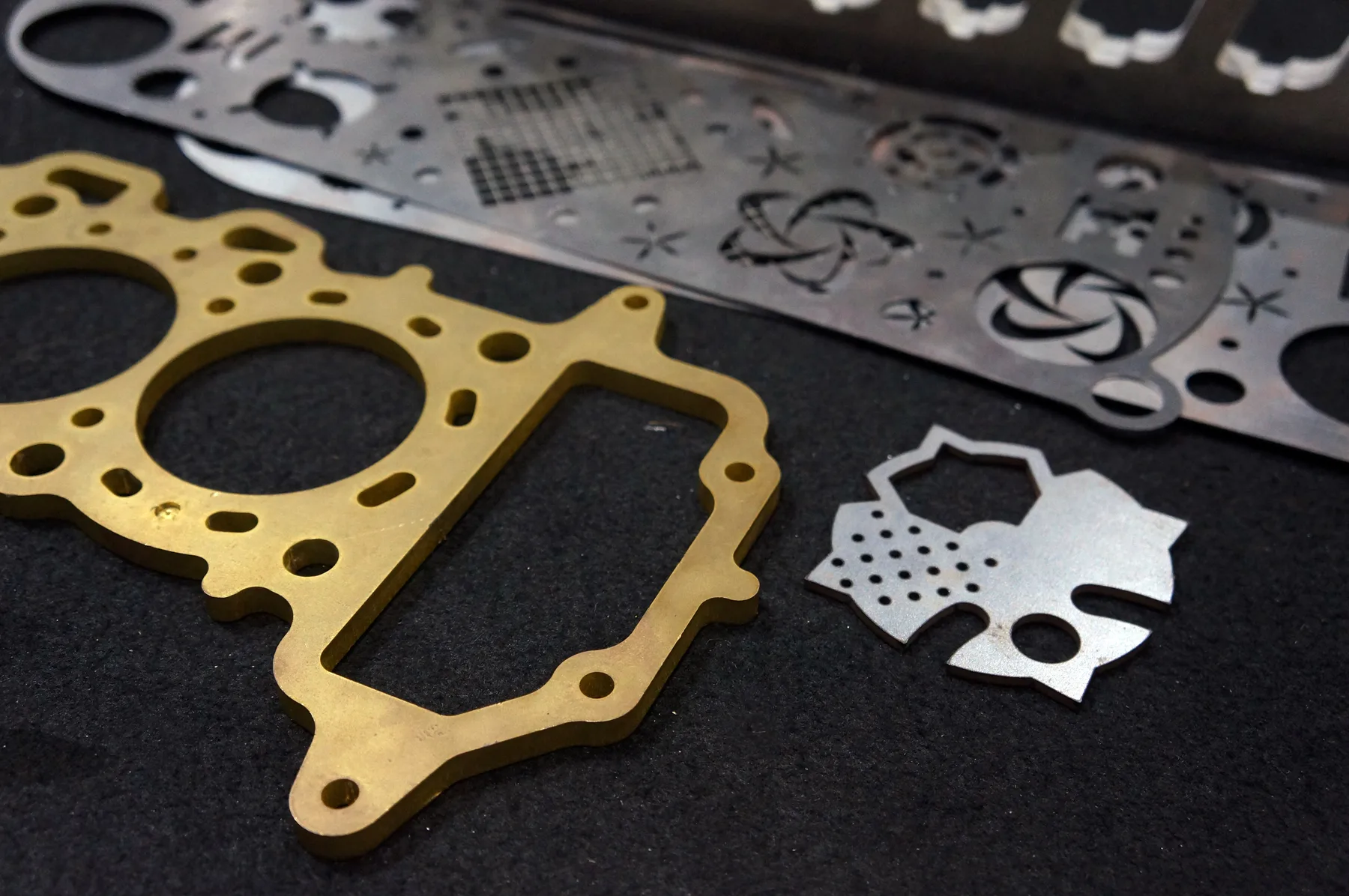
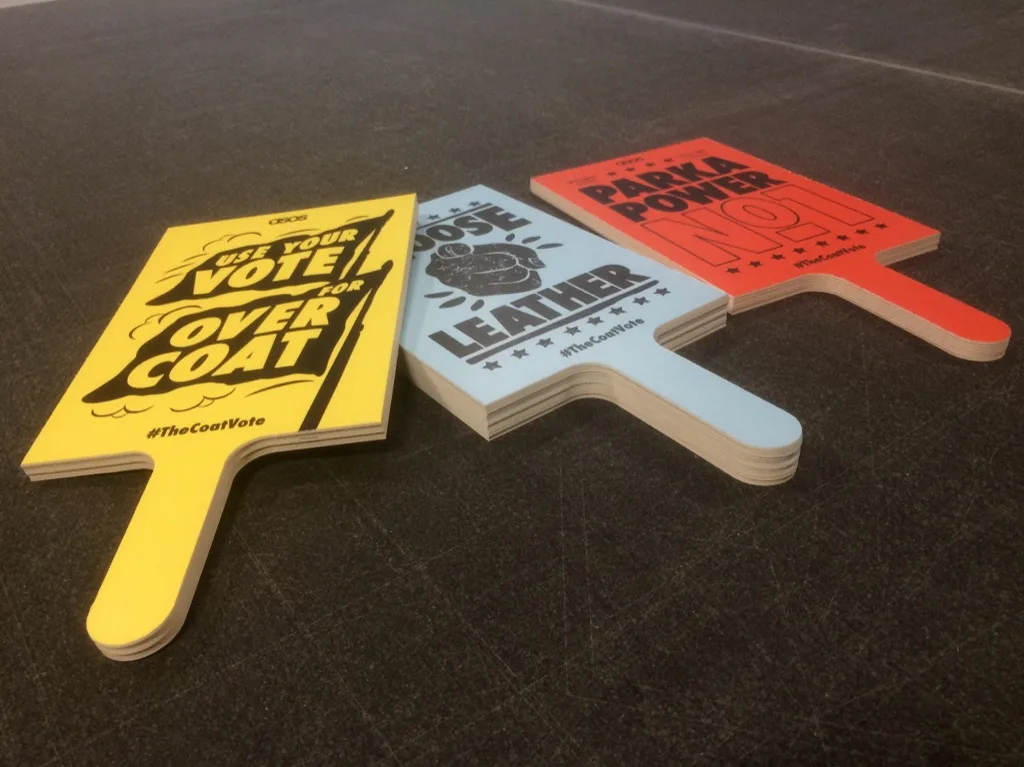
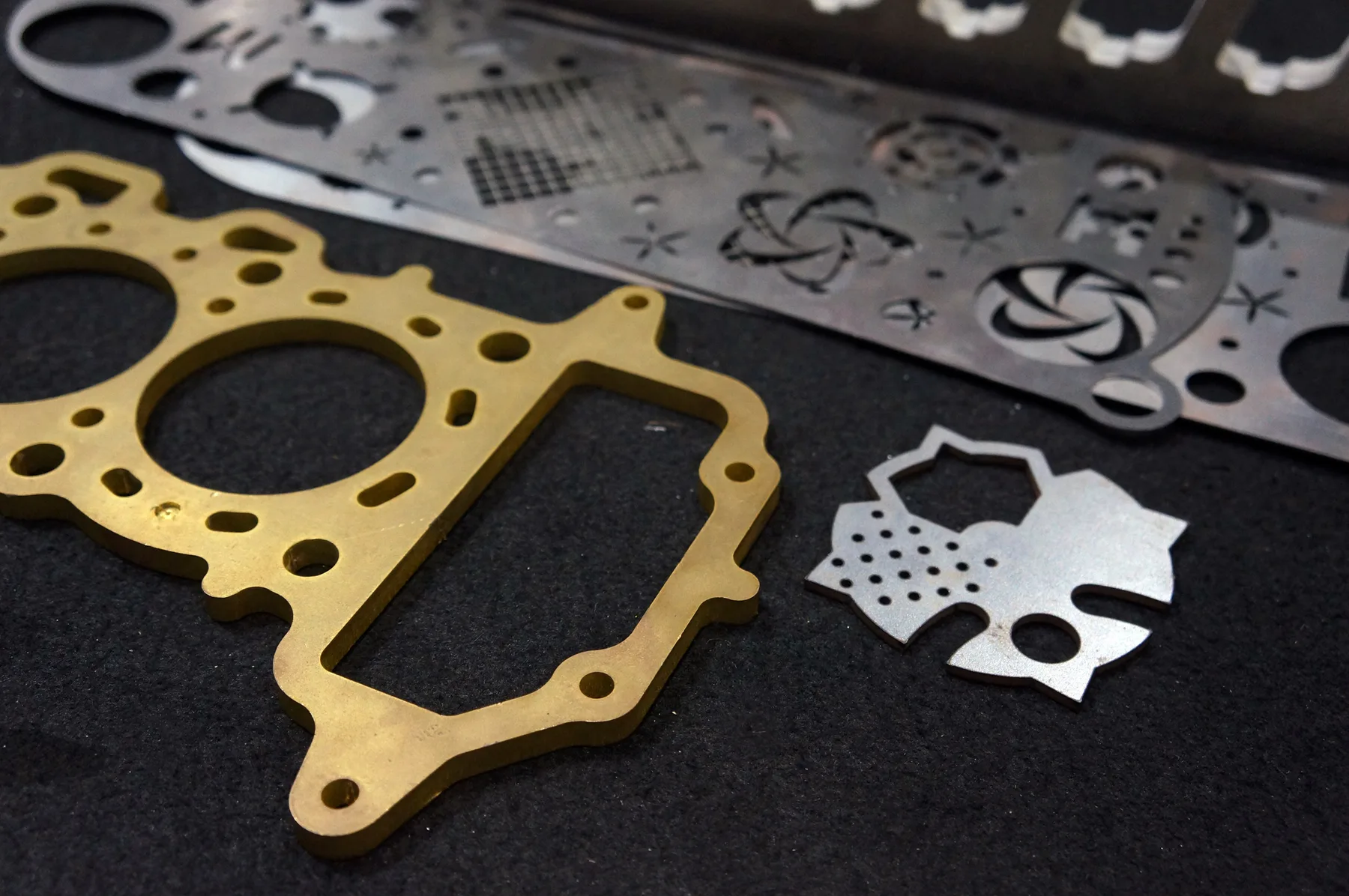
Relevant workshop, material and process photos showing the kind of cutting work this page is built around.
Materials and production fit
Match material, file and quote path before production.
The fastest quote is a clean file with known material and thickness. The safest quote is a reviewed job when finish, fit or production risk matters.
Clean geometry
The file should describe what the machine cuts, not every note from the drawing package.
- Closed paths
- No duplicate lines
- No stray points
- No hidden shapes
- No open contours
Quote essentials
The quote path is faster when production assumptions are already clear.
- Material
- Thickness
- Quantity
- Visible face
- Finish notes
Not cut-ready
These can still be reviewed, but they should not be treated as instant production files.
- JPG
- PNG
- Screenshots
- Scanned PDFs
- Photos
Capabilities at a glance
Details buyers need before sending files.
Process
Pre-upload file checking for fiber laser, CO2 laser, CNC router and digital knife cutting.
Accepted files
DXF, DWG or vector PDF files with real cut paths at the correct scale.
Best buyers
CAD users, designers, sign shops, engineers, fabricators, shopfitters and procurement teams.
Instant pricing
Suitable after the file passes the checklist and the job is cutting-only.
Reviewed quote
Best when the source is a sketch, scan, photo, screenshot, unclear PDF, supplied material or finish-critical job.
Production base
Sydney production support from Botany NSW, with pickup or delivery for suitable Australian jobs.
Why this page matters
Built around high-intent SEO and real quote decisions.
These are not thin doorway pages. Each one captures a specific commercial query and routes buyers into the correct material, service, location or quote pathway.
High-intent query
A checklist page turns common quote errors into searchable guidance and reduces bad uploads.
Clear routing
The page routes buyers to design guidelines, file prep, online quote and reviewed quote pathways.
Quote quality
It improves quote quality by asking buyers to fix the exact issues that cause delays and mispriced work.
Internal cluster
This supports DXF laser cutting, online quote, design guidelines and repeat order pages.
Instant pricing
Have cut-ready CAD?
Use instant pricing after confirming scale, clean paths, material, thickness and quantity.
- DXF, DWG or vector PDF only
- Real vector cut paths at correct scale
- Material, thickness and quantity selected
Reviewed quote
Need production advice?
Use reviewed quoting if the file fails the checklist or if the part has fit, finish, supplied material or interpretation risk.
- Sketches, samples, photos or unclear drawings
- Supplied materials, finishing, assembly or special handling
- Critical tolerance, visual finish or installation risk
Cutting technologies
Processes connected to this page.
The best process is selected around material, thickness, finish, geometry and whether the file is ready for instant pricing.
Technical guidance
What matters before production starts.
1:1 scale
Do not rely on written dimensions to correct a wrongly scaled drawing. Confirm the file geometry itself is the intended size.
One part or clear nesting
If the file includes multiple parts, quantity and nesting expectations should be unambiguous.
Text and islands
Cut-out text and shapes with loose centres need bridges or a design approach that keeps the final part usable.
File name and revision
Use a clear file name and revision so repeat orders do not accidentally use the wrong drawing.
Related services and materials
Useful next pages for this quote.
These pages move buyers from the broad search term into process, material, location or application detail.
Common questions
Answers before production starts.
What should I check before uploading a DXF?
Check scale, closed paths, duplicate lines, material, thickness, quantity and any finish notes.
Can a scanned PDF be quoted instantly?
No. A scan can be reviewed, but it is not a cut-ready vector file.
Should I leave dimensions in the file?
Dimensions can help review, but they should not be confused with cut paths. Cutting geometry should be clean and clear.
Why do duplicate lines matter?
Duplicate lines can cause incorrect pricing, double cutting or avoidable production questions.
Quote-ready files
Send laser cutting file checklist australia through the right quote path.
Use instant pricing for clean cutting files, or send complex jobs through reviewed quoting when production decisions matter.